
Patakkkkkkkkkkkk - Minecraft Skins & Skin History
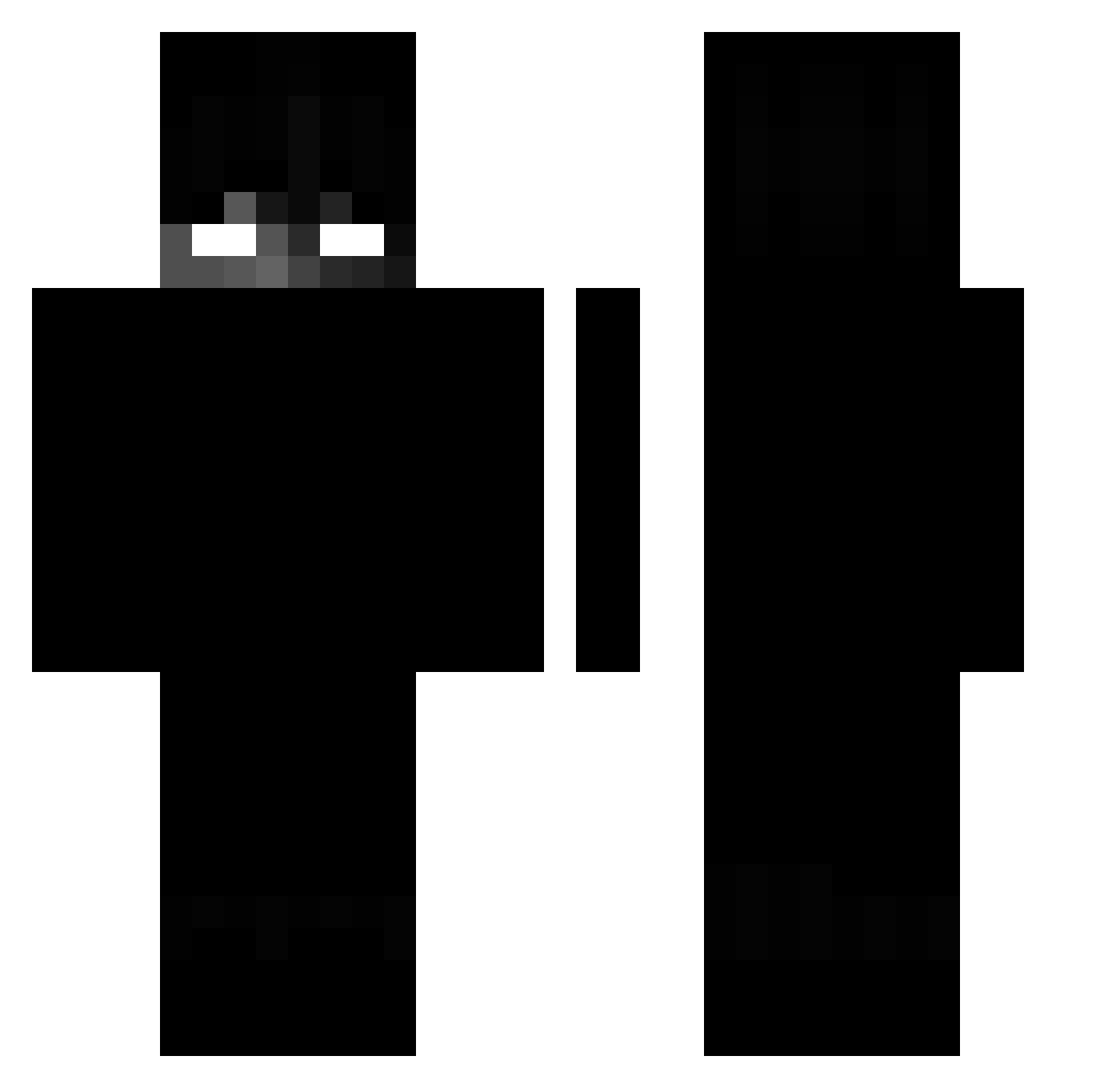
Current Minecraft skin of the player Patakkkkkkkkkkkk, loaded from the official Mojang API. Rotate the 3D model with your mouse or finger, then download the skin as a PNG file and use it in Minecraft: Bedrock Edition or Java Edition for free. When Patakkkkkkkkkkkk changes their skin, this page updates automatically and the old skin stays in the history below.
Other players with this skin (194)
Patakkkkkkkkkkkk was the 128th player we have seen with this skin, first spotted on 02.10.2026. The same skin was seen on these players. Open a nickname to see their current skin and skin history.
 beatricelilly EloneX01 mx766768 Not_Legue MiroAmca Iuvs Juniorxtreme HeyImKierann BugraYT BlueRaider71 Dongdaemun sunnybombz junuun SlinkyHG cgaVSM 7KwaTY Exlqwer lenbo69 MobeenM16 azksa ICV0 akadislee zRqbert _Embrace_ TrUsiShKi 4June Rakso_11 SzpakPL arkxrian Merryzz_QAQ noterpilla tabi_katze _ElNaunau_ wornranger ElefantenarschDE maxi945 Dual_Key_ SF_ovalex Momo3am budokwei Benene_Split diaz876 Garagew SH4D0WLESS_P4ST coelhofk MillyRockedOn ksy0407 GoodEeveening_ Bazekziomek SARSnCoV3 _naruto_uchiha revers_ sinri_08 Mustafq kyneonlinux flohy Minerblade6439 Nyans_ winstaff Beached_turtle_
More Shadow Minecraft skins
How to install the Patakkkkkkkkkkkk skin
- Press the Download button above to save the skin as a PNG file.
- Minecraft: Bedrock Edition (PE): open the Dressing Room from the main menu (or tap your character → Edit Character), go to Classic Skins → Owned, press the + (new skin) button, choose the downloaded PNG and pick the Classic (Steve) model. Works on PC and mobile; consoles cannot import custom skins.
- Minecraft: Java Edition: open the Minecraft Launcher, go to the Skins tab, click New Skin, load the PNG, pick the Classic (Steve) model and press Save & Use. You can also upload it at minecraft.net → Profile → Change Skin.
The skin does not show up after import - what should I do?
Restart Minecraft and open the Dressing Room again - imported skins sometimes appear only after a restart. Also make sure you selected the imported skin and picked the Classic (Steve) model.
Which model should I choose, Classic or Slim?
This skin is designed for the Classic (Steve) model. If you pick the wrong model, the arms of the skin will look stretched or squeezed.
Is the skin of Patakkkkkkkkkkkk free to download?
Yes. Press Download, save the PNG file and use it in Minecraft: Bedrock Edition or Java Edition - no payment or registration needed. The skin also works on multiplayer servers and Realms.
More skins
Looking for more? Go back to all Minecraft skins and check the top skins of the week, month and all time, or find any player's skin by nickname.