
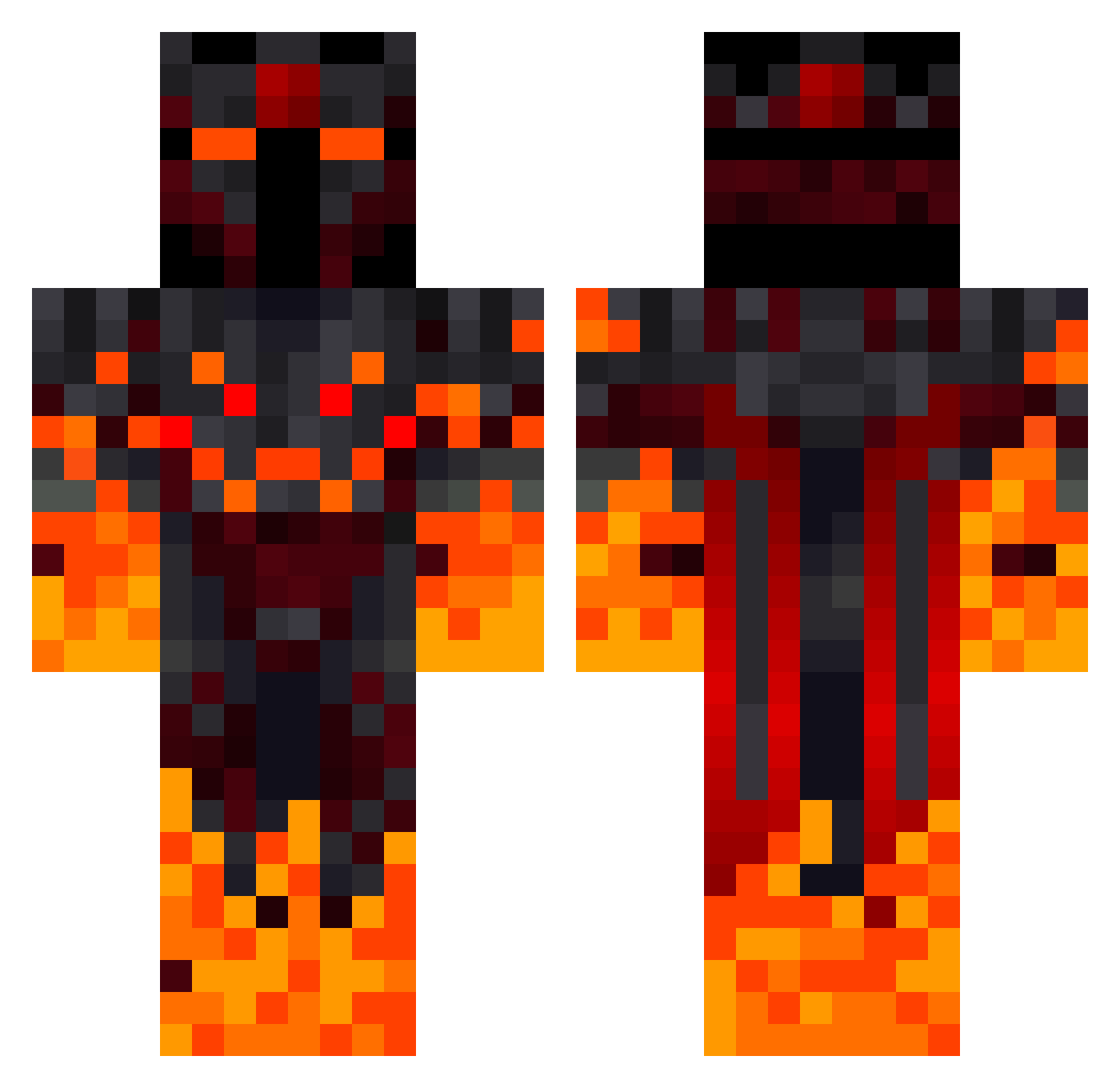
Current Minecraft skin of the player PMG20, loaded from the official Mojang API. Rotate the 3D model with your mouse or finger, then download the skin as a PNG file and use it in Minecraft: Bedrock Edition or Java Edition for free. When PMG20 changes their skin, this page updates automatically and the old skin stays in the history below.
Other players with this skin (307)
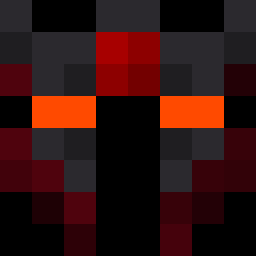
PMG20 was the 206th player we have seen with this skin, first spotted on 21.09.2026. The same skin was seen on these players. Open a nickname to see their current skin and skin history.
 cjfrm Jimbo_my_boy Vekev _LuiggiS_ vaudi007 MongralABC12 PAPU_XD16 suzin42 Fortunation1 SilverDevil187 LeviLesson123 Wauzifan Mo_xv Ichich714 Theking2263 nicolasxr3 J4RD4S LuckyLiker LK1360 SlayerOfKing zLolly DieterRonny M4rtin87 orangeshark9758 Vulkanos35 Jaspercr kkkracper Zek_julien Mikiszon Momozocktmin HATABARIS tarzan427 Temnydrak Bob_bobitzu Francisca_Franca deathshadow14 Franmilton44 Wilson234980 Jacober099 Pavelkac jackhuang1011 muhammed123123 Xendor29 Tillimus_13 AJRJo Im_PM_15 Retrox2077 Narkotic99 Milan_Babic BOBBERS19 SasoriGFF r1ckzera McqueenXD yourdad0401 Sollor Sawhome FuzeNaruto Dennis_4331 Idan008 Ravixxx_MC
More Fire Demon Minecraft skins
How to install the PMG20 skin
- Press the Download button above to save the skin as a PNG file.
- Minecraft: Bedrock Edition (PE): open the Dressing Room from the main menu (or tap your character → Edit Character), go to Classic Skins → Owned, press the + (new skin) button, choose the downloaded PNG and pick the Classic (Steve) model. Works on PC and mobile; consoles cannot import custom skins.
- Minecraft: Java Edition: open the Minecraft Launcher, go to the Skins tab, click New Skin, load the PNG, pick the Classic (Steve) model and press Save & Use. You can also upload it at minecraft.net → Profile → Change Skin.
The skin does not show up after import - what should I do?
Restart Minecraft and open the Dressing Room again - imported skins sometimes appear only after a restart. Also make sure you selected the imported skin and picked the Classic (Steve) model.
Which model should I choose, Classic or Slim?
This skin is designed for the Classic (Steve) model. If you pick the wrong model, the arms of the skin will look stretched or squeezed.
Is the skin of PMG20 free to download?
Yes. Press Download, save the PNG file and use it in Minecraft: Bedrock Edition or Java Edition - no payment or registration needed. The skin also works on multiplayer servers and Realms.
More skins
Looking for more? Go back to all Minecraft skins and check the top skins of the week, month and all time, or find any player's skin by nickname.