
 freelancer6969 Atos1507 DerKleineNoob Tuxedo_Hampster LordTemp gamerzhub65 PrimeSach DEEPisKING FireGamer137 Luislore Wukowitsch Mortos_04 Seboooox SHABALAZA BiG0D3_ Blackfire0987 DAMIANDAM real_Shadow007 salame6913 bocaeperro15 GiladPik Michael93515 Bob_bobitzu Pl00PS00P JaxDragon2 Arthur09_ dragonphoenix14 Wojownik_ognia Dasis applejuice631 VirusKlub Drakdiamonds0 Stranger_Crafter Shaman46 AheadManx644350 Ichmlo G4B_alex THETIGER34 Dragon_master555 philosophicalPe Konoci MAX26002 Kani312 MagRosbeat Fiorito ViniciusPK178 pinkiponki Henri3112 RunnerBlaze WingsOfFire25 VMartin08 PolatTarik QuesoGrande2 daiking6 Nacho1966 StillmanN013 tabouretVIP_ ceku09 AyamEnak KawanCunha
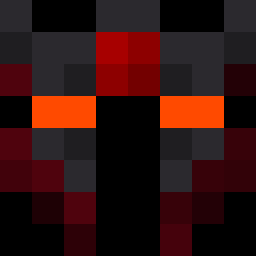
Minecraft skin of Carter1217. Rotate the 3D model with your mouse or finger to view the skin from every angle, then download it as a PNG file and use it in Minecraft: Bedrock Edition or Java Edition for free. Rate the skin with stars to help other players find the best skins in our collection.
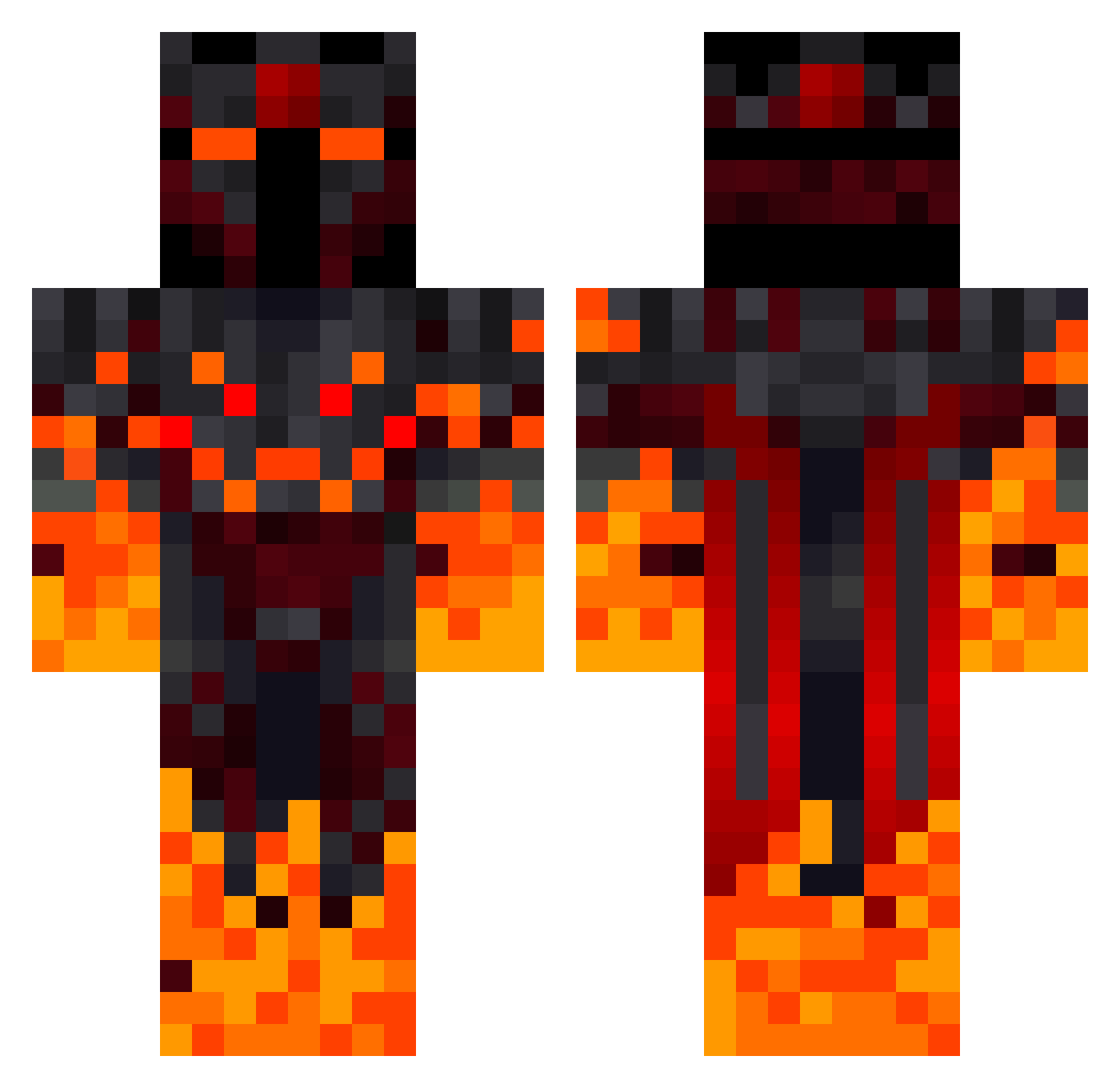
How to install the Carter1217 skin
- Press the Download button above to save the skin as a PNG file.
- Minecraft: Bedrock Edition (PE): open the Dressing Room from the main menu (or tap your character → Edit Character), go to Classic Skins → Owned, press the + (new skin) button, choose the downloaded PNG and pick the Classic (Steve) model. Works on PC and mobile; consoles cannot import custom skins.
- Minecraft: Java Edition: open the Minecraft Launcher, go to the Skins tab, click New Skin, load the PNG, pick the Classic (Steve) model and press Save & Use. You can also upload it at minecraft.net → Profile → Change Skin.
The skin does not show up after import - what should I do?
Restart Minecraft and open the Dressing Room again - imported skins sometimes appear only after a restart. Also make sure you selected the imported skin and picked the Classic (Steve) model.
Which model should I choose, Classic or Slim?
This skin is designed for the Classic (Steve) model. If you pick the wrong model, the arms of the skin will look stretched or squeezed.
Is this skin free to use?
Yes. Press Download, save the PNG file and use it in Minecraft: Bedrock Edition or Java Edition - no payment or registration needed. The skin also works on multiplayer servers and Realms.
More Fire Demon Minecraft skins
More skins
Looking for more? Go back to all Minecraft skins and check the top skins of the week, month and all time, or find any player's skin by nickname.