
OctaviusAble - Minecraft Skins & Skin History
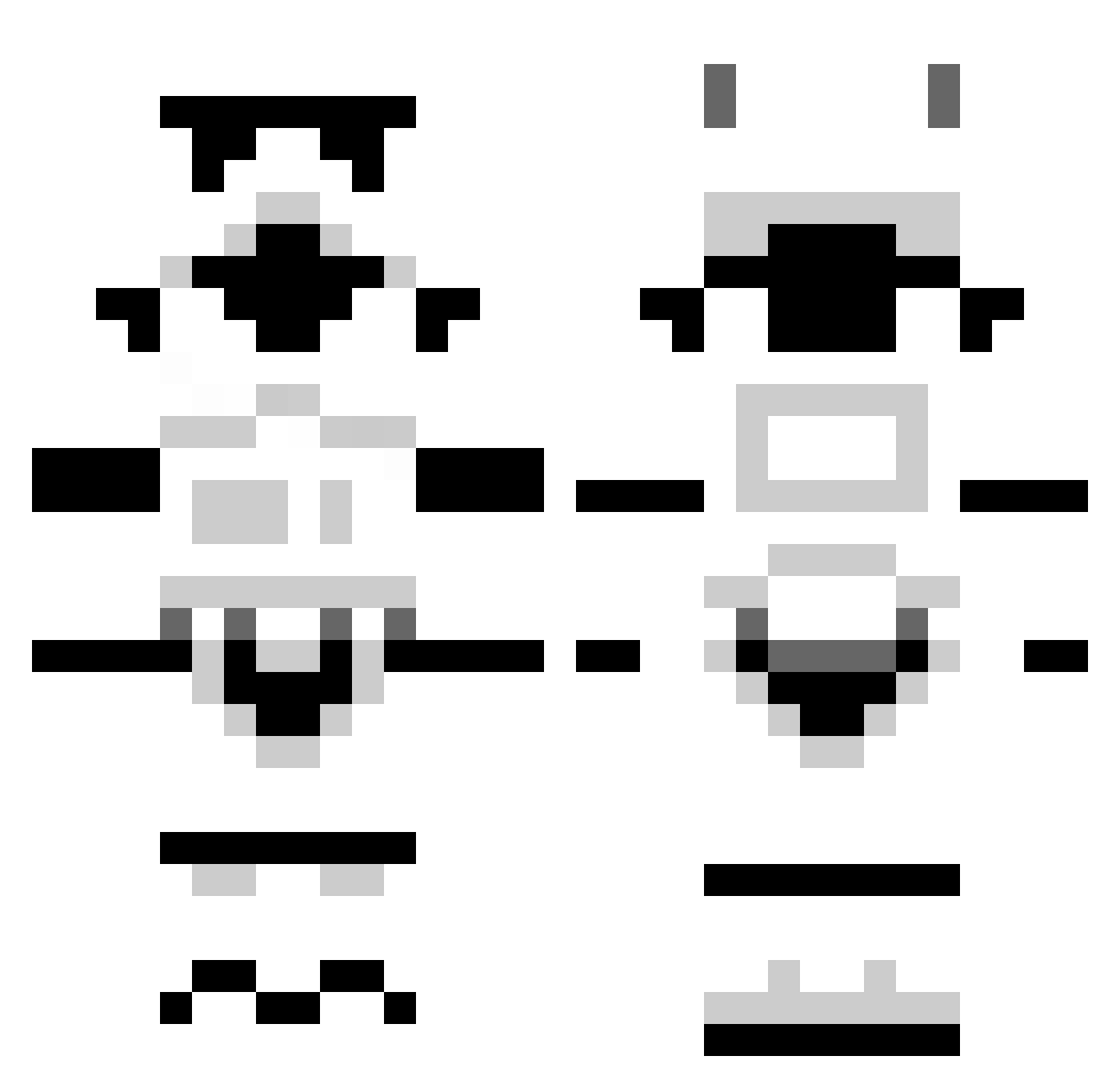
Current Minecraft skin of the player OctaviusAble, loaded from the official Mojang API. Rotate the 3D model with your mouse or finger, then download the skin as a PNG file and use it in Minecraft: Bedrock Edition or Java Edition for free. When OctaviusAble changes their skin, this page updates automatically and the old skin stays in the history below.
Other players with this skin (1296)
OctaviusAble was the 287th player we have seen with this skin, first spotted on 19.08.2026. The same skin was seen on these players. Open a nickname to see their current skin and skin history.
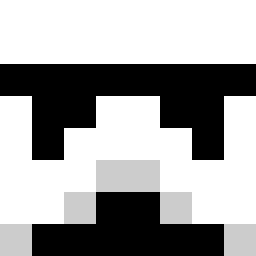 Skanseboy pure_digger66 bintypants k_vnc BanksDuke manuel98000 Quimao Sgt_Waffle124 zanebuilder Donald_4 Juliancito_02 StijnFlapper Dickard For_Britain Narylian jokel7557 pitytheliving615 Inglu cannonball_594 tacobell3 miekd iceman187b mutalisk666 nuges D13Z37 PaddyPotato101 leftcopy rddennehy georgemac3 squwach PepponeLMAO inf0 cjm346 ADAMB1999 _Daniel TheFrostyKoala Liverpool1298 Perkaholic Singabc Ferb254 PalmaD Snappen RetroORodgers Comten Cbrad94 tobberh fell_from_hell Snows77 AdamTheImport stanley37 marko_chaos Woundsauce arcticsniper56 Martinus2207 hipaa Varbetim42 Huruk JCSG helpfuleddie alexb_2002
More Stormtrooper Minecraft skins
See all 528 Stormtrooper skins
How to install the OctaviusAble skin
- Press the Download button above to save the skin as a PNG file.
- Minecraft: Bedrock Edition (PE): open the Dressing Room from the main menu (or tap your character → Edit Character), go to Classic Skins → Owned, press the + (new skin) button, choose the downloaded PNG and pick the Classic (Steve) model. Works on PC and mobile; consoles cannot import custom skins.
- Minecraft: Java Edition: open the Minecraft Launcher, go to the Skins tab, click New Skin, load the PNG, pick the Classic (Steve) model and press Save & Use. You can also upload it at minecraft.net → Profile → Change Skin.
The skin does not show up after import - what should I do?
Restart Minecraft and open the Dressing Room again - imported skins sometimes appear only after a restart. Also make sure you selected the imported skin and picked the Classic (Steve) model.
Which model should I choose, Classic or Slim?
This skin is designed for the Classic (Steve) model. If you pick the wrong model, the arms of the skin will look stretched or squeezed.
Is the skin of OctaviusAble free to download?
Yes. Press Download, save the PNG file and use it in Minecraft: Bedrock Edition or Java Edition - no payment or registration needed. The skin also works on multiplayer servers and Realms.
More skins
Looking for more? Go back to all Minecraft skins and check the top skins of the week, month and all time, or find any player's skin by nickname.