
Nikola24082011 - Minecraft Skins & Skin History
Current Minecraft skin of the player Nikola24082011, loaded from the official Mojang API. Rotate the 3D model with your mouse or finger, then download the skin as a PNG file and use it in Minecraft: Bedrock Edition or Java Edition for free. When Nikola24082011 changes their skin, this page updates automatically and the old skin stays in the history below.
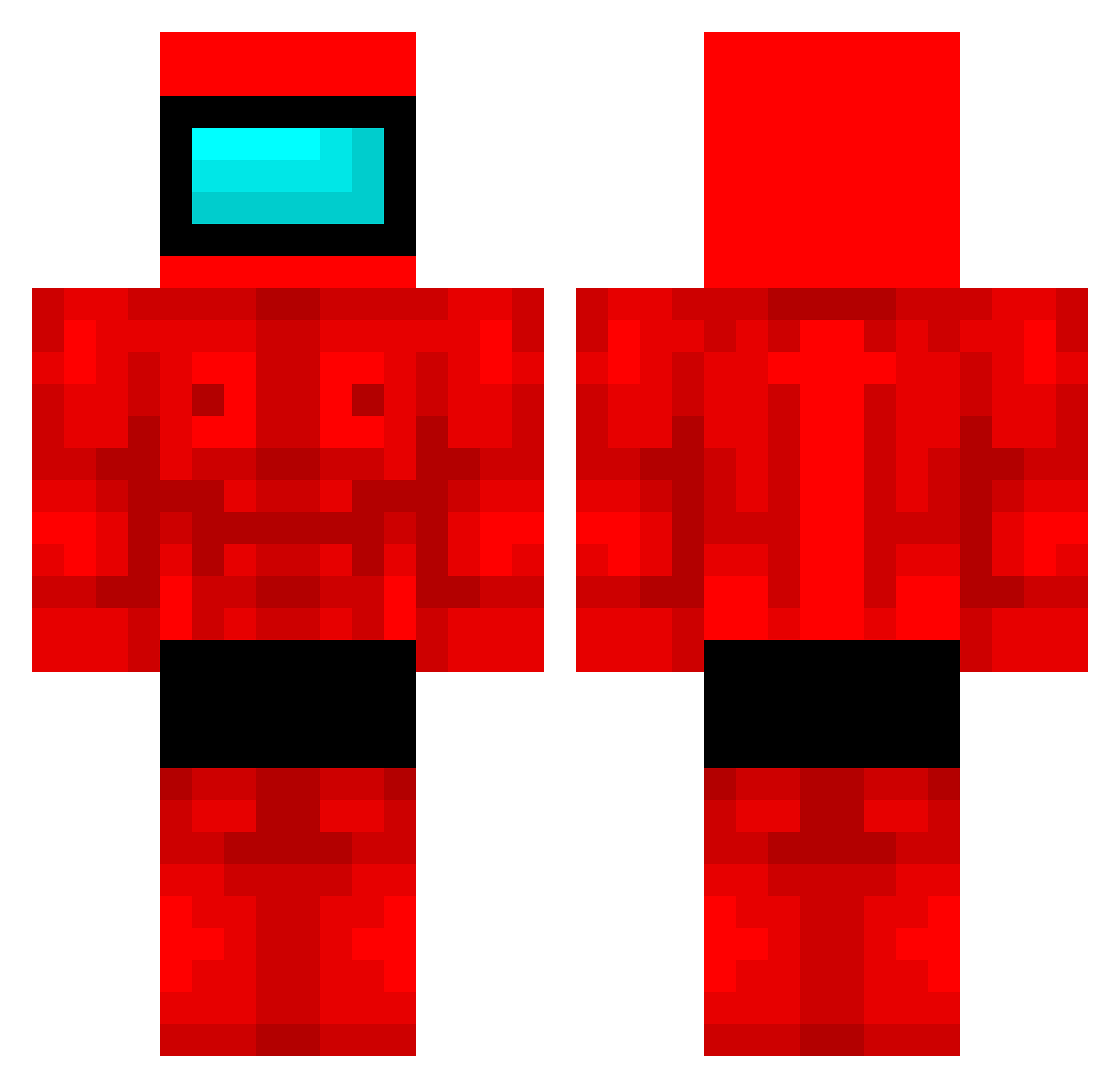
Other players with this skin (389)
Nikola24082011 was the 37th player we have seen with this skin, first spotted on 02.08.2026. The same skin was seen on these players. Open a nickname to see their current skin and skin history.
 BBNugz JohnIsGarbage toraaan LandoCalRizzian_ LickedMonocle yoochangsung thebenja194 DEFTdefty DuolingoOwl_ Impropah camokiwis matias_los_minis 88Pablo Maowws
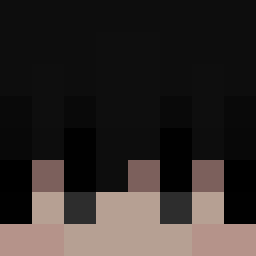 wusx kanbaa2 Narwhale60820 PookyPPK Tertegenn SasaSosi007 Dexit_112
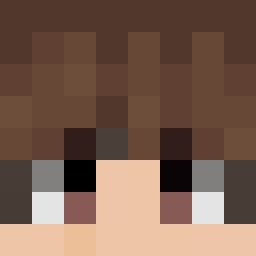 uoto15 The_pride Hamwick66 Protino08 Emaldinho mjo9693 Zdani09 Gjoer SJS_cloudman berkenabar GWAPSTAWP jingurboi BADDDDDME
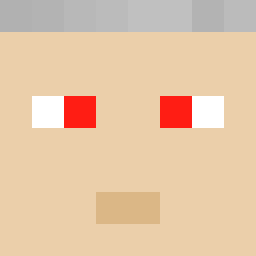 DrippyDrippy TremBalaxZion xSyriix2 RedVolcano82771 SeonBi_0701 ivrysuxxamyulgud winterfairs Big__S LeeSangIK johnnybstacks Meenex Bromopotamus HazeXc1 angeliyo2 camilooooow arschkriecher101 BarracaWM DomKipje Inosuke_83 ibtofe S_Fon KimHaeSu EduAbreu0 M7md_OSH Wr1Nity Mercadinhoo
More Buff Minecraft skins
How to install the Nikola24082011 skin
- Press the Download button above to save the skin as a PNG file.
- Minecraft: Bedrock Edition (PE): open the Dressing Room from the main menu (or tap your character → Edit Character), go to Classic Skins → Owned, press the + (new skin) button, choose the downloaded PNG and pick the Classic (Steve) model. Works on PC and mobile; consoles cannot import custom skins.
- Minecraft: Java Edition: open the Minecraft Launcher, go to the Skins tab, click New Skin, load the PNG, pick the Classic (Steve) model and press Save & Use. You can also upload it at minecraft.net → Profile → Change Skin.
The skin does not show up after import - what should I do?
Restart Minecraft and open the Dressing Room again - imported skins sometimes appear only after a restart. Also make sure you selected the imported skin and picked the Classic (Steve) model.
Which model should I choose, Classic or Slim?
This skin is designed for the Classic (Steve) model. If you pick the wrong model, the arms of the skin will look stretched or squeezed.
Is the skin of Nikola24082011 free to download?
Yes. Press Download, save the PNG file and use it in Minecraft: Bedrock Edition or Java Edition - no payment or registration needed. The skin also works on multiplayer servers and Realms.
More skins
Looking for more? Go back to all Minecraft skins and check the top skins of the week, month and all time, or find any player's skin by nickname.