
Naviynuez - Minecraft Skins & Skin History
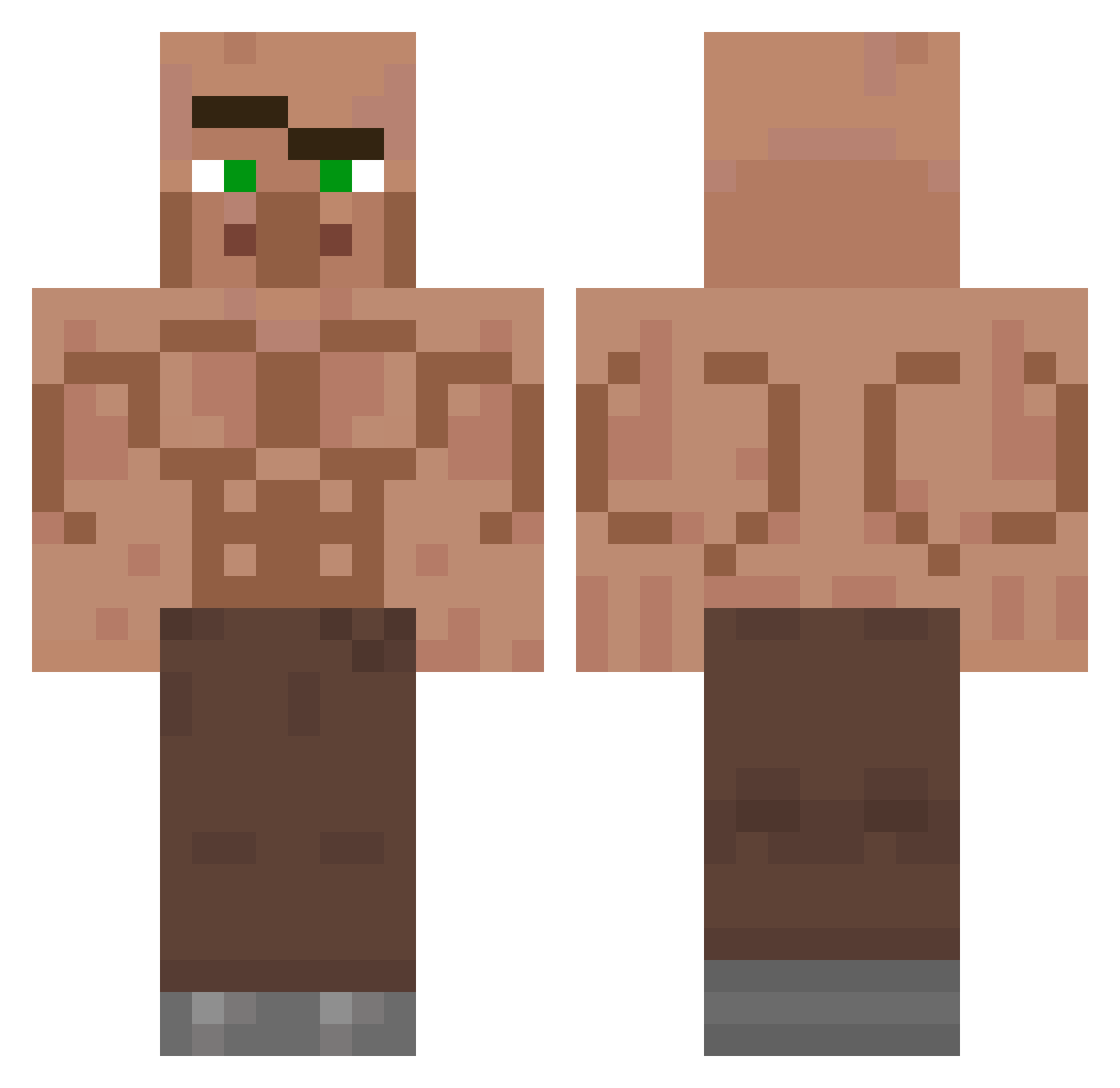
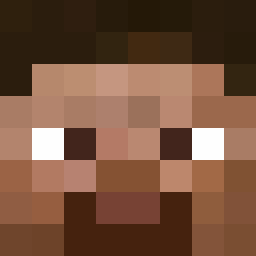
Current Minecraft skin of the player Naviynuez, loaded from the official Mojang API. Rotate the 3D model with your mouse or finger, then download the skin as a PNG file and use it in Minecraft: Bedrock Edition or Java Edition for free. When Naviynuez changes their skin, this page updates automatically and the old skin stays in the history below.
Other players with this skin (106)
Naviynuez was the 22nd player we have seen with this skin, first spotted on 12.08.2026. The same skin was seen on these players. Open a nickname to see their current skin and skin history.
 _ublanku_
 Leo1803_ POVID_
 Grifterbuddy SebeQLMAO santaclous24 Mansu731 NVHGNOAnW SynthSy morim asserr HeitorMegaChad JungaBahadur Jelo2
 tundimon SPOCONY_TUPTACZ Rtrxs vpaer
 omrysap
 MrBest_ tommous
 JakeLongg Brunhodc El_kyzzunio66 BLME
 Calev30
 jackyiiy PekeZz MaquinaGolosaa IronPal2 Alexlaxo dlnieu687 Oschmosch zRopz Qubik_ hyeonminmon AutumnArt580187
 Bedziok zexiro deangad diddygoy Lamajules MassiveBeast147 antoniobrando SkiKylie riceeater434343 Jhinous tleft Supernal78 FelineAsbestos maki_123457 GabrryPi Brujes Ryan666tw keme_0 slotkakacuska lohfy Krayt_Declan SAiiiiiNT_ VanillaRilla
More Buff Minecraft skins
How to install the Naviynuez skin
- Press the Download button above to save the skin as a PNG file.
- Minecraft: Bedrock Edition (PE): open the Dressing Room from the main menu (or tap your character → Edit Character), go to Classic Skins → Owned, press the + (new skin) button, choose the downloaded PNG and pick the Classic (Steve) model. Works on PC and mobile; consoles cannot import custom skins.
- Minecraft: Java Edition: open the Minecraft Launcher, go to the Skins tab, click New Skin, load the PNG, pick the Classic (Steve) model and press Save & Use. You can also upload it at minecraft.net → Profile → Change Skin.
The skin does not show up after import - what should I do?
Restart Minecraft and open the Dressing Room again - imported skins sometimes appear only after a restart. Also make sure you selected the imported skin and picked the Classic (Steve) model.
Which model should I choose, Classic or Slim?
This skin is designed for the Classic (Steve) model. If you pick the wrong model, the arms of the skin will look stretched or squeezed.
Is the skin of Naviynuez free to download?
Yes. Press Download, save the PNG file and use it in Minecraft: Bedrock Edition or Java Edition - no payment or registration needed. The skin also works on multiplayer servers and Realms.
More skins
Looking for more? Go back to all Minecraft skins and check the top skins of the week, month and all time, or find any player's skin by nickname.