
Natanoo2015 - Minecraft Skins & Skin History
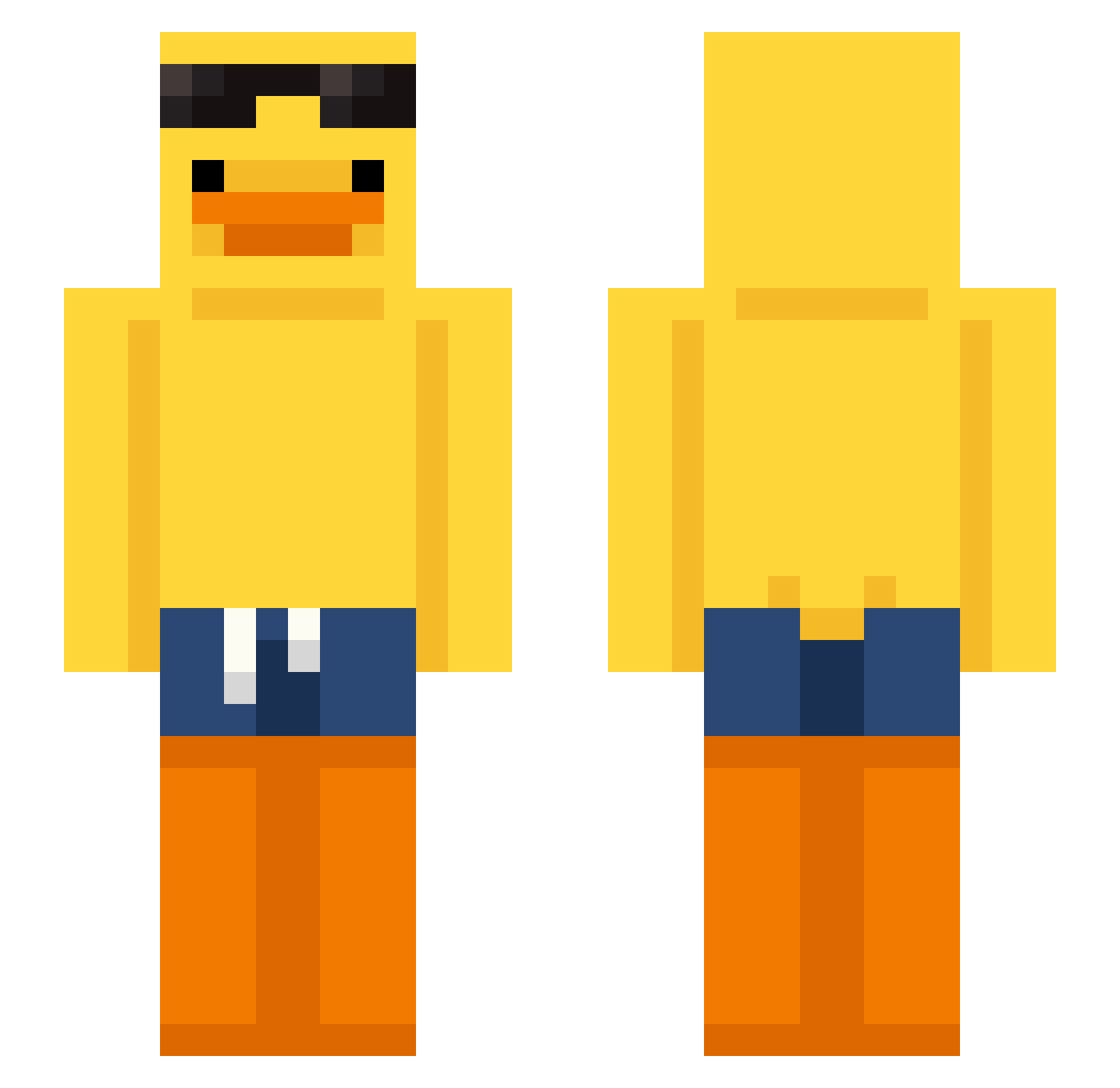
Current Minecraft skin of the player Natanoo2015, loaded from the official Mojang API. Rotate the 3D model with your mouse or finger, then download the skin as a PNG file and use it in Minecraft: Bedrock Edition or Java Edition for free. When Natanoo2015 changes their skin, this page updates automatically and the old skin stays in the history below.
Other players with this skin (166)
Natanoo2015 was the 59th player we have seen with this skin, first spotted on 24.08.2026. The same skin was seen on these players. Open a nickname to see their current skin and skin history.
 VITO1231
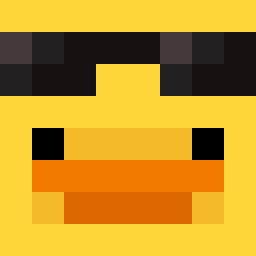 swirekzwirek77 prokuzey12 RehaneR TheWiseOne001 sungwonzzang Tristan7_ ItzRealMancoGX CoolKid5281 Sid_x_ coolqueenkaren catowner1m L3RRIS Vision_0002 CheckenJockey Matiasohr Spirit6967
 gabouin1 DIZZKYMUSIC Dragossauro xyreff betteryies HliwaLasVegas neo_gury _deksx_ Latis18 spentvacation989 mochimeca SamsuelElf AjTheGamer4381 Blue_Swirl23 czemumatczak Gokame_Keck DANIERUHLK tomoitong Sterf_09 yu3da_v_ oyappa Mazjax WickedRigo rare_cl0udy Flameo_Hotman
 LG_kuper Jorgin2013 ToyChocolate jerrysni Sonyxou
 Reprocess Tramscraft minjun3689 laballbal77 Ahrskr kw1th_ Grant3689 tsvoipcom raeya_mp3
 ChaoticShimizu Marcenklamotten fredoO_O hofixtx132
More Duck Minecraft skins
How to install the Natanoo2015 skin
- Press the Download button above to save the skin as a PNG file.
- Minecraft: Bedrock Edition (PE): open the Dressing Room from the main menu (or tap your character → Edit Character), go to Classic Skins → Owned, press the + (new skin) button, choose the downloaded PNG and pick the Slim (Alex) model. Works on PC and mobile; consoles cannot import custom skins.
- Minecraft: Java Edition: open the Minecraft Launcher, go to the Skins tab, click New Skin, load the PNG, pick the Slim (Alex) model and press Save & Use. You can also upload it at minecraft.net → Profile → Change Skin.
The skin does not show up after import - what should I do?
Restart Minecraft and open the Dressing Room again - imported skins sometimes appear only after a restart. Also make sure you selected the imported skin and picked the Slim (Alex) model.
Which model should I choose, Classic or Slim?
This skin is designed for the Slim (Alex) model. If you pick the wrong model, the arms of the skin will look stretched or squeezed.
Is the skin of Natanoo2015 free to download?
Yes. Press Download, save the PNG file and use it in Minecraft: Bedrock Edition or Java Edition - no payment or registration needed. The skin also works on multiplayer servers and Realms.
More skins
Looking for more? Go back to all Minecraft skins and check the top skins of the week, month and all time, or find any player's skin by nickname.