
MythicalHamster - Minecraft Skins & Skin History
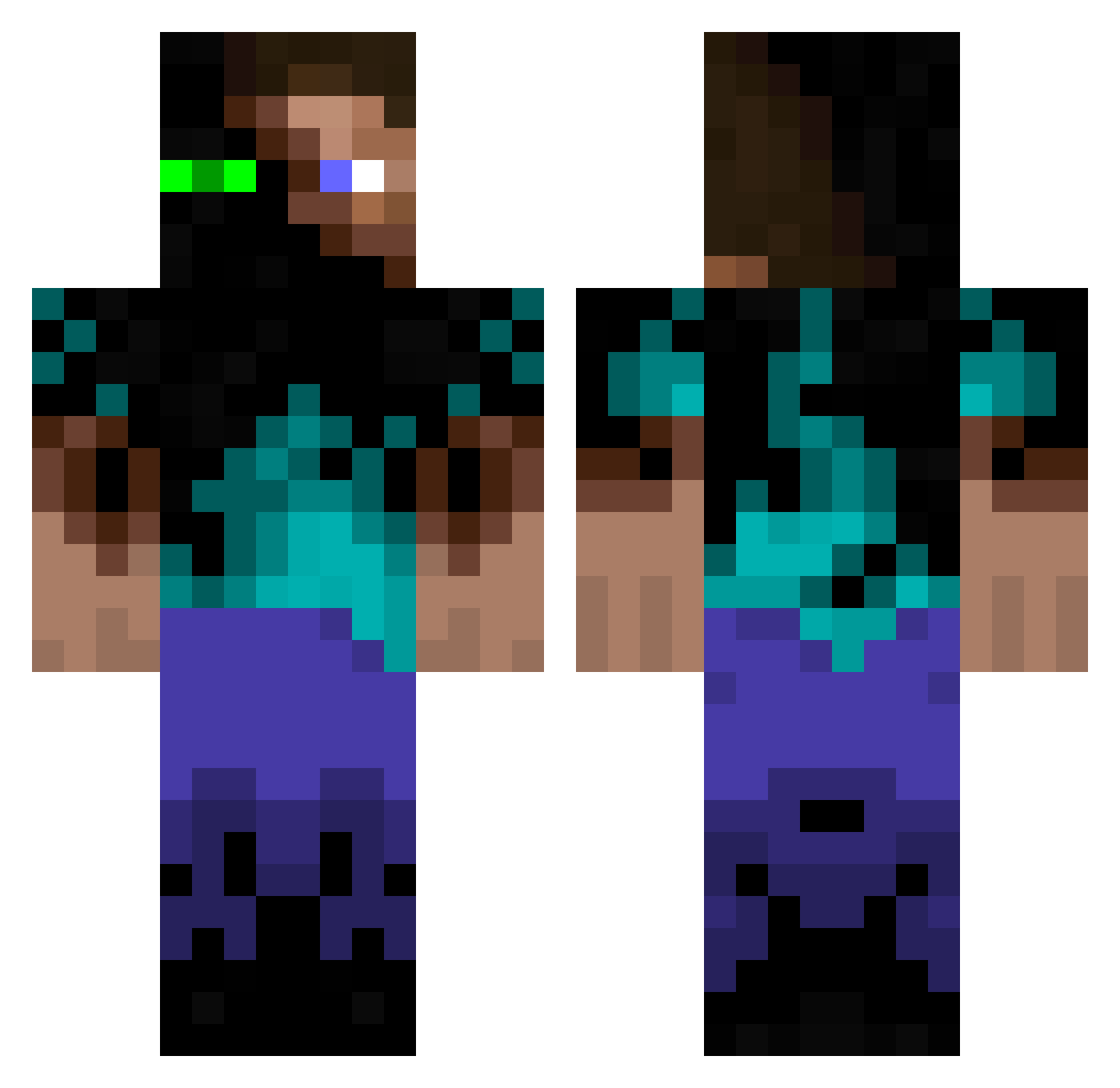
Current Minecraft skin of the player MythicalHamster, loaded from the official Mojang API. Rotate the 3D model with your mouse or finger, then download the skin as a PNG file and use it in Minecraft: Bedrock Edition or Java Edition for free. When MythicalHamster changes their skin, this page updates automatically and the old skin stays in the history below.
Other players with this skin (283)
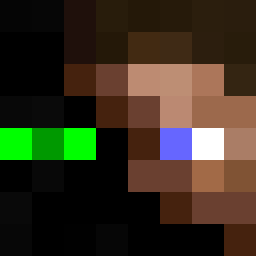
MythicalHamster was the 237th player we have seen with this skin, first spotted on 05.10.2026. The same skin was seen on these players. Open a nickname to see their current skin and skin history.
 Cordereko s1mp1e8 wyne2233 J0nis YiffIsCool mucmoc Giuli0 JimmyNeutronium elyxir_ jtsauer lp17460 Moriarty___ celeracle phaek adeadguy123 LuckyForJ dulei __Koro_Sensei__ AaronC31 Phil_6991 UXAD118 Konnsalad Bobo1818 0_0WaTeR Legolas1337 SpitefulAbys Mario_Kart2012 EdmundoEDO Misterhan99 budshin Joshuajr313 ssjy d_mine unoffence RamonReinos stealth13000 Jubo25 DHDHDH0623 Sworn69 Disconaute Alecos_ PupGinger MasterGalattico Mo_0n juliespaghetti Onliu Nether_And_End TheBird_I MPiranha THEDARKNESS08 ddomine LoydiN BoyKott Teddy4155 mcdo_xx shimei12 Tx_7 ___Odysseus__ EmnerX XEN0BL4DE
More Glowing Eyes Minecraft skins
See all 2323 Glowing Eyes skins
How to install the MythicalHamster skin
- Press the Download button above to save the skin as a PNG file.
- Minecraft: Bedrock Edition (PE): open the Dressing Room from the main menu (or tap your character → Edit Character), go to Classic Skins → Owned, press the + (new skin) button, choose the downloaded PNG and pick the Classic (Steve) model. Works on PC and mobile; consoles cannot import custom skins.
- Minecraft: Java Edition: open the Minecraft Launcher, go to the Skins tab, click New Skin, load the PNG, pick the Classic (Steve) model and press Save & Use. You can also upload it at minecraft.net → Profile → Change Skin.
The skin does not show up after import - what should I do?
Restart Minecraft and open the Dressing Room again - imported skins sometimes appear only after a restart. Also make sure you selected the imported skin and picked the Classic (Steve) model.
Which model should I choose, Classic or Slim?
This skin is designed for the Classic (Steve) model. If you pick the wrong model, the arms of the skin will look stretched or squeezed.
Is the skin of MythicalHamster free to download?
Yes. Press Download, save the PNG file and use it in Minecraft: Bedrock Edition or Java Edition - no payment or registration needed. The skin also works on multiplayer servers and Realms.
More skins
Looking for more? Go back to all Minecraft skins and check the top skins of the week, month and all time, or find any player's skin by nickname.