
Muribc09 - Minecraft Skins & Skin History
Current Minecraft skin of the player Muribc09, loaded from the official Mojang API. Rotate the 3D model with your mouse or finger, then download the skin as a PNG file and use it in Minecraft: Bedrock Edition or Java Edition for free. When Muribc09 changes their skin, this page updates automatically and the old skin stays in the history below.
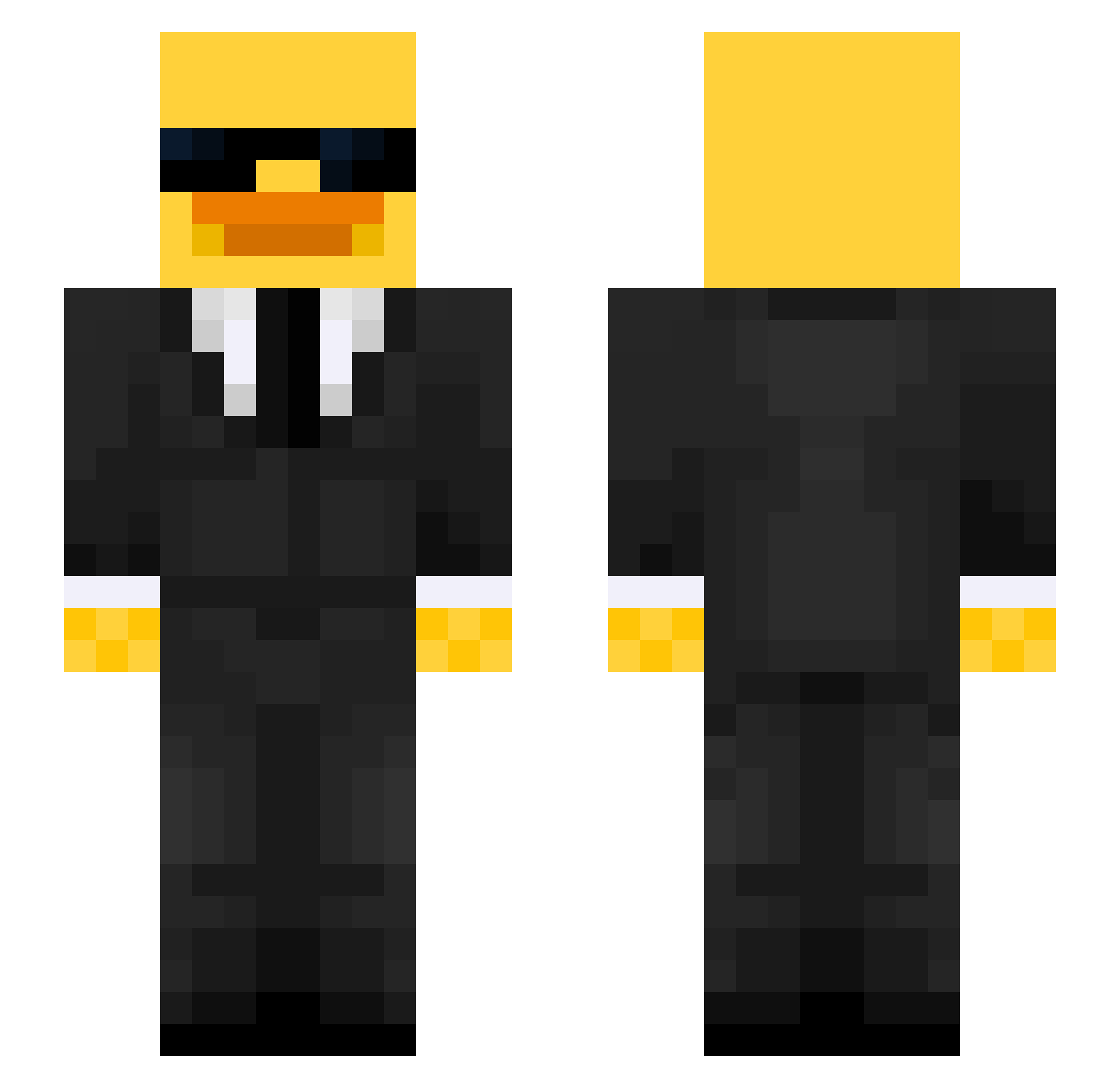
Other players with this skin (546)
Muribc09 was the 369th player we have seen with this skin, first spotted on 03.10.2026. The same skin was seen on these players. Open a nickname to see their current skin and skin history.
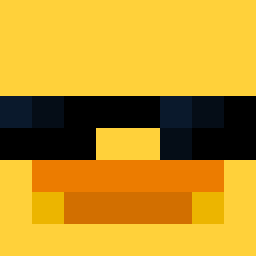 sourcam LordMegaShaft Lcreality33 shwintendo RudasAkos salmin06 Mfabio3415 janpieter12 skulz_ mangomustard6721 bobekui ElMiniXan Grzybol_12 BigBoy6677 IIxoticII kingreturned DvckDuck AMZSG DarkRock__ SchlenkiTheCarry Iversen80 Hellygurl CarlosCu jojo_gamer1234 Noa_202 DuckOnTheLoose lazarlazar3831 RaidenRM willekille1313 zyd1111 Toxic_Lizard84 Absideon_ Darshil9090 Tremblrr ferber_x Bob21134 Freshak Jonii0902 OmerALT TRAUMADITO _txna seonwoong999 SherlockMc fakemoney0127 Aurorad01 x_fl_09_x DrSven2 lukkatz Galisto_ gmltdr ETHANBANANE7605 RICKYSW AgentShadow0 KOSMA20151459 Moyeeet ihmillion alfredgg3167 Alejandro12222 EdyEDYTZu sbkarma
More Duck Minecraft skins
How to install the Muribc09 skin
- Press the Download button above to save the skin as a PNG file.
- Minecraft: Bedrock Edition (PE): open the Dressing Room from the main menu (or tap your character → Edit Character), go to Classic Skins → Owned, press the + (new skin) button, choose the downloaded PNG and pick the Slim (Alex) model. Works on PC and mobile; consoles cannot import custom skins.
- Minecraft: Java Edition: open the Minecraft Launcher, go to the Skins tab, click New Skin, load the PNG, pick the Slim (Alex) model and press Save & Use. You can also upload it at minecraft.net → Profile → Change Skin.
The skin does not show up after import - what should I do?
Restart Minecraft and open the Dressing Room again - imported skins sometimes appear only after a restart. Also make sure you selected the imported skin and picked the Slim (Alex) model.
Which model should I choose, Classic or Slim?
This skin is designed for the Slim (Alex) model. If you pick the wrong model, the arms of the skin will look stretched or squeezed.
Is the skin of Muribc09 free to download?
Yes. Press Download, save the PNG file and use it in Minecraft: Bedrock Edition or Java Edition - no payment or registration needed. The skin also works on multiplayer servers and Realms.
More skins
Looking for more? Go back to all Minecraft skins and check the top skins of the week, month and all time, or find any player's skin by nickname.