
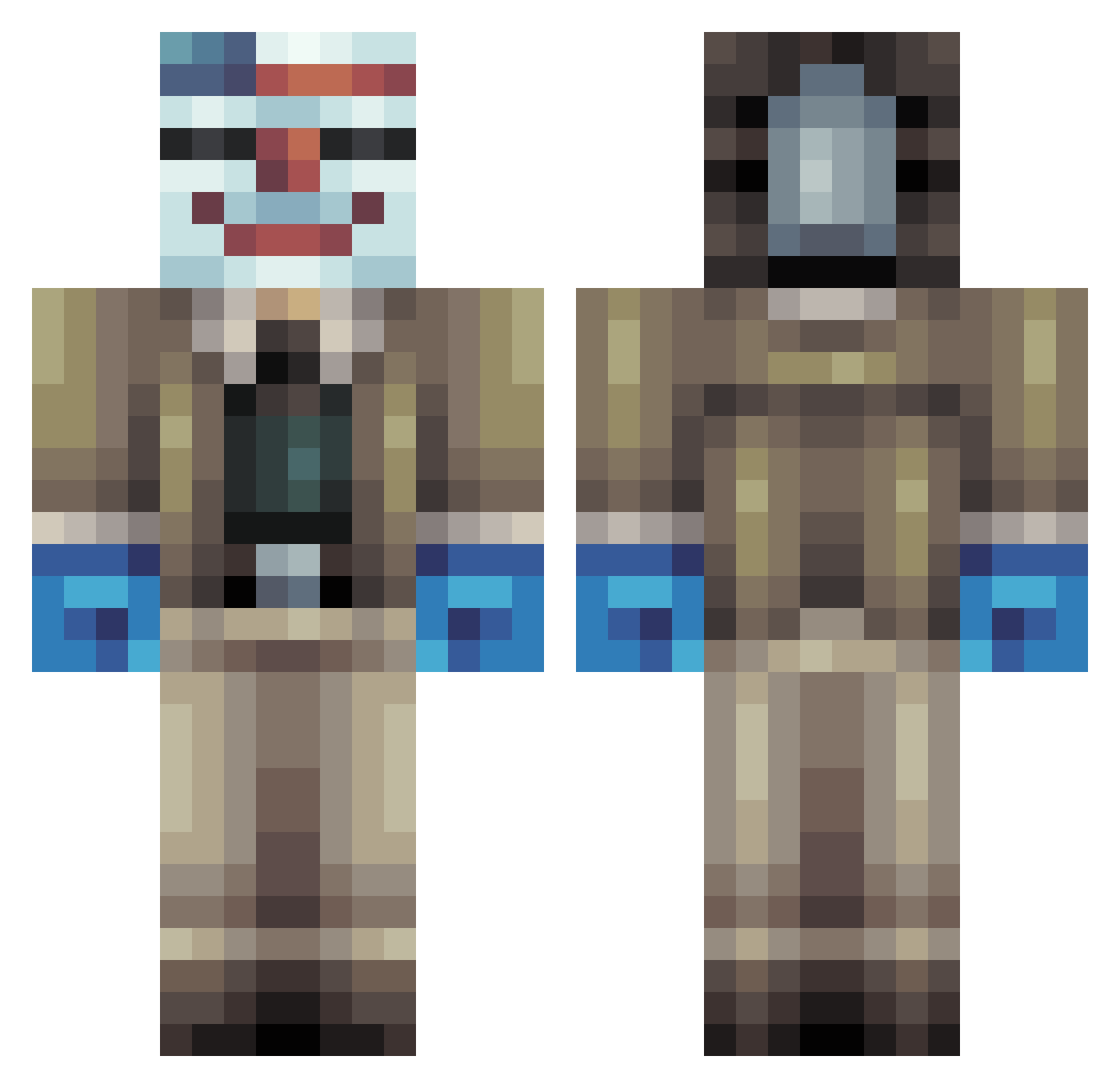
Current Minecraft skin of the player Mrbond07, loaded from the official Mojang API. Rotate the 3D model with your mouse or finger, then download the skin as a PNG file and use it in Minecraft: Bedrock Edition or Java Edition for free. When Mrbond07 changes their skin, this page updates automatically and the old skin stays in the history below.
Other players with this skin (255)
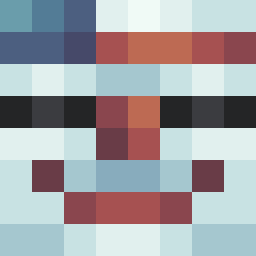
Mrbond07 was the 207th player we have seen with this skin, first spotted on 04.10.2026. The same skin was seen on these players. Open a nickname to see their current skin and skin history.
 Modjojojo xX_Rha_Xx vastchipsahoy Driggs26 MaliciousCarrot qzpartyman SparkyKing1 chewey1216 MrCherryBopper Xamou xKrumx sobieski67 brentmen cosmorebel lycboss TxTACTICZ fanz_syanzz scottyyyyyy35 yuumaru201216 levyajax KadeTheAWESOME1 123jacob1234 Gibsonmac13 Alex_Kierulff Clienthacked VodK94400 F1N4L1ZER _WIGSTA IamGriezmann Gustavfrost2134 Jelmio14 TheDocktor Cyclone2005N antoxx859 CannedCoochie_ MrGameNWatch Wazzy21 DatVinnie thebroilerman MrNoob4Fun evedor aweasome Sallad89 ChuckNooby Qwiick_Gaming Lawsy09 Sayied Mr_Xelom SubinFreak mclayboys maximax002 Jelly2580 OttO_HATAKE ethancat Immer03 DogukanBayrakz sumner04 Erdbeerkalk NelsonManFella xBrokenGhost
More Clown Mask Minecraft skins
How to install the Mrbond07 skin
- Press the Download button above to save the skin as a PNG file.
- Minecraft: Bedrock Edition (PE): open the Dressing Room from the main menu (or tap your character → Edit Character), go to Classic Skins → Owned, press the + (new skin) button, choose the downloaded PNG and pick the Classic (Steve) model. Works on PC and mobile; consoles cannot import custom skins.
- Minecraft: Java Edition: open the Minecraft Launcher, go to the Skins tab, click New Skin, load the PNG, pick the Classic (Steve) model and press Save & Use. You can also upload it at minecraft.net → Profile → Change Skin.
The skin does not show up after import - what should I do?
Restart Minecraft and open the Dressing Room again - imported skins sometimes appear only after a restart. Also make sure you selected the imported skin and picked the Classic (Steve) model.
Which model should I choose, Classic or Slim?
This skin is designed for the Classic (Steve) model. If you pick the wrong model, the arms of the skin will look stretched or squeezed.
Is the skin of Mrbond07 free to download?
Yes. Press Download, save the PNG file and use it in Minecraft: Bedrock Edition or Java Edition - no payment or registration needed. The skin also works on multiplayer servers and Realms.
More skins
Looking for more? Go back to all Minecraft skins and check the top skins of the week, month and all time, or find any player's skin by nickname.