
 ajs3011 Livex Szkitaharcos10 RainbowFeet charlieb_2002 _JustSkill_ SAXIS miglio23 McFlyBuckets13 TrueTemper24 fudbal3 Crunk_Pinguin21 pooky02 Elibano ZyaxitronMC edwinnoah charter00807 lang545 X_NaDe_ShoT_X OmegaHking WaxApolo479 lord_bals AdminZeex Techno_mouse4 Toughfighter6611 Survivor454 Bsoavenger Doc_Salchichon Woodruff02 jario9 TheWorkersParty LilTony911 Taikamies5 zexwiq45 UrsinHunter76HD Holo_Pilot MrJaws03 M4K0T thehowards Styrofoam468 beerwesse Yaldoz Mr_Archery ModernKing101 Hawk2013 BennJamain DrEyNiiX pro_boyzip1256 S0larix napster2012 Kithing Famous28 tyunit LordAidan4 ZerOo_jogue The_Evil_Hunter Ksama_04 Blackoz SkyPercia EloRuxGames
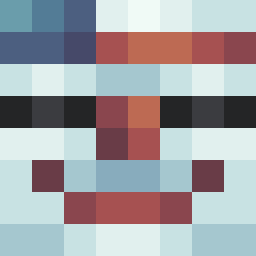
Minecraft skin of Rileyeatscake. Rotate the 3D model with your mouse or finger to view the skin from every angle, then download it as a PNG file and use it in Minecraft: Bedrock Edition or Java Edition for free. Rate the skin with stars to help other players find the best skins in our collection.
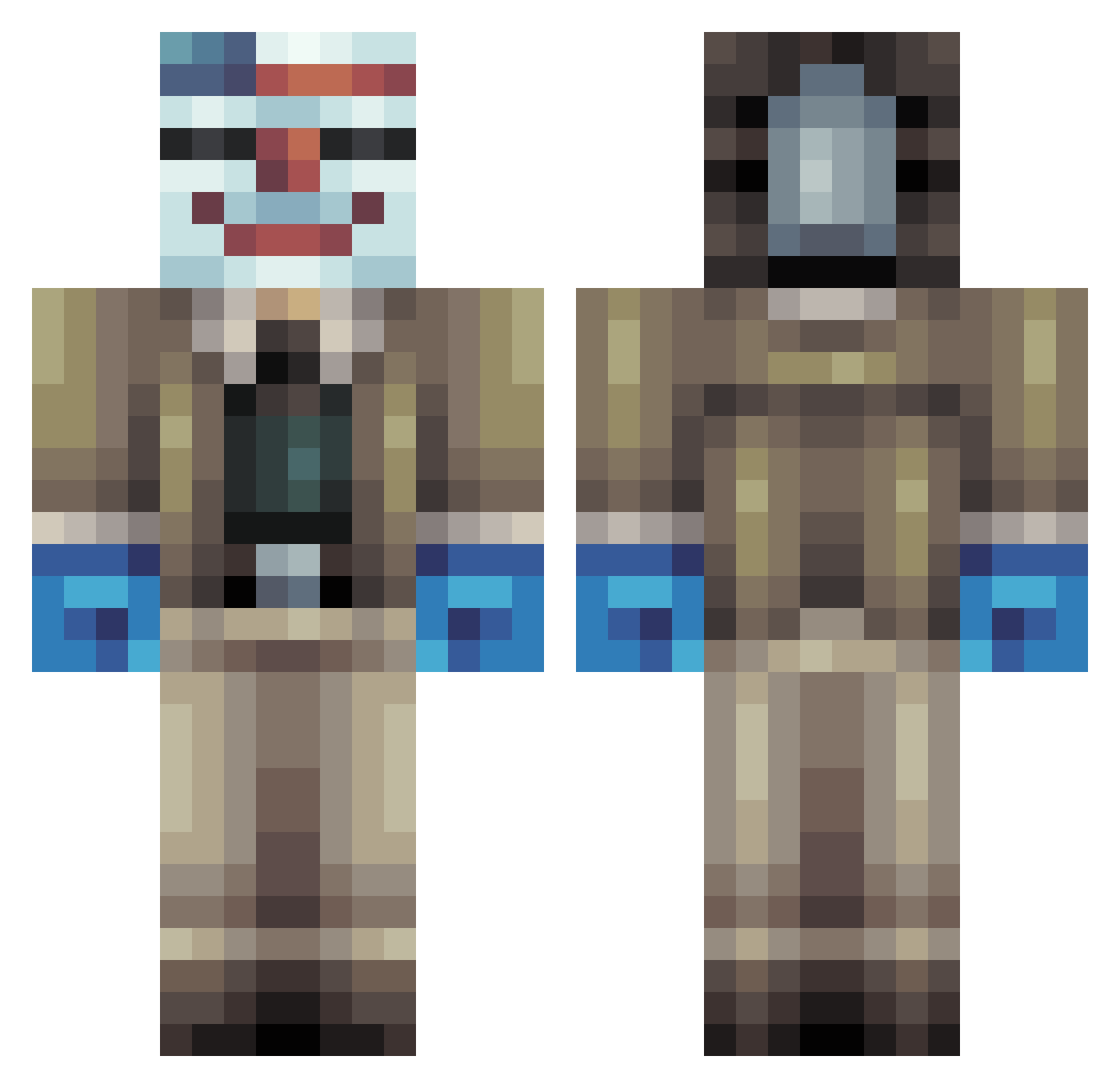
How to install the Rileyeatscake skin
- Press the Download button above to save the skin as a PNG file.
- Minecraft: Bedrock Edition (PE): open the Dressing Room from the main menu (or tap your character → Edit Character), go to Classic Skins → Owned, press the + (new skin) button, choose the downloaded PNG and pick the Classic (Steve) model. Works on PC and mobile; consoles cannot import custom skins.
- Minecraft: Java Edition: open the Minecraft Launcher, go to the Skins tab, click New Skin, load the PNG, pick the Classic (Steve) model and press Save & Use. You can also upload it at minecraft.net → Profile → Change Skin.
The skin does not show up after import - what should I do?
Restart Minecraft and open the Dressing Room again - imported skins sometimes appear only after a restart. Also make sure you selected the imported skin and picked the Classic (Steve) model.
Which model should I choose, Classic or Slim?
This skin is designed for the Classic (Steve) model. If you pick the wrong model, the arms of the skin will look stretched or squeezed.
Is this skin free to use?
Yes. Press Download, save the PNG file and use it in Minecraft: Bedrock Edition or Java Edition - no payment or registration needed. The skin also works on multiplayer servers and Realms.
More Clown Mask Minecraft skins
More skins
Looking for more? Go back to all Minecraft skins and check the top skins of the week, month and all time, or find any player's skin by nickname.