
Mr_Canadian145 - Minecraft Skins & Skin History
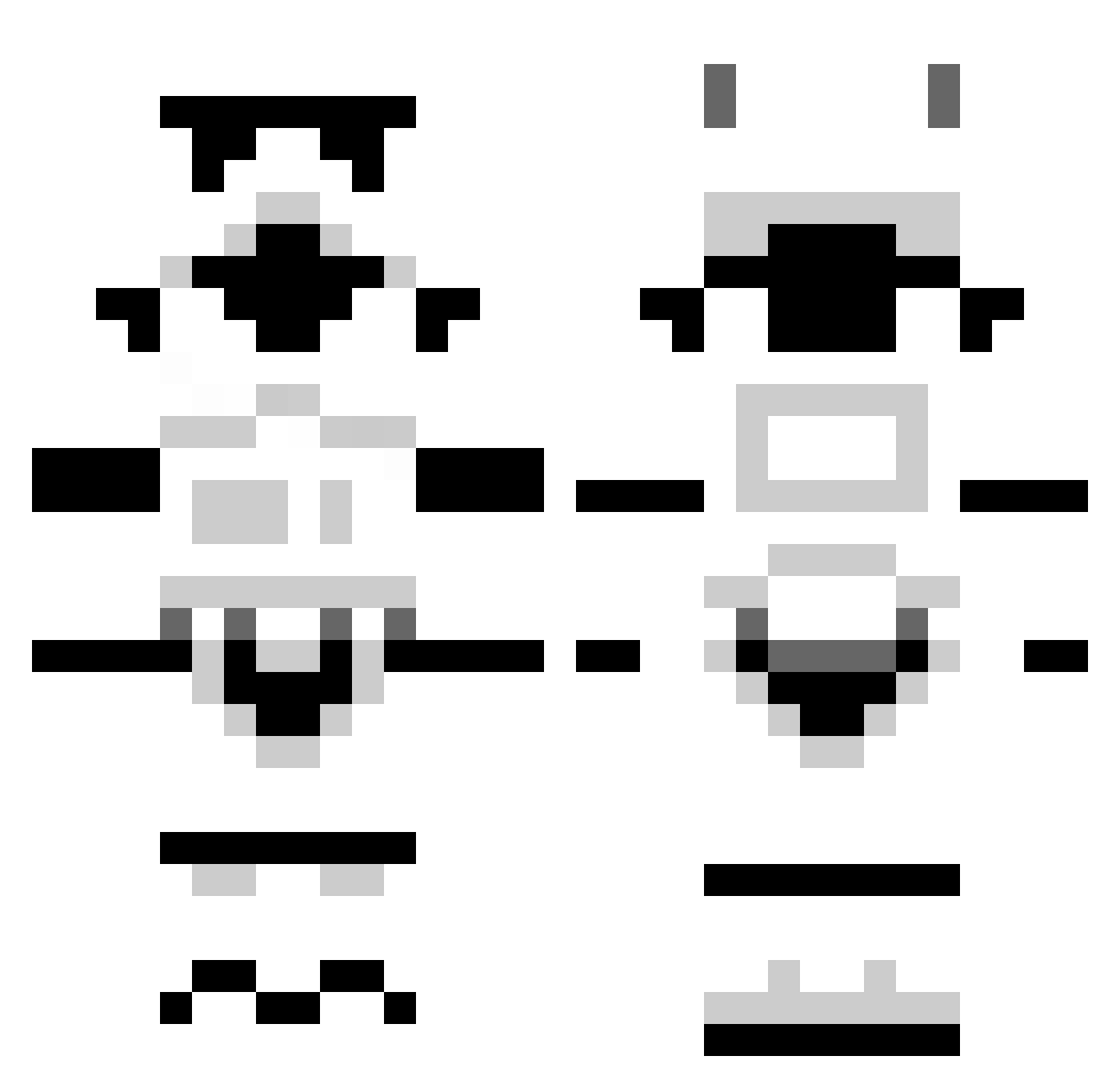
Current Minecraft skin of the player Mr_Canadian145, loaded from the official Mojang API. Rotate the 3D model with your mouse or finger, then download the skin as a PNG file and use it in Minecraft: Bedrock Edition or Java Edition for free. When Mr_Canadian145 changes their skin, this page updates automatically and the old skin stays in the history below.
Other players with this skin (1303)
Mr_Canadian145 was the 494th player we have seen with this skin, first spotted on 08.09.2026. The same skin was seen on these players. Open a nickname to see their current skin and skin history.
 LutenantDan rex_360 thepilot63 XxW3IRDalWASKxX NoMommiesUs intogamer Boouck jrhee22 pedro82827 MrGuiji Stintillating Jokerman BarryBoy69 mrjouman Mywarrior88 Brianmcc1 jusu_craft allcraker lAmGawd Bastosol10 vBen_ tydestoyer koreaniga sausagelies StOmKinG25 Chyurix adrian1705 Dan_Braza Insider49 skittarii euseisim Eatmypo Sovriegn liquidco2 NorCalKy sufokmpc gftrooper791 fr8ctal2 umar1230011 NumberOneBigMac jarlaxle021 DezShearer BeanDelphiki ShaggySH Avo_Cake Gangnamon Alde86 HeComethInPeace ozkarped CiscoK1d ryanlandon breezez Slurms0 jackjeff2003 mathiasraksnes12 KrabbyIsBest brokenflea Mod_Austin RAYKOVE AbominatioN137
More Stormtrooper Minecraft skins
See all 531 Stormtrooper skins
How to install the Mr_Canadian145 skin
- Press the Download button above to save the skin as a PNG file.
- Minecraft: Bedrock Edition (PE): open the Dressing Room from the main menu (or tap your character → Edit Character), go to Classic Skins → Owned, press the + (new skin) button, choose the downloaded PNG and pick the Classic (Steve) model. Works on PC and mobile; consoles cannot import custom skins.
- Minecraft: Java Edition: open the Minecraft Launcher, go to the Skins tab, click New Skin, load the PNG, pick the Classic (Steve) model and press Save & Use. You can also upload it at minecraft.net → Profile → Change Skin.
The skin does not show up after import - what should I do?
Restart Minecraft and open the Dressing Room again - imported skins sometimes appear only after a restart. Also make sure you selected the imported skin and picked the Classic (Steve) model.
Which model should I choose, Classic or Slim?
This skin is designed for the Classic (Steve) model. If you pick the wrong model, the arms of the skin will look stretched or squeezed.
Is the skin of Mr_Canadian145 free to download?
Yes. Press Download, save the PNG file and use it in Minecraft: Bedrock Edition or Java Edition - no payment or registration needed. The skin also works on multiplayer servers and Realms.
More skins
Looking for more? Go back to all Minecraft skins and check the top skins of the week, month and all time, or find any player's skin by nickname.