
MrPolismen - Minecraft Skins & Skin History
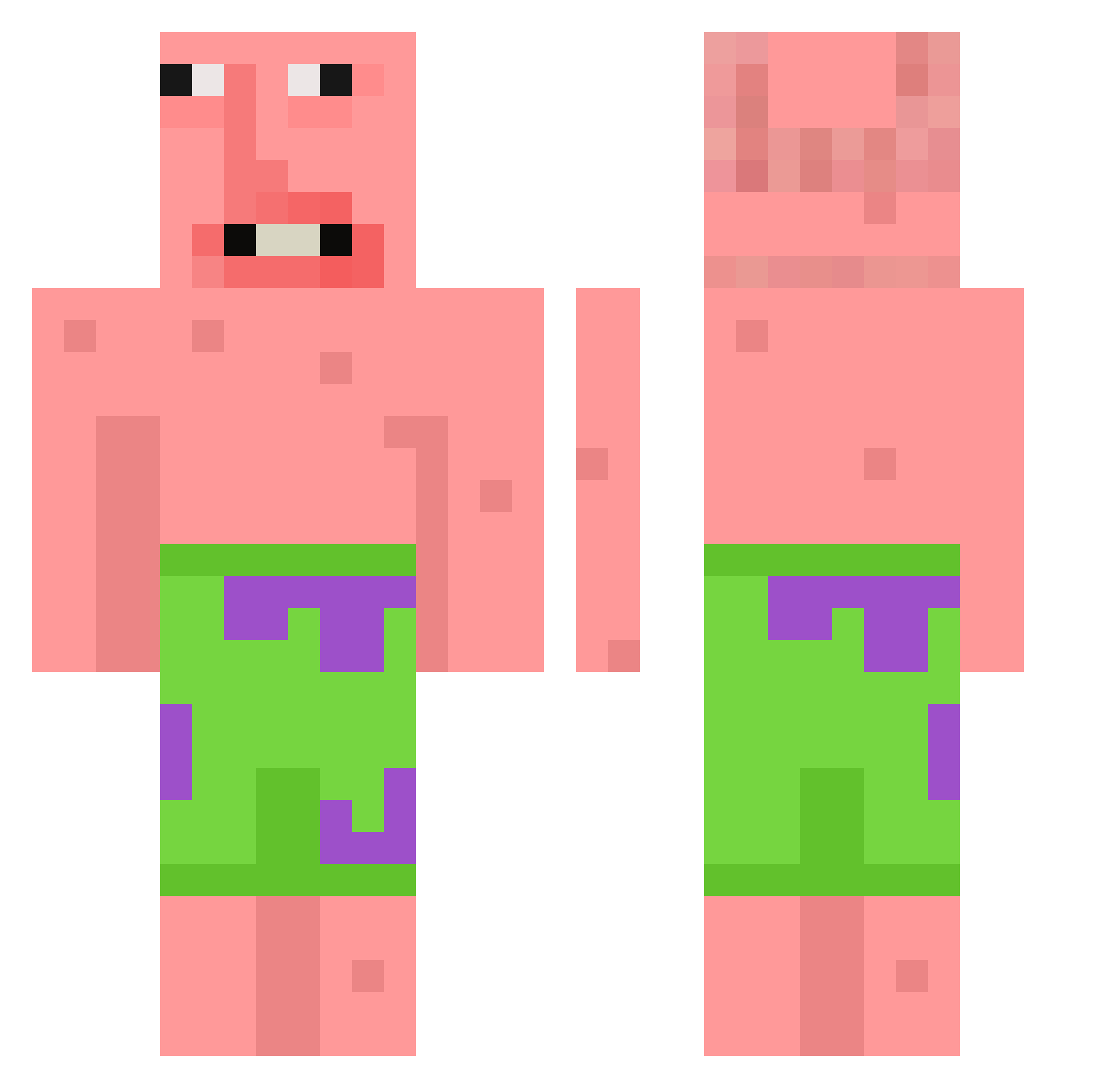
Current Minecraft skin of the player MrPolismen, loaded from the official Mojang API. Rotate the 3D model with your mouse or finger, then download the skin as a PNG file and use it in Minecraft: Bedrock Edition or Java Edition for free. When MrPolismen changes their skin, this page updates automatically and the old skin stays in the history below.
Other players with this skin (118)
MrPolismen was the 112th player we have seen with this skin, first spotted on 25.10.2026. The same skin was seen on these players. Open a nickname to see their current skin and skin history.
 GolfinhoPvP Monkey121341 Show0322 Birill0 LeoHoe TravisL02013 song_0319 Klam_s 1z4n Blue1231223 Yanntall wawa1216_TW bush_boy1203 BWIIM Niggle_Jiggle MisterAlex21 Silasskjo passfromhell kumasmokez Kraavi_Mies Marcildes s2378 angelox1120 ZZAMAMA j0selillo_ 9Nastka Krutoiparen42 PIRANHA_LEO Park_CH SouZZa__ xAlexx593 fwpwhd tikitiki6721 calebczr Jascy SpriteMonster00 hardfuneral llamasong Doodle_Bob19 Milk_111 Goodluckkk HellBoyHannes korea12335 Miguelin02009 SrPablo23 Gshu_ Tinsly0825 LbIjqW0630 1231231231231312 ninjaturrtle Kosagi_0 MrNeegy chu_z RemmyTT Szess qwfh HanssoniT HerbataZWisni Spoomply Woosy2
More Patrick Star Minecraft skins
See all 611 Patrick Star skins
How to install the MrPolismen skin
- Press the Download button above to save the skin as a PNG file.
- Minecraft: Bedrock Edition (PE): open the Dressing Room from the main menu (or tap your character → Edit Character), go to Classic Skins → Owned, press the + (new skin) button, choose the downloaded PNG and pick the Classic (Steve) model. Works on PC and mobile; consoles cannot import custom skins.
- Minecraft: Java Edition: open the Minecraft Launcher, go to the Skins tab, click New Skin, load the PNG, pick the Classic (Steve) model and press Save & Use. You can also upload it at minecraft.net → Profile → Change Skin.
The skin does not show up after import - what should I do?
Restart Minecraft and open the Dressing Room again - imported skins sometimes appear only after a restart. Also make sure you selected the imported skin and picked the Classic (Steve) model.
Which model should I choose, Classic or Slim?
This skin is designed for the Classic (Steve) model. If you pick the wrong model, the arms of the skin will look stretched or squeezed.
Is the skin of MrPolismen free to download?
Yes. Press Download, save the PNG file and use it in Minecraft: Bedrock Edition or Java Edition - no payment or registration needed. The skin also works on multiplayer servers and Realms.
More skins
Looking for more? Go back to all Minecraft skins and check the top skins of the week, month and all time, or find any player's skin by nickname.