
MoltoBene - Minecraft Skins & Skin History
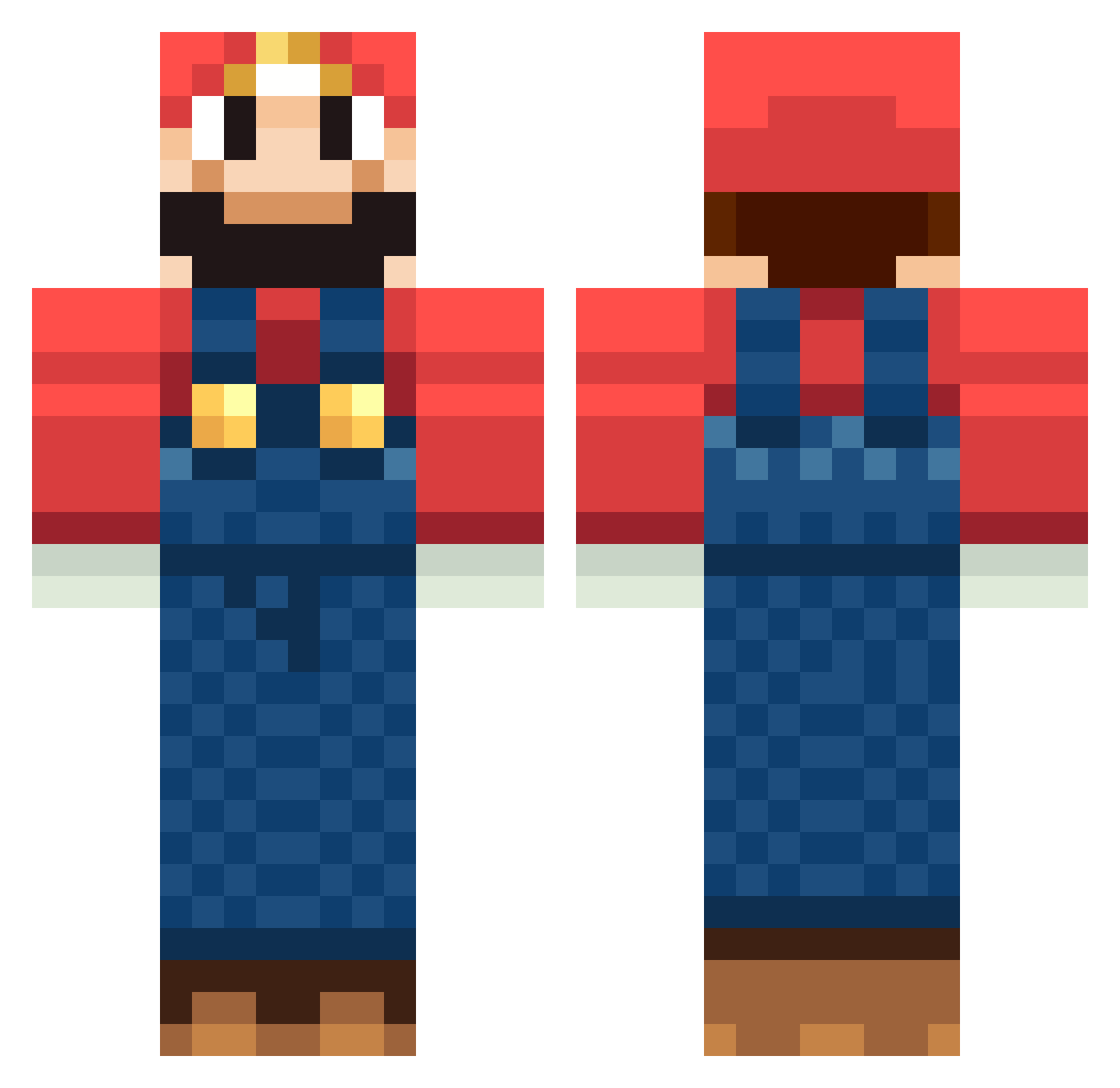
Current Minecraft skin of the player MoltoBene, loaded from the official Mojang API. Rotate the 3D model with your mouse or finger, then download the skin as a PNG file and use it in Minecraft: Bedrock Edition or Java Edition for free. When MoltoBene changes their skin, this page updates automatically and the old skin stays in the history below.
Other players with this skin (1263)
MoltoBene was the 297th player we have seen with this skin, first spotted on 21.08.2026. The same skin was seen on these players. Open a nickname to see their current skin and skin history.
 ilMarzi dog2204 gearhead330 TheCoDExpert2002 franke909 tukasa0220 golfmaster246 Dohgustav Masao0427 duseboy Riddie THEULTIMATE_1 Saphirxxx xkilljoy boofboy97 aldis627 kentauloss ItsArcTiic Mario28872 Nico_Bin Ajax12345 C_Polonium ThTomate feridp DaveGames93 kooben42 BoomFloof Melkor01 Double_Faces XxPainCakesxX eeuu7776 killabit Funnyman097 monaliso jammyshark Jrod765 TheSanzi Unflushable_Goat myxboxbroke1
 SWIRUJ Maconi ratchet27 torikobu Atomicus kaix72 The_Deadfreak baerholm1012 Its_Player_1 kbc2459 Big_Boy190 Slyfer_ strICTlyNO1 Tamasa tokushiman Munchi3z imhiya Nswitcher Balamesh MrGoober321 NumNutz_1
More Mario Minecraft skins
How to install the MoltoBene skin
- Press the Download button above to save the skin as a PNG file.
- Minecraft: Bedrock Edition (PE): open the Dressing Room from the main menu (or tap your character → Edit Character), go to Classic Skins → Owned, press the + (new skin) button, choose the downloaded PNG and pick the Classic (Steve) model. Works on PC and mobile; consoles cannot import custom skins.
- Minecraft: Java Edition: open the Minecraft Launcher, go to the Skins tab, click New Skin, load the PNG, pick the Classic (Steve) model and press Save & Use. You can also upload it at minecraft.net → Profile → Change Skin.
The skin does not show up after import - what should I do?
Restart Minecraft and open the Dressing Room again - imported skins sometimes appear only after a restart. Also make sure you selected the imported skin and picked the Classic (Steve) model.
Which model should I choose, Classic or Slim?
This skin is designed for the Classic (Steve) model. If you pick the wrong model, the arms of the skin will look stretched or squeezed.
Is the skin of MoltoBene free to download?
Yes. Press Download, save the PNG file and use it in Minecraft: Bedrock Edition or Java Edition - no payment or registration needed. The skin also works on multiplayer servers and Realms.
More skins
Looking for more? Go back to all Minecraft skins and check the top skins of the week, month and all time, or find any player's skin by nickname.