
MisterGecko - Minecraft Skins & Skin History
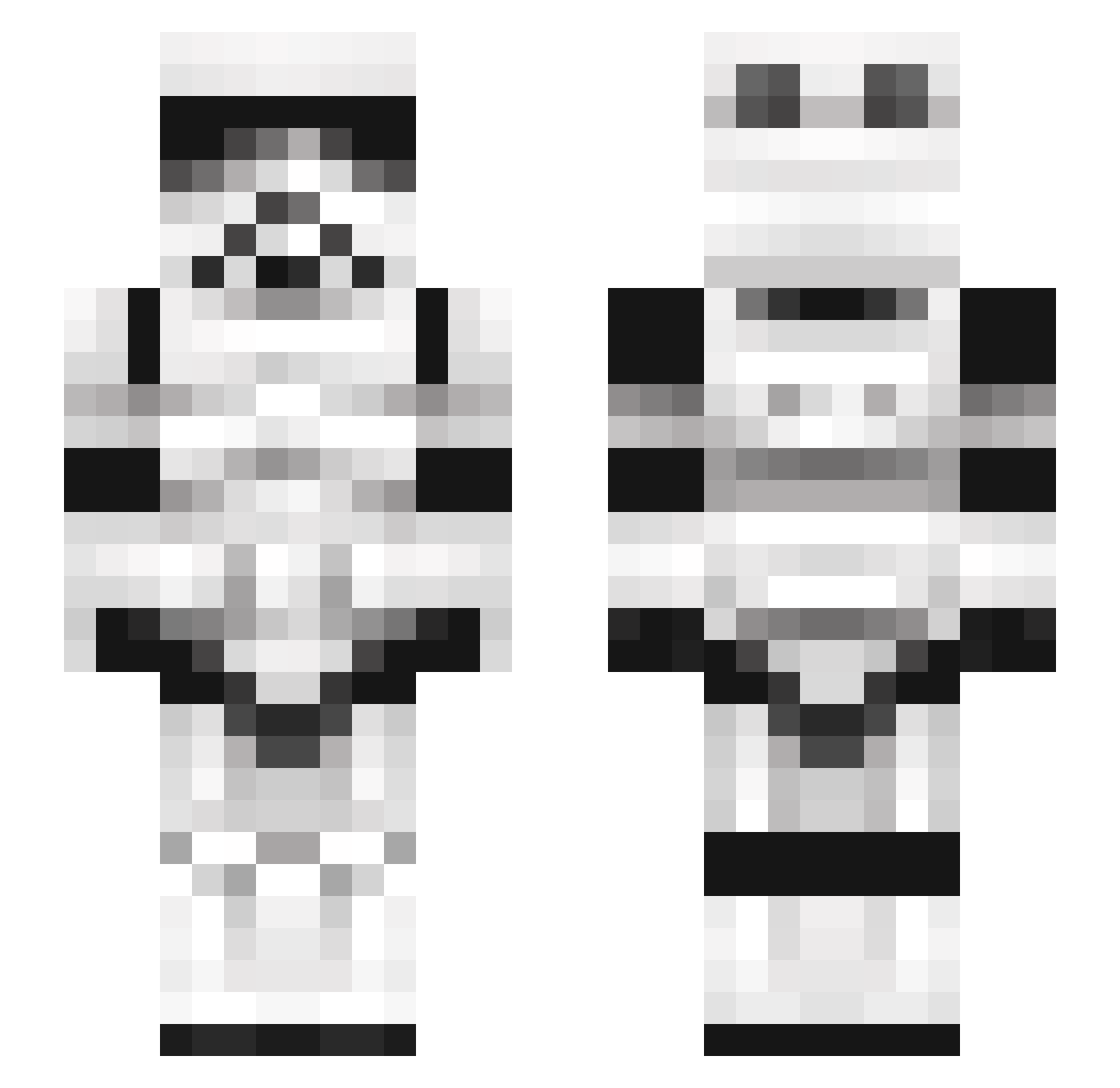
Current Minecraft skin of the player MisterGecko, loaded from the official Mojang API. Rotate the 3D model with your mouse or finger, then download the skin as a PNG file and use it in Minecraft: Bedrock Edition or Java Edition for free. When MisterGecko changes their skin, this page updates automatically and the old skin stays in the history below.
Other players with this skin (245)
MisterGecko was the 136th player we have seen with this skin, first spotted on 23.09.2026. The same skin was seen on these players. Open a nickname to see their current skin and skin history.
 Eternal_Warrior jimmygorock JEGERMEGG Glarbus ponzu47 Snazzy_Trousers DeathByMuffin PhatMatt97 Apollo5150 Lorhan Madislyn xXWog69Xx leehs0713 Waffie3o9 Promise_Blame HARD0N Atyrix Gogglewoggler xavidec scaryxenomorph Scootie_1 HunterStriker06 sergio1273 Tartaglia3164 Benjamin747 moootmoot Hamsomeham Seanistiz Dalazygamer nuneta9 GeekOfOz Maximus32 CDawgSnow roseetaa Rezetti Hypemeister Earth616 PattyWhack350 KSI_Wannabe supremeleader15 sleepbest Chemobeer cescusa CWatermelonK HookahTroopers __HamBurgers__ cutieki11er Treetea Kaladrius spacelineee jolee3732 urbancoder ScottyBones HuskerHunter AlfredoSauce73 Reztums eliphobic obiwan6109 ZTZfox Lord_Kuros
More Stormtrooper Minecraft skins
See all 529 Stormtrooper skins
How to install the MisterGecko skin
- Press the Download button above to save the skin as a PNG file.
- Minecraft: Bedrock Edition (PE): open the Dressing Room from the main menu (or tap your character → Edit Character), go to Classic Skins → Owned, press the + (new skin) button, choose the downloaded PNG and pick the Slim (Alex) model. Works on PC and mobile; consoles cannot import custom skins.
- Minecraft: Java Edition: open the Minecraft Launcher, go to the Skins tab, click New Skin, load the PNG, pick the Slim (Alex) model and press Save & Use. You can also upload it at minecraft.net → Profile → Change Skin.
The skin does not show up after import - what should I do?
Restart Minecraft and open the Dressing Room again - imported skins sometimes appear only after a restart. Also make sure you selected the imported skin and picked the Slim (Alex) model.
Which model should I choose, Classic or Slim?
This skin is designed for the Slim (Alex) model. If you pick the wrong model, the arms of the skin will look stretched or squeezed.
Is the skin of MisterGecko free to download?
Yes. Press Download, save the PNG file and use it in Minecraft: Bedrock Edition or Java Edition - no payment or registration needed. The skin also works on multiplayer servers and Realms.
More skins
Looking for more? Go back to all Minecraft skins and check the top skins of the week, month and all time, or find any player's skin by nickname.