
Minions02_ - Minecraft Skins & Skin History
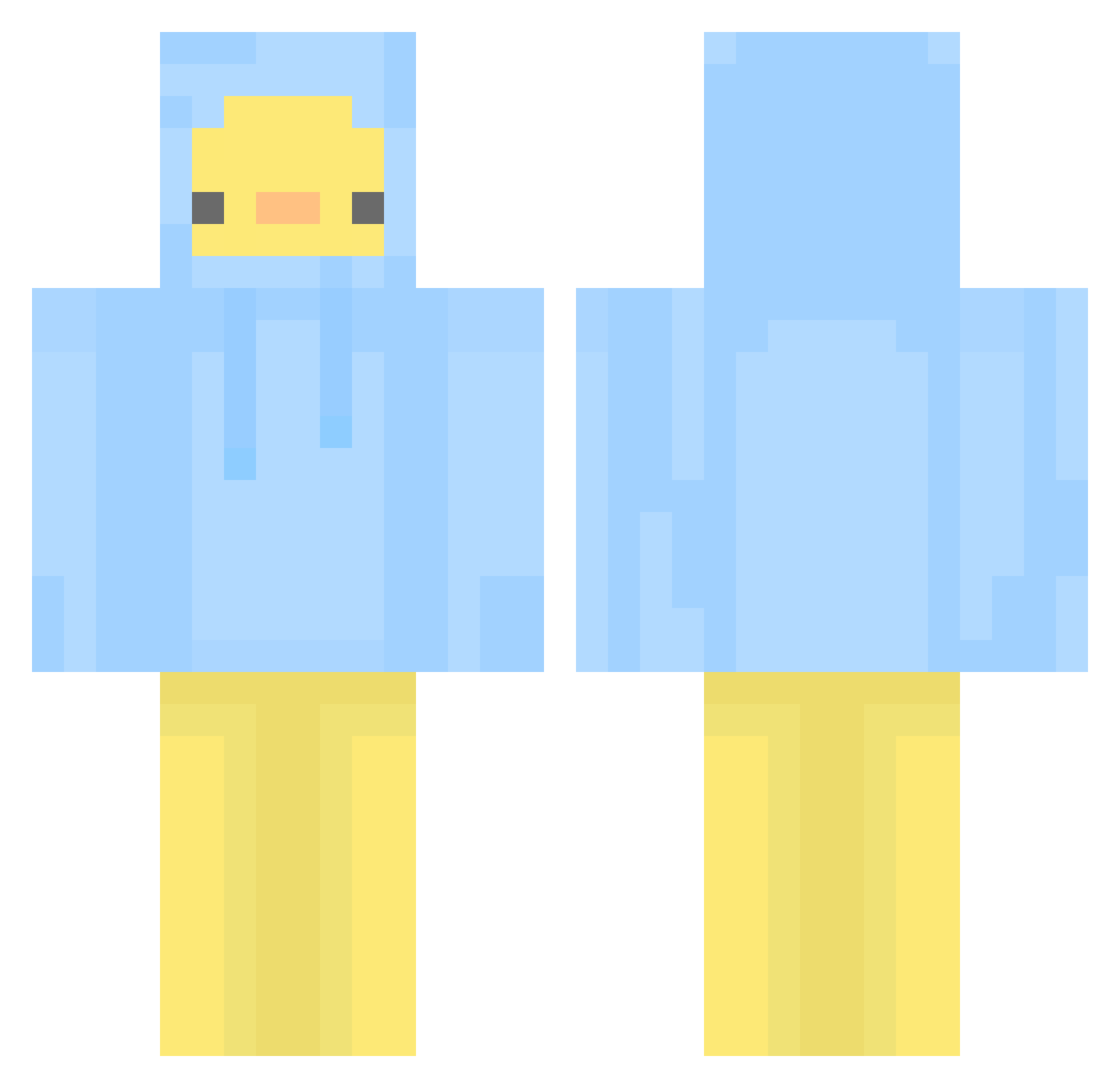
Current Minecraft skin of the player Minions02_, loaded from the official Mojang API. Rotate the 3D model with your mouse or finger, then download the skin as a PNG file and use it in Minecraft: Bedrock Edition or Java Edition for free. When Minions02_ changes their skin, this page updates automatically and the old skin stays in the history below.
Other players with this skin (437)
Minions02_ was the 366th player we have seen with this skin, first spotted on 11.10.2026. The same skin was seen on these players. Open a nickname to see their current skin and skin history.
 PARONAYAC PhantomLackey cheka32 FoxterXII Sawrinka logical_railfan J_KH dadadat04 BORIGIRL STTUUAA Kkaaek Squirrrel1019 BamArong Nyang218 tom01_20 imsoimsoreborn Yam_Jun BigFatDucks Ishikoro_1456 Pan_duck superduck44 Swifty4 bflower212 Mandy3333 JINBEAN57 Not_william09_ Jxnvz PPOSHONG kjy0114 S_T_A_R Joaaoo jini97 boXK2 Leee722 yukkiiw Rubii_S2 0maon0 DunskiNinja sojuning cyrus0714 jxx_0d Mqddi3L FrogMouthBird nekojjang00 purplehxze SweetAutumn00 Zzugumi X_Razer0 julifirx NevirMain soachan svrvh003 ElixyGangsterbeb miasara008 YangHyun2 att4ch3d Pabang__ Newbie1357 Drazhan HolaPats
More Duck Minecraft skins
How to install the Minions02_ skin
- Press the Download button above to save the skin as a PNG file.
- Minecraft: Bedrock Edition (PE): open the Dressing Room from the main menu (or tap your character → Edit Character), go to Classic Skins → Owned, press the + (new skin) button, choose the downloaded PNG and pick the Classic (Steve) model. Works on PC and mobile; consoles cannot import custom skins.
- Minecraft: Java Edition: open the Minecraft Launcher, go to the Skins tab, click New Skin, load the PNG, pick the Classic (Steve) model and press Save & Use. You can also upload it at minecraft.net → Profile → Change Skin.
The skin does not show up after import - what should I do?
Restart Minecraft and open the Dressing Room again - imported skins sometimes appear only after a restart. Also make sure you selected the imported skin and picked the Classic (Steve) model.
Which model should I choose, Classic or Slim?
This skin is designed for the Classic (Steve) model. If you pick the wrong model, the arms of the skin will look stretched or squeezed.
Is the skin of Minions02_ free to download?
Yes. Press Download, save the PNG file and use it in Minecraft: Bedrock Edition or Java Edition - no payment or registration needed. The skin also works on multiplayer servers and Realms.
More skins
Looking for more? Go back to all Minecraft skins and check the top skins of the week, month and all time, or find any player's skin by nickname.