
Midoridi - Minecraft Skins & Skin History
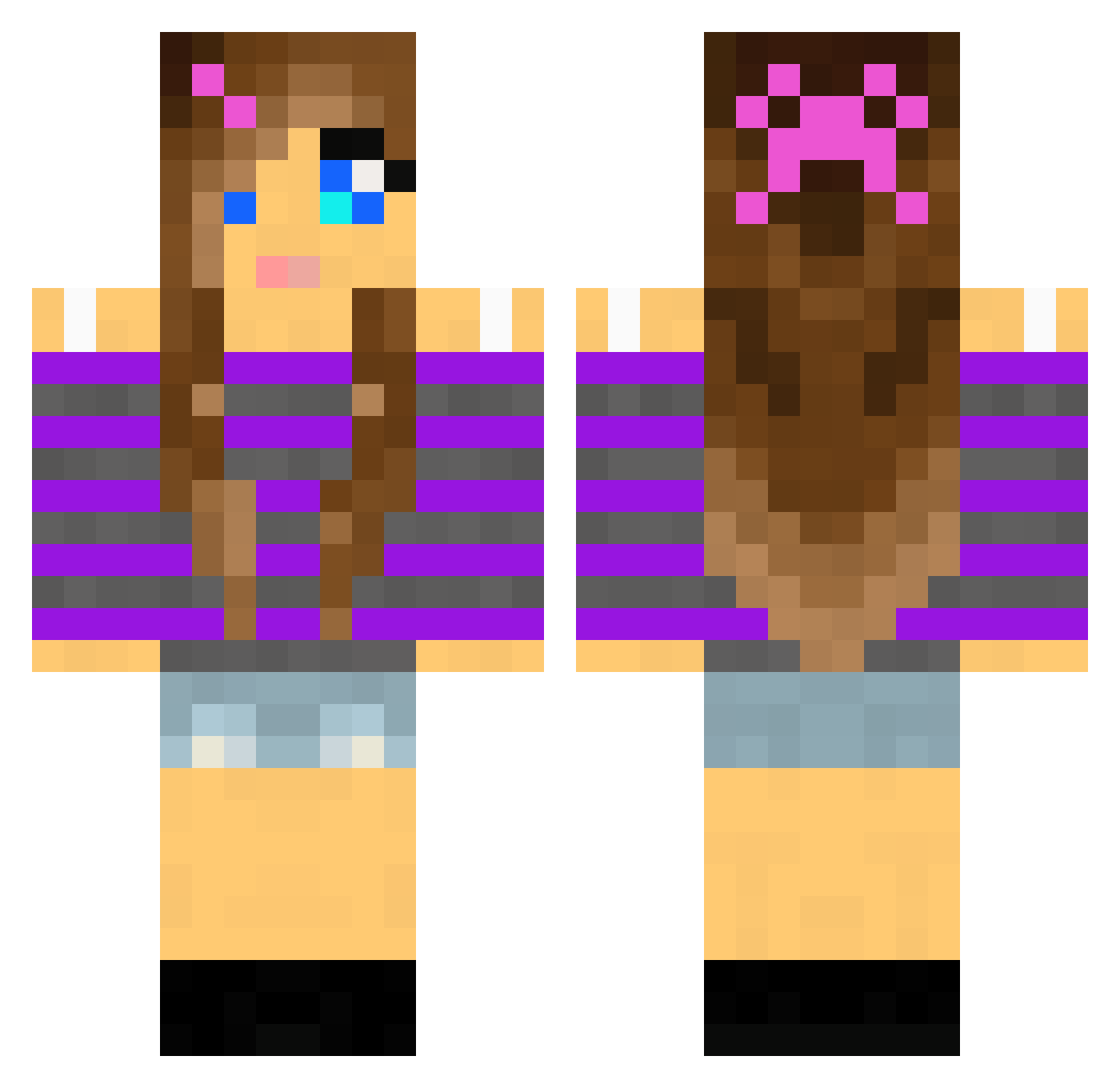
Current Minecraft skin of the player Midoridi, loaded from the official Mojang API. Rotate the 3D model with your mouse or finger, then download the skin as a PNG file and use it in Minecraft: Bedrock Edition or Java Edition for free. When Midoridi changes their skin, this page updates automatically and the old skin stays in the history below.
Other players with this skin (2010)
Midoridi was the 1353rd player we have seen with this skin, first spotted on 07.10.2026. The same skin was seen on these players. Open a nickname to see their current skin and skin history.
 Knine19 D_Roc Godishanna14 melodymkr TheSwagCraftjr Rachel3296 Marina1304 clumzyfish MandyRubyA jeanettemuller Maple_Ninja2002 Ninnin0219 Barbiegirl12345 KaraPatates Claire5555 Tusken236 nickolsj Natalie111 katta10 Wenchie7 golddigger214 Ramona3747 03astrid charstar3000 Sprinkles95 Kasinator101 bellarose1022 Marianny89 Malinmo GabbyW11 Kittyz10 Eina53 Barbieprinsesse Lunicia annarn Ivyclaw1 MINOUTKITTEN gothicprincess88 hannah304 OG_SNIP3R Bluedragonpixie allystar6 Jonesey1790 laerkeblomst William_B04 amyale PuddinCup flash127 minergirl_6 Glasurit emppu123 etracy12 sensen18 monkey7739 Cannibalx3 purplepunkin Gracie544 JoPro2 friskylady CYegge
More Girl Minecraft skins
How to install the Midoridi skin
- Press the Download button above to save the skin as a PNG file.
- Minecraft: Bedrock Edition (PE): open the Dressing Room from the main menu (or tap your character → Edit Character), go to Classic Skins → Owned, press the + (new skin) button, choose the downloaded PNG and pick the Classic (Steve) model. Works on PC and mobile; consoles cannot import custom skins.
- Minecraft: Java Edition: open the Minecraft Launcher, go to the Skins tab, click New Skin, load the PNG, pick the Classic (Steve) model and press Save & Use. You can also upload it at minecraft.net → Profile → Change Skin.
The skin does not show up after import - what should I do?
Restart Minecraft and open the Dressing Room again - imported skins sometimes appear only after a restart. Also make sure you selected the imported skin and picked the Classic (Steve) model.
Which model should I choose, Classic or Slim?
This skin is designed for the Classic (Steve) model. If you pick the wrong model, the arms of the skin will look stretched or squeezed.
Is the skin of Midoridi free to download?
Yes. Press Download, save the PNG file and use it in Minecraft: Bedrock Edition or Java Edition - no payment or registration needed. The skin also works on multiplayer servers and Realms.
More skins
Looking for more? Go back to all Minecraft skins and check the top skins of the week, month and all time, or find any player's skin by nickname.