
MeneerPrins - Minecraft Skins & Skin History
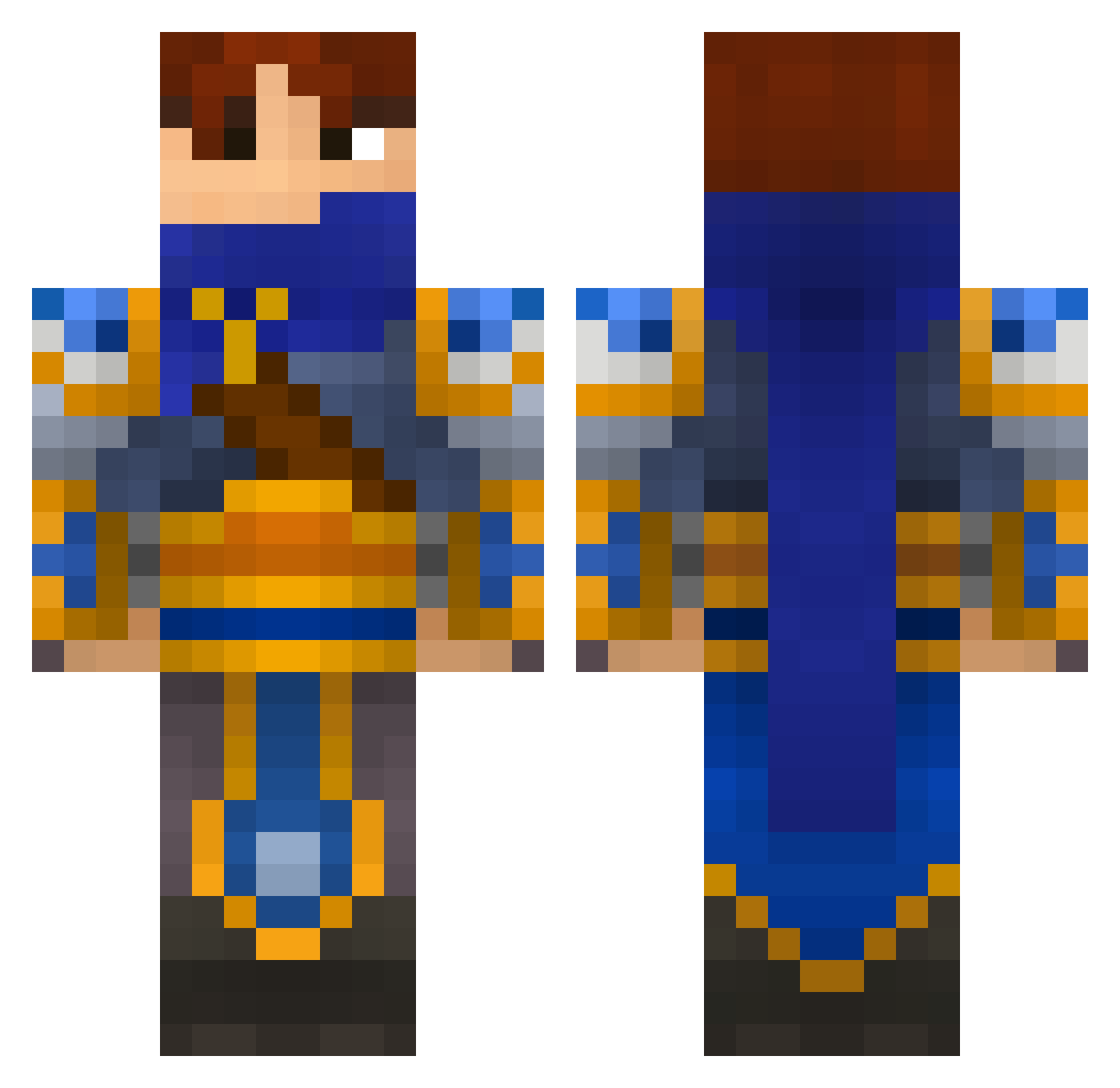
Current Minecraft skin of the player MeneerPrins, loaded from the official Mojang API. Rotate the 3D model with your mouse or finger, then download the skin as a PNG file and use it in Minecraft: Bedrock Edition or Java Edition for free. When MeneerPrins changes their skin, this page updates automatically and the old skin stays in the history below.
Other players with this skin (695)
MeneerPrins was the 161st player we have seen with this skin, first spotted on 23.08.2026. The same skin was seen on these players. Open a nickname to see their current skin and skin history.
 jeongwoo511 Volcanicrembo GuiGoZzZBr Jaymish ryry91 Ctaylor98 Dargor__ Iv0pata Janiku8Gamer Ryuzakii59 Elden97 Bensos04 Mindoiar kat041003 Mikatsura Ryoga03 Aeolius FatalxTerror HailedDuke VortexMaster01 havock_x NItebi ArisildeDamal Absidon funkikai Poisonblades tuttuku lore94 o0CyberReaper0o viktorotto evildark00 blackswhite alien347 King_Roy nintentofu kidzu Crowler9 SupperJin MrBockinizer MrMineHeads GoDz_ii_PsYcHo_x PoptartNinjaEX MyGunKicks lucasse Targold67 Pullataikina100 CaptainBalu Chyson Valisha91 WoodguardA Sn0Bi MrBuddySam Douhnut4life Tezooon APS202 kibao vasy_pypkin Destroyer_420 BAVENHUR rusina49
More Warrior Minecraft skins
How to install the MeneerPrins skin
- Press the Download button above to save the skin as a PNG file.
- Minecraft: Bedrock Edition (PE): open the Dressing Room from the main menu (or tap your character → Edit Character), go to Classic Skins → Owned, press the + (new skin) button, choose the downloaded PNG and pick the Classic (Steve) model. Works on PC and mobile; consoles cannot import custom skins.
- Minecraft: Java Edition: open the Minecraft Launcher, go to the Skins tab, click New Skin, load the PNG, pick the Classic (Steve) model and press Save & Use. You can also upload it at minecraft.net → Profile → Change Skin.
The skin does not show up after import - what should I do?
Restart Minecraft and open the Dressing Room again - imported skins sometimes appear only after a restart. Also make sure you selected the imported skin and picked the Classic (Steve) model.
Which model should I choose, Classic or Slim?
This skin is designed for the Classic (Steve) model. If you pick the wrong model, the arms of the skin will look stretched or squeezed.
Is the skin of MeneerPrins free to download?
Yes. Press Download, save the PNG file and use it in Minecraft: Bedrock Edition or Java Edition - no payment or registration needed. The skin also works on multiplayer servers and Realms.
More skins
Looking for more? Go back to all Minecraft skins and check the top skins of the week, month and all time, or find any player's skin by nickname.