
 xLenwin EnragedLunatic Caito Tekatokikuta Joey877820 waltheratkinson kommo ZatchT21 niicolaii95 BigToyZ CrypticSnowstorm D3MON20 kou3121 Starness Omega_Fox Ragnarok8585 Jonnybegood94 THEGERTY KennyGti John_Ericson PlatoPunisher TotalKhaos manitou35 Nekootje Kennsteden bwood12 halfpint ewwok BlockyStyle Bienias crisqq asnid34 UntitledFinal Lusciousness spezl2 Xx18_hyperfusion K53 Zachary42bacon dawgalova jerepo Megeroo l2alvlenG Ipoxi Radiationalert Ferliost moai7373 Quinker12 jonasulrik psycoo69 Gilgam35h Skinme_Z PrototypeQ firetrip Julius597 Garen3098 hart22 wercikPL Zelistor BilleBong amzarn
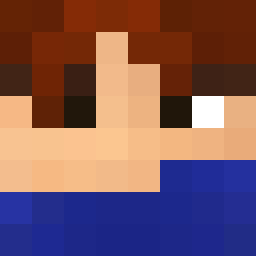
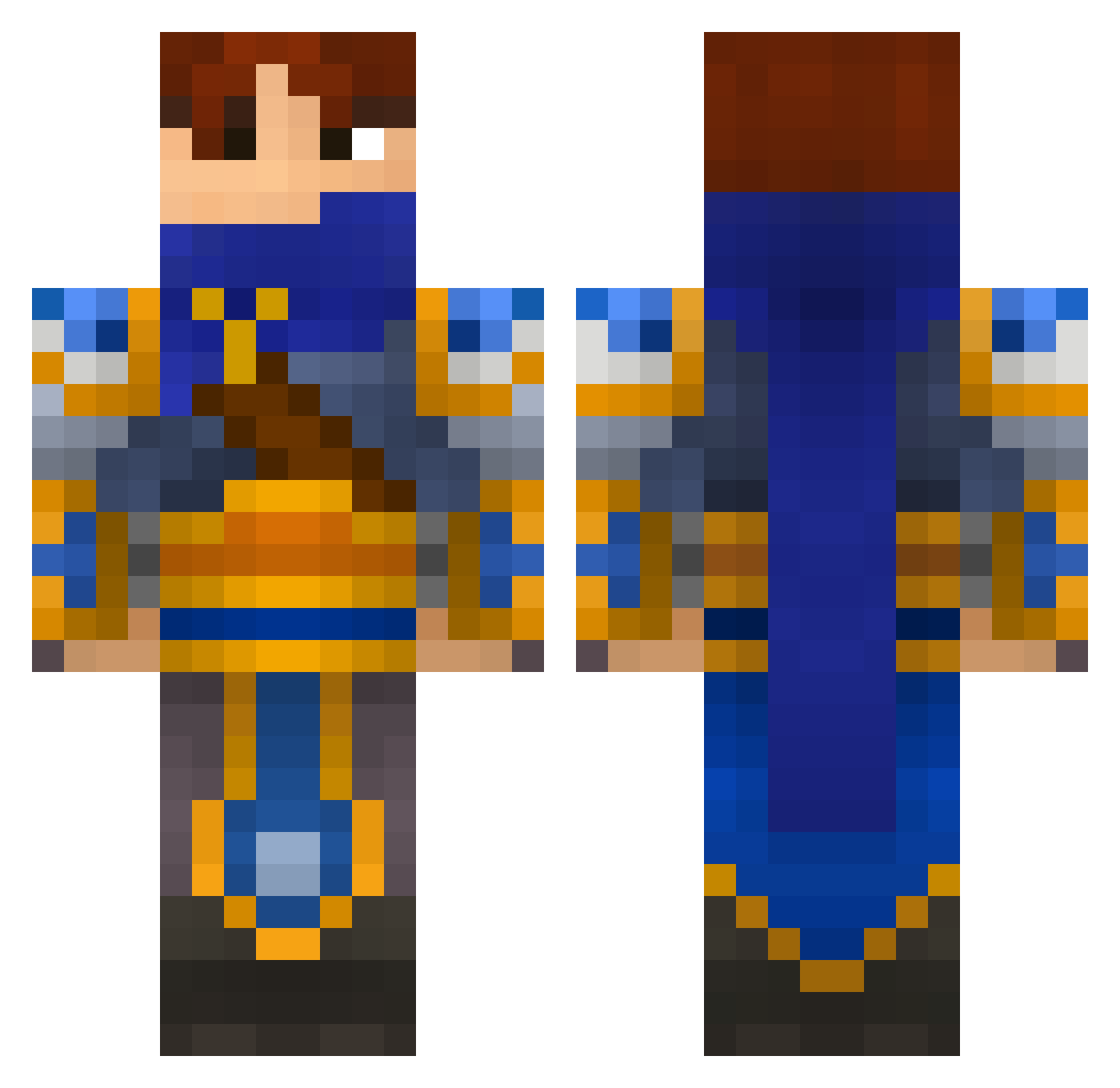
Minecraft skin of FUBARSOB. Rotate the 3D model with your mouse or finger to view the skin from every angle, then download it as a PNG file and use it in Minecraft: Bedrock Edition or Java Edition for free. Rate the skin with stars to help other players find the best skins in our collection.
How to install the FUBARSOB skin
- Press the Download button above to save the skin as a PNG file.
- Minecraft: Bedrock Edition (PE): open the Dressing Room from the main menu (or tap your character → Edit Character), go to Classic Skins → Owned, press the + (new skin) button, choose the downloaded PNG and pick the Classic (Steve) model. Works on PC and mobile; consoles cannot import custom skins.
- Minecraft: Java Edition: open the Minecraft Launcher, go to the Skins tab, click New Skin, load the PNG, pick the Classic (Steve) model and press Save & Use. You can also upload it at minecraft.net → Profile → Change Skin.
The skin does not show up after import - what should I do?
Restart Minecraft and open the Dressing Room again - imported skins sometimes appear only after a restart. Also make sure you selected the imported skin and picked the Classic (Steve) model.
Which model should I choose, Classic or Slim?
This skin is designed for the Classic (Steve) model. If you pick the wrong model, the arms of the skin will look stretched or squeezed.
Is this skin free to use?
Yes. Press Download, save the PNG file and use it in Minecraft: Bedrock Edition or Java Edition - no payment or registration needed. The skin also works on multiplayer servers and Realms.
More Warrior Minecraft skins
More skins
Looking for more? Go back to all Minecraft skins and check the top skins of the week, month and all time, or find any player's skin by nickname.