
Maxi6671 - Minecraft Skins & Skin History
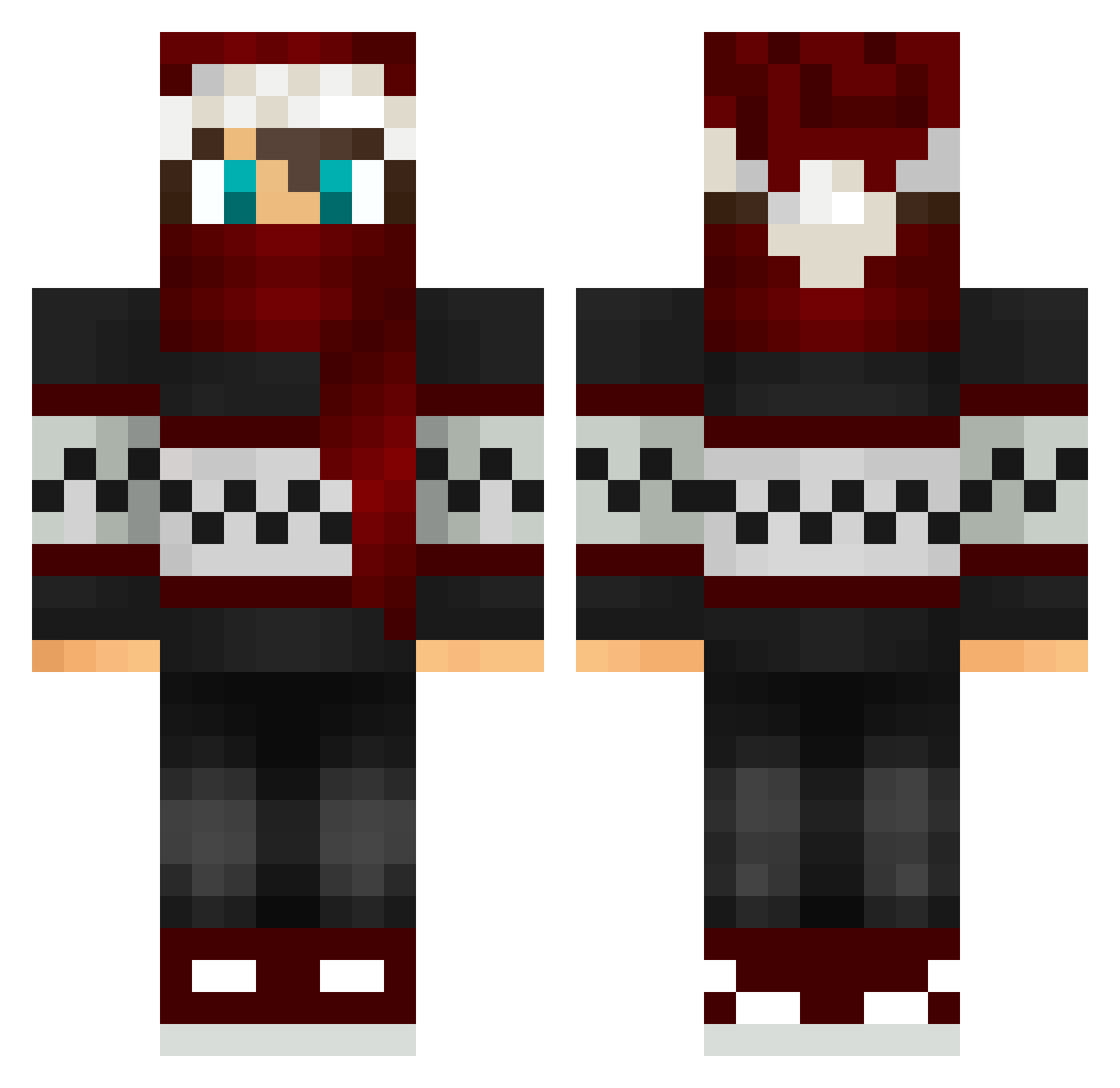
Current Minecraft skin of the player Maxi6671, loaded from the official Mojang API. Rotate the 3D model with your mouse or finger, then download the skin as a PNG file and use it in Minecraft: Bedrock Edition or Java Edition for free. When Maxi6671 changes their skin, this page updates automatically and the old skin stays in the history below.
Other players with this skin (94)
Maxi6671 was the 17th player we have seen with this skin, first spotted on 17.08.2026. The same skin was seen on these players. Open a nickname to see their current skin and skin history.
 XMasConductor Riian6 Kristyan mateusz7344 junjunJJJ Jogi1980 honeybare0711 KarskYY BradinTeal CJ_From_GSF Shayaaaaaa athene0813 agla Radek2012XD LastChanceHero jayl20 EDUARD502 XxAndry_78xX iMaggoo ZeroTwo____002 Camron_vrn JesusMaximus Mic_Bao MLCrafter18 Hunter_13_ rVanka7a xxNoobxx2011 Yoonzz_ Rainy_Mood Poziomek2009 Kyrst_Yz kohajin Alemaoo Bakyh MinemenBOT13 S9k_ OnsideData89705 Redflower2010 nix__x Fuzzyj25 Albay12 LibrpPlaysOff Bendjaova MrBiscote Mightymak42 Biohazardd AngusDoe mehmethangrll Stintess ThaLuc2 JH0NCR4FT hazardjak McflyRT wolfGEO Xionese hopelife1 Toxicboy957 XI_LunarEclipse Mataraia ItsPhysics
More Winter Minecraft skins
How to install the Maxi6671 skin
- Press the Download button above to save the skin as a PNG file.
- Minecraft: Bedrock Edition (PE): open the Dressing Room from the main menu (or tap your character → Edit Character), go to Classic Skins → Owned, press the + (new skin) button, choose the downloaded PNG and pick the Classic (Steve) model. Works on PC and mobile; consoles cannot import custom skins.
- Minecraft: Java Edition: open the Minecraft Launcher, go to the Skins tab, click New Skin, load the PNG, pick the Classic (Steve) model and press Save & Use. You can also upload it at minecraft.net → Profile → Change Skin.
The skin does not show up after import - what should I do?
Restart Minecraft and open the Dressing Room again - imported skins sometimes appear only after a restart. Also make sure you selected the imported skin and picked the Classic (Steve) model.
Which model should I choose, Classic or Slim?
This skin is designed for the Classic (Steve) model. If you pick the wrong model, the arms of the skin will look stretched or squeezed.
Is the skin of Maxi6671 free to download?
Yes. Press Download, save the PNG file and use it in Minecraft: Bedrock Edition or Java Edition - no payment or registration needed. The skin also works on multiplayer servers and Realms.
More skins
Looking for more? Go back to all Minecraft skins and check the top skins of the week, month and all time, or find any player's skin by nickname.