
 QingYu_QVQ dripnan mooruo Mzlynz Vinifi Nyatie sosonon kakurenbo_ fddddzz Tch_Z _xChinox_ Monster6565 Tomodo10 AyuCX Taylors6Twinkies sora_zzz chuchunW keGai xogjs3 Kase_ka fuling_d Aster13 RabbitCloud YOUKNOWTHERULE reisen_IDOL Emily_1st xuanyan_z LiLuMuSaMa monaka101 IMjulieBTW Kisiro123 LittleMura sa_ya615 Benskuli ChristinaLI Zertaliar PooEater3000 Tibbarhop quadratic_solver angryyyy_ Tatita_420 ozeu123 Adeniod Relacraft Kevin_0927 __Cocoa _Yeah__ wo66233 DominikoPodolako oyou00 MAXIMScarlet MingMengcha Chenyoujun4224 tianshiciyuan Snowpromise YNQR yutonan WhiteKey3 YUKITOsan dentoe
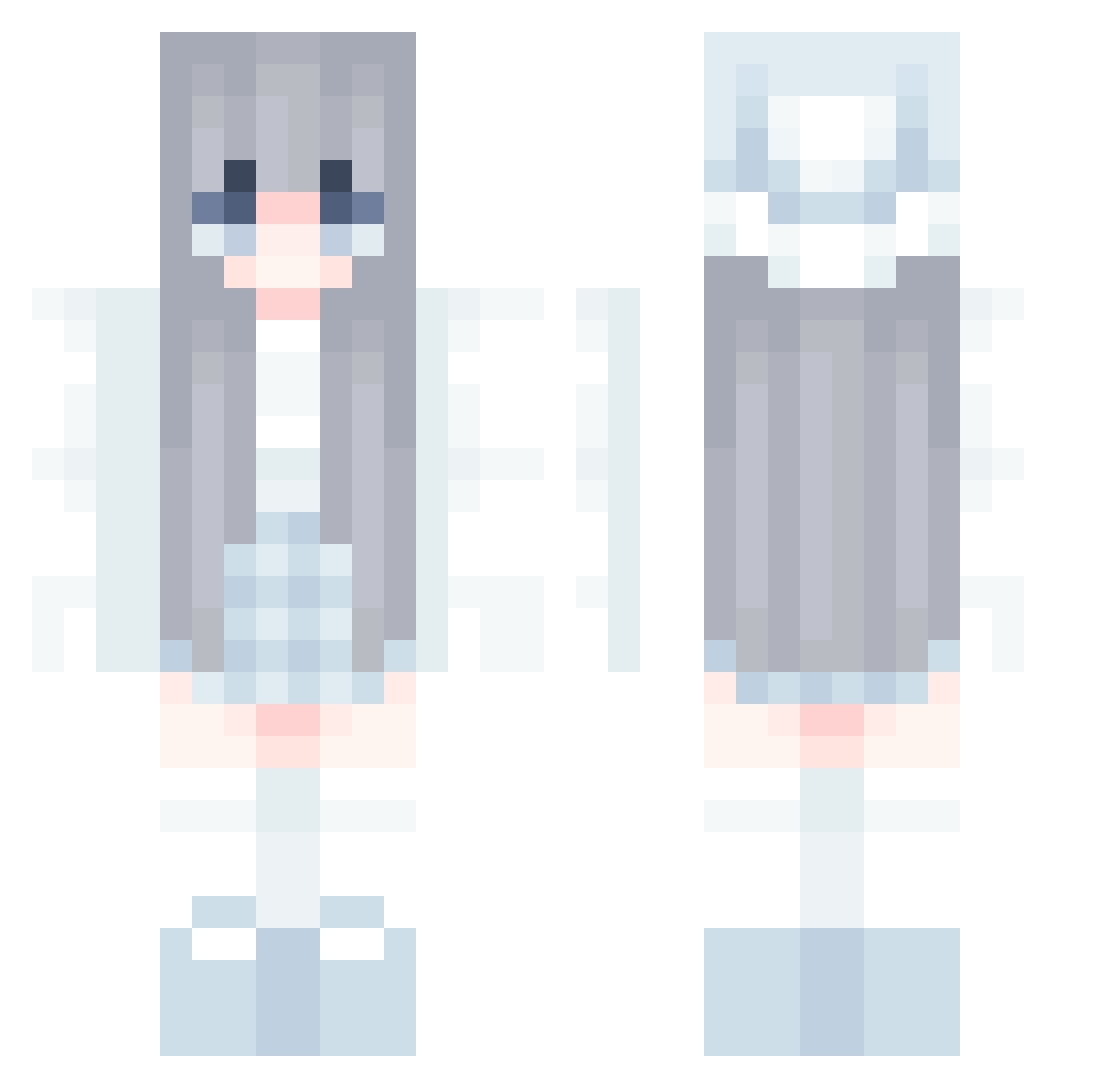
Minecraft skin of zzxc1019. Rotate the 3D model with your mouse or finger to view the skin from every angle, then download it as a PNG file and use it in Minecraft: Bedrock Edition or Java Edition for free. Rate the skin with stars to help other players find the best skins in our collection.
How to install the zzxc1019 skin
- Press the Download button above to save the skin as a PNG file.
- Minecraft: Bedrock Edition (PE): open the Dressing Room from the main menu (or tap your character → Edit Character), go to Classic Skins → Owned, press the + (new skin) button, choose the downloaded PNG and pick the Classic (Steve) model. Works on PC and mobile; consoles cannot import custom skins.
- Minecraft: Java Edition: open the Minecraft Launcher, go to the Skins tab, click New Skin, load the PNG, pick the Classic (Steve) model and press Save & Use. You can also upload it at minecraft.net → Profile → Change Skin.
The skin does not show up after import - what should I do?
Restart Minecraft and open the Dressing Room again - imported skins sometimes appear only after a restart. Also make sure you selected the imported skin and picked the Classic (Steve) model.
Which model should I choose, Classic or Slim?
This skin is designed for the Classic (Steve) model. If you pick the wrong model, the arms of the skin will look stretched or squeezed.
Is this skin free to use?
Yes. Press Download, save the PNG file and use it in Minecraft: Bedrock Edition or Java Edition - no payment or registration needed. The skin also works on multiplayer servers and Realms.
More Aesthetic Minecraft skins
More skins
Looking for more? Go back to all Minecraft skins and check the top skins of the week, month and all time, or find any player's skin by nickname.