
Matti00000 - Minecraft Skins & Skin History
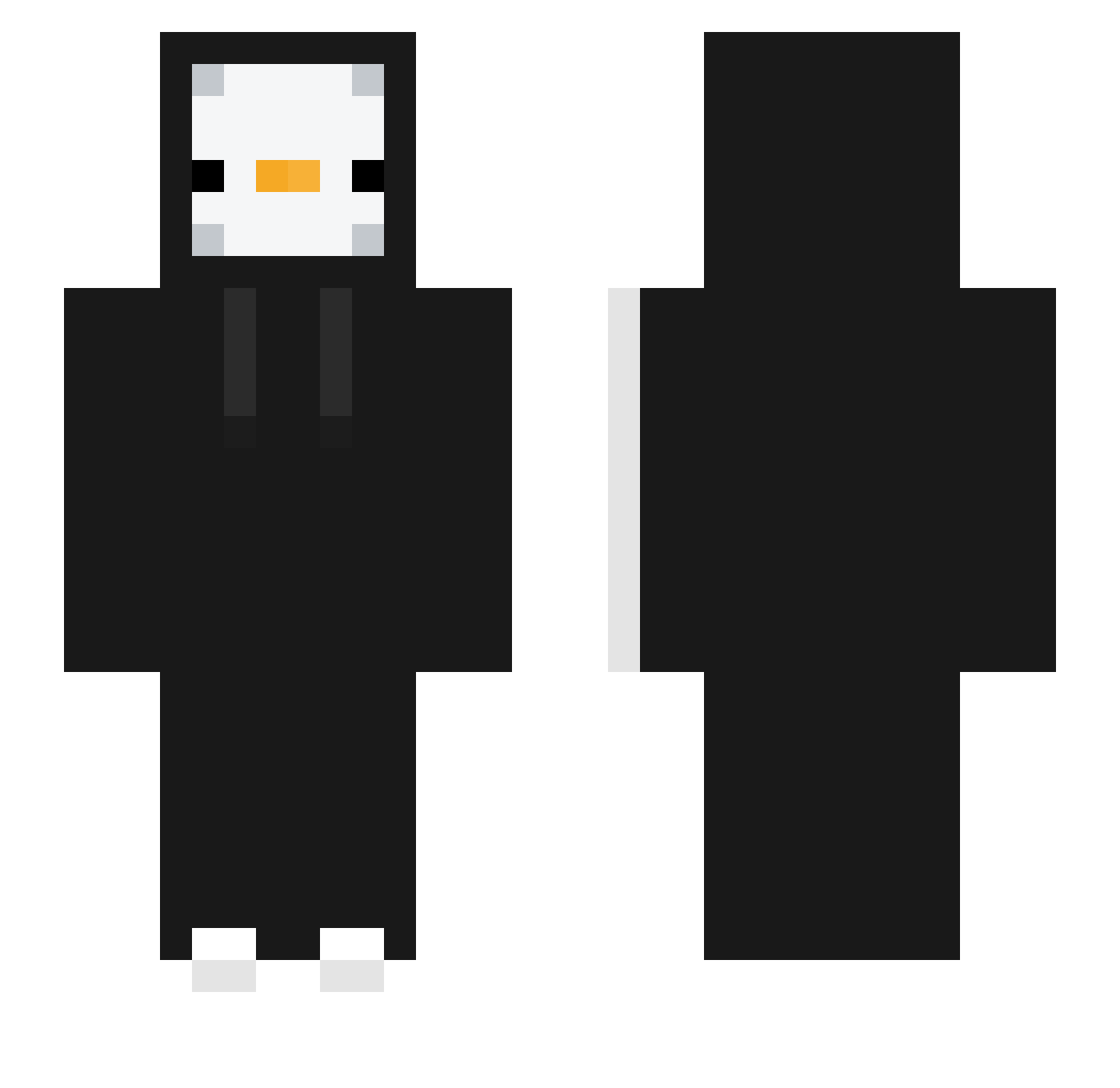
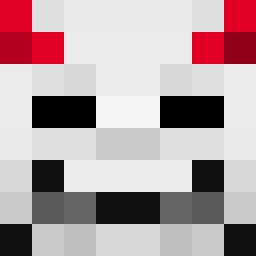
Current Minecraft skin of the player Matti00000, loaded from the official Mojang API. Rotate the 3D model with your mouse or finger, then download the skin as a PNG file and use it in Minecraft: Bedrock Edition or Java Edition for free. When Matti00000 changes their skin, this page updates automatically and the old skin stays in the history below.
Other players with this skin (331)
Matti00000 was the 95th player we have seen with this skin, first spotted on 23.08.2026. The same skin was seen on these players. Open a nickname to see their current skin and skin history.
 _lKYl_ DIDI_DI Szczypiorrrr biubiu7 qwe123321w Genorings Cm_ian55 RAFT_0 Elarrah Flimzapoop imkc12
 _Raba_ peng_42 xstzrk creaper2302 HettyLang
 Scinzo17 RinKi114 Oeht09 gaesung123
 DJpijto gkwmq masque772 yul_ee Dieps_95 microbaguette gbtrembr7
 Nsby rouwin13 _2_3_ yomo_3 frozen_2 linah33 Dojay_0515 Misarin305 DuckAreTheBest12 Subtropical_high Dreamspace_ 8zazh JJuns912 Flynit86 chriskyu eunseo10 Dimi14 Ahojsomdomino da_yeon0921 tlqkf122 Maxxym404 patanouf Asphyxi44 IGraberl gunwoo112 SaljnSWE lollot25 txp34 traking2945 Blackofbirt32121 s4ix Windesst GodAmeng
More Duck Minecraft skins
How to install the Matti00000 skin
- Press the Download button above to save the skin as a PNG file.
- Minecraft: Bedrock Edition (PE): open the Dressing Room from the main menu (or tap your character → Edit Character), go to Classic Skins → Owned, press the + (new skin) button, choose the downloaded PNG and pick the Slim (Alex) model. Works on PC and mobile; consoles cannot import custom skins.
- Minecraft: Java Edition: open the Minecraft Launcher, go to the Skins tab, click New Skin, load the PNG, pick the Slim (Alex) model and press Save & Use. You can also upload it at minecraft.net → Profile → Change Skin.
The skin does not show up after import - what should I do?
Restart Minecraft and open the Dressing Room again - imported skins sometimes appear only after a restart. Also make sure you selected the imported skin and picked the Slim (Alex) model.
Which model should I choose, Classic or Slim?
This skin is designed for the Slim (Alex) model. If you pick the wrong model, the arms of the skin will look stretched or squeezed.
Is the skin of Matti00000 free to download?
Yes. Press Download, save the PNG file and use it in Minecraft: Bedrock Edition or Java Edition - no payment or registration needed. The skin also works on multiplayer servers and Realms.
More skins
Looking for more? Go back to all Minecraft skins and check the top skins of the week, month and all time, or find any player's skin by nickname.