
Marklar50 - Minecraft Skins & Skin History
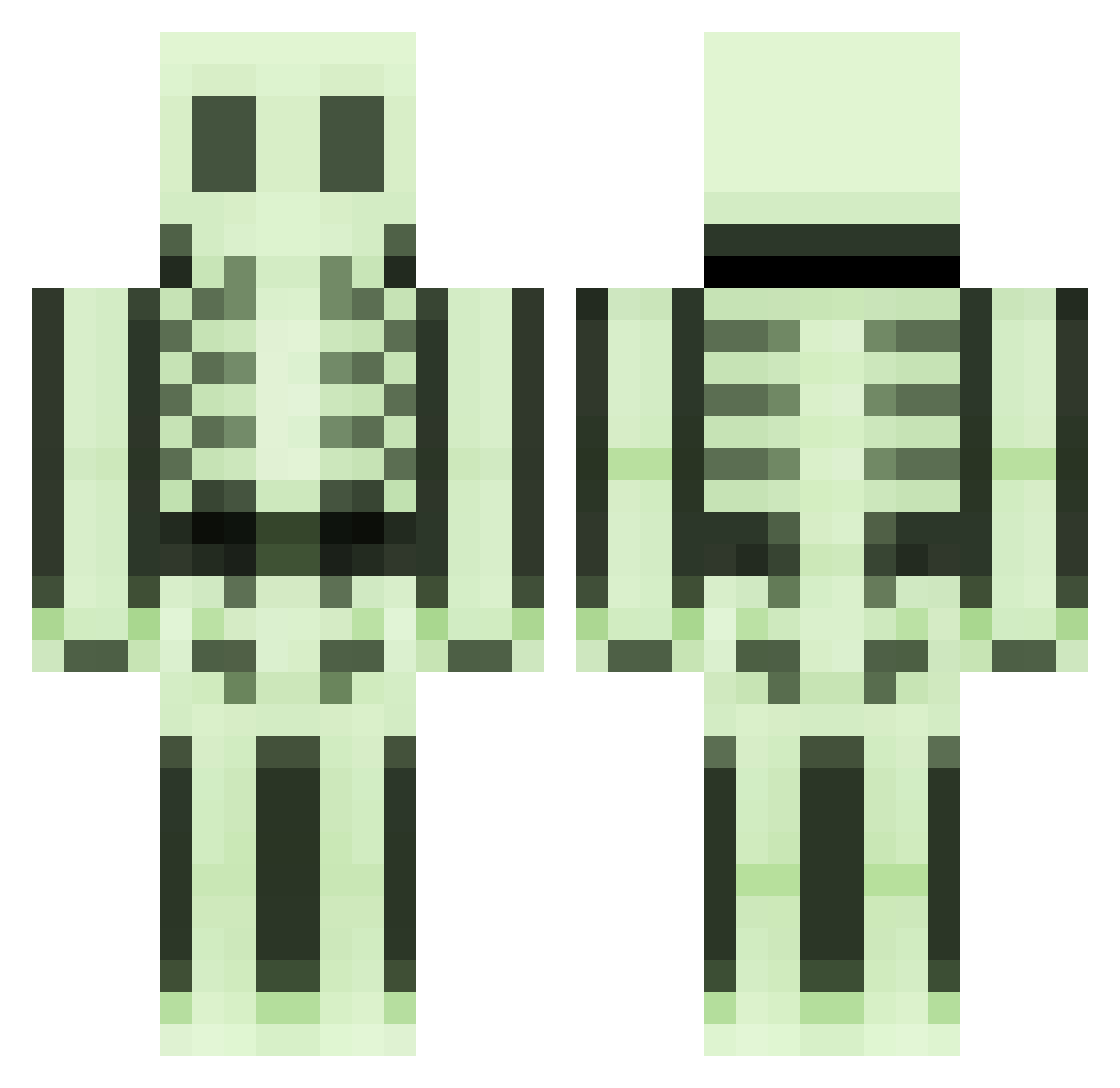
Current Minecraft skin of the player Marklar50, loaded from the official Mojang API. Rotate the 3D model with your mouse or finger, then download the skin as a PNG file and use it in Minecraft: Bedrock Edition or Java Edition for free. When Marklar50 changes their skin, this page updates automatically and the old skin stays in the history below.
Other players with this skin (496)
Marklar50 was the 332nd player we have seen with this skin, first spotted on 06.10.2026. The same skin was seen on these players. Open a nickname to see their current skin and skin history.
 Innoxius frutos_2014 caporallolo blackpanter12 McSkeleton Rmout ollieb1997 daw117 k3vz34 seabacon Feystone Scarface2011 saisokuso henwo0 MaexR jgenzling bloobyblue mikeboyz Crazy_Bones101 Mariquelle slamamajama Babouche39 Andypap poper2003 EVOLUT1ON00 ZeeZues teufel7 Knightjrod StabberNat RickPlays Schakal982 toinou25 Dracois1 davissoncarolyn theguynextdoor10 ProBitch Backmischung111 Kudzu1 iku_821 Folmar88 theonewithpants HappyPappy398 Demissan blizterteam bacon1010 EnderWorld122 wojokiller EvanFoster DancesOnDead Viktorijanac TasteGood zPsycho_ pzh777 nickyjross 5vein Suldaan_ lemecdu56 monkey_cool DarkSkeletoR disco_stick
More Skeleton Minecraft skins
How to install the Marklar50 skin
- Press the Download button above to save the skin as a PNG file.
- Minecraft: Bedrock Edition (PE): open the Dressing Room from the main menu (or tap your character → Edit Character), go to Classic Skins → Owned, press the + (new skin) button, choose the downloaded PNG and pick the Classic (Steve) model. Works on PC and mobile; consoles cannot import custom skins.
- Minecraft: Java Edition: open the Minecraft Launcher, go to the Skins tab, click New Skin, load the PNG, pick the Classic (Steve) model and press Save & Use. You can also upload it at minecraft.net → Profile → Change Skin.
The skin does not show up after import - what should I do?
Restart Minecraft and open the Dressing Room again - imported skins sometimes appear only after a restart. Also make sure you selected the imported skin and picked the Classic (Steve) model.
Which model should I choose, Classic or Slim?
This skin is designed for the Classic (Steve) model. If you pick the wrong model, the arms of the skin will look stretched or squeezed.
Is the skin of Marklar50 free to download?
Yes. Press Download, save the PNG file and use it in Minecraft: Bedrock Edition or Java Edition - no payment or registration needed. The skin also works on multiplayer servers and Realms.
More skins
Looking for more? Go back to all Minecraft skins and check the top skins of the week, month and all time, or find any player's skin by nickname.