
MSalvia - Minecraft Skins & Skin History
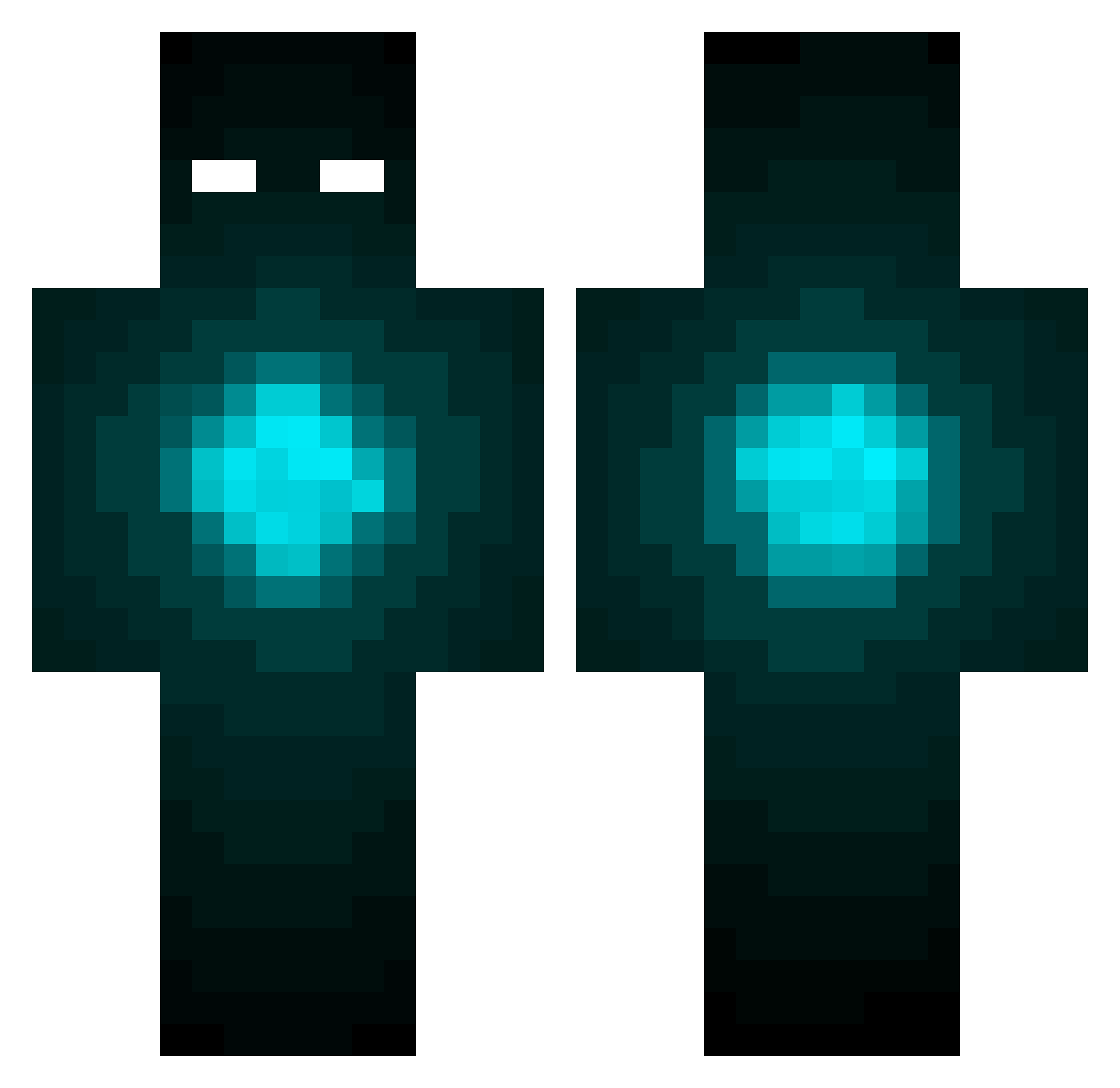
Current Minecraft skin of the player MSalvia, loaded from the official Mojang API. Rotate the 3D model with your mouse or finger, then download the skin as a PNG file and use it in Minecraft: Bedrock Edition or Java Edition for free. When MSalvia changes their skin, this page updates automatically and the old skin stays in the history below.
Other players with this skin (424)
MSalvia was the 200th player we have seen with this skin, first spotted on 17.09.2026. The same skin was seen on these players. Open a nickname to see their current skin and skin history.
 oguzhan456 iTheOddOne Brravii chxrm xXkim14Xx Glowsticks Packed KappaRON rickyman39 Zen_Cloud sparky9190 MrNickNome veggiebowl RSherlock Robster91001 VidarOdinson PepijnDW Error8083 Shadowolf4545 Blue_wonders ElGranJefe YolandaLaurent QuikeB Aireo_Monkey madijax xLeashMeBaby themaster91210 OyvindHD slimph BoB_TurBo onlyzxp Veaves waldisscraft MiGGaaa Felborne happyreindeer wacky25 The_Other_Fawkes PANNDAMANNEX komilatte ChiNoAme nemjit48 ZacIsAwesome JakeBilbe msdem98 stuffworld Ratchetman10 Involvment Hinged chiel123 MeeFa_ BlueJemz Tracker6310 dayz_three 3Specttre OldMinerEd RagedCrusher Angel0fxDeathx UncleKillJoy aronq2012
More Glowing Eyes Minecraft skins
See all 2670 Glowing Eyes skins
How to install the MSalvia skin
- Press the Download button above to save the skin as a PNG file.
- Minecraft: Bedrock Edition (PE): open the Dressing Room from the main menu (or tap your character → Edit Character), go to Classic Skins → Owned, press the + (new skin) button, choose the downloaded PNG and pick the Classic (Steve) model. Works on PC and mobile; consoles cannot import custom skins.
- Minecraft: Java Edition: open the Minecraft Launcher, go to the Skins tab, click New Skin, load the PNG, pick the Classic (Steve) model and press Save & Use. You can also upload it at minecraft.net → Profile → Change Skin.
The skin does not show up after import - what should I do?
Restart Minecraft and open the Dressing Room again - imported skins sometimes appear only after a restart. Also make sure you selected the imported skin and picked the Classic (Steve) model.
Which model should I choose, Classic or Slim?
This skin is designed for the Classic (Steve) model. If you pick the wrong model, the arms of the skin will look stretched or squeezed.
Is the skin of MSalvia free to download?
Yes. Press Download, save the PNG file and use it in Minecraft: Bedrock Edition or Java Edition - no payment or registration needed. The skin also works on multiplayer servers and Realms.
More skins
Looking for more? Go back to all Minecraft skins and check the top skins of the week, month and all time, or find any player's skin by nickname.