
MCxxLegend - Minecraft Skins & Skin History
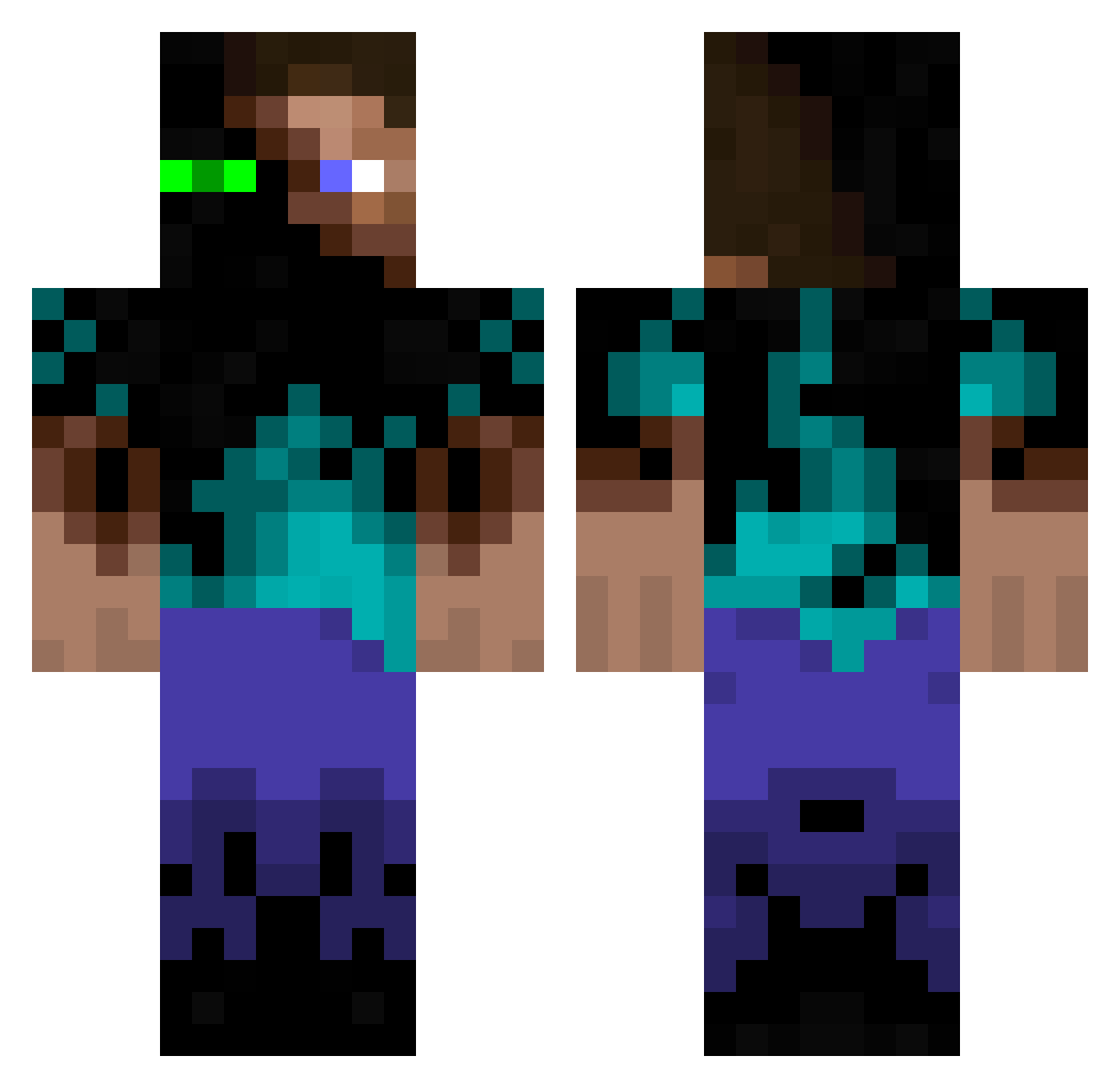
Current Minecraft skin of the player MCxxLegend, loaded from the official Mojang API. Rotate the 3D model with your mouse or finger, then download the skin as a PNG file and use it in Minecraft: Bedrock Edition or Java Edition for free. When MCxxLegend changes their skin, this page updates automatically and the old skin stays in the history below.
Other players with this skin (934)
MCxxLegend was the 386th player we have seen with this skin, first spotted on 31.08.2026. The same skin was seen on these players. Open a nickname to see their current skin and skin history.
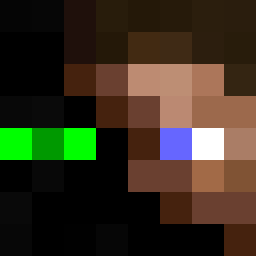 curran_jc DarcyNewman Soez daisybaxter27 b123b dmarshal0645 MarkusMan1708 DylanHD2002 MaZErTZS SoraVersion2 liss_kash proutproutland axelfager07 Diamond_Hunters BayaCraft Flynnigan1 floflock monkeyjam96 brandon17255 WCButterill98 Ann_D you_mum_gay Modern_Jesse Autopod moonthug koningdave1 andrewv2317 ElijahWeller Hemicros CraftingBranson MaTraQ Tansine H_one chocotaco89 killerbiskit MediumEr PionDark SethTale wayn3 kingripper ENDERKING1234 Joe_02 Suosa benjaim03 MrShark162 xXNightcrafterXx Maxi70 lf32 beardedlady22 LukeMorrison46 EvilFrogz LukeLambChop PlayfulRouge bonamm jimmiezwrath Naight Alkara1337 cynthianlucky adamthrFTW spaceman200
More Glowing Eyes Minecraft skins
See all 2312 Glowing Eyes skins
How to install the MCxxLegend skin
- Press the Download button above to save the skin as a PNG file.
- Minecraft: Bedrock Edition (PE): open the Dressing Room from the main menu (or tap your character → Edit Character), go to Classic Skins → Owned, press the + (new skin) button, choose the downloaded PNG and pick the Classic (Steve) model. Works on PC and mobile; consoles cannot import custom skins.
- Minecraft: Java Edition: open the Minecraft Launcher, go to the Skins tab, click New Skin, load the PNG, pick the Classic (Steve) model and press Save & Use. You can also upload it at minecraft.net → Profile → Change Skin.
The skin does not show up after import - what should I do?
Restart Minecraft and open the Dressing Room again - imported skins sometimes appear only after a restart. Also make sure you selected the imported skin and picked the Classic (Steve) model.
Which model should I choose, Classic or Slim?
This skin is designed for the Classic (Steve) model. If you pick the wrong model, the arms of the skin will look stretched or squeezed.
Is the skin of MCxxLegend free to download?
Yes. Press Download, save the PNG file and use it in Minecraft: Bedrock Edition or Java Edition - no payment or registration needed. The skin also works on multiplayer servers and Realms.
More skins
Looking for more? Go back to all Minecraft skins and check the top skins of the week, month and all time, or find any player's skin by nickname.