
MCeditor203 - Minecraft Skins & Skin History
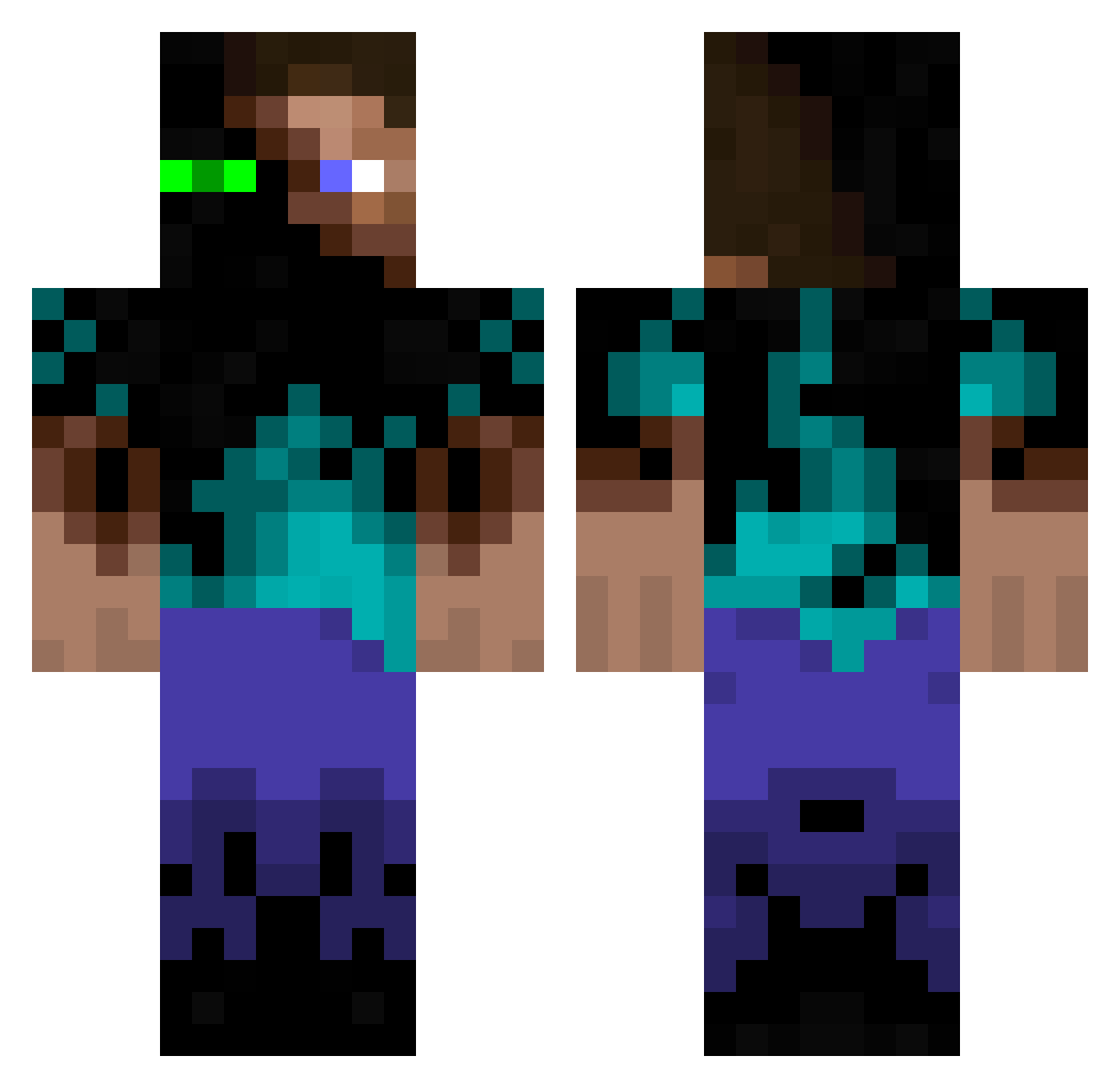
Current Minecraft skin of the player MCeditor203, loaded from the official Mojang API. Rotate the 3D model with your mouse or finger, then download the skin as a PNG file and use it in Minecraft: Bedrock Edition or Java Edition for free. When MCeditor203 changes their skin, this page updates automatically and the old skin stays in the history below.
Other players with this skin (942)
MCeditor203 was the 135th player we have seen with this skin, first spotted on 07.08.2026. The same skin was seen on these players. Open a nickname to see their current skin and skin history.
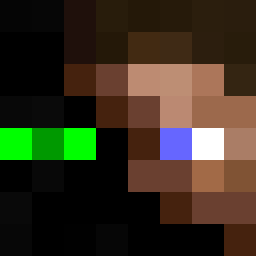 Hamuini DeadlySnowm4n playball246 xThe_Optimus JacobDPhillips Romieo kennythekoala754 GoingCrazy4000 kienyooo Daniel_Hutton FredTheToad fidler16 Phoos frost458 Mads3080 bradtri Darklingzzzz Apophix alllex02 hawk0011 rocioramos Texikaner theprodigy17 hvh1998 viteekk5436 Greenhalgh69 brennero EnderStellan andrewalanworth
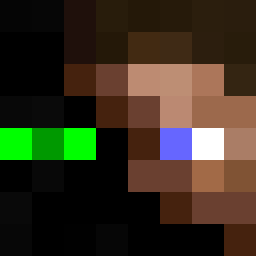 MuttDog30 davidhar olenybo SA_DAVE Artebok BluChickenNinja mome24 delando aFlamingToad KaiBandz lukster111 MezzoScorte Chaotic_Mew Bubbl3M0nk3y MC_Trys TJSchilling apatel54 nowallet diamond_ninjas iwillenzu Billyfish96 Cymbalshark CronBron10 ASVPShottyz BollaBallTre Lowgunnner moposh Fustercluck723 forri ScottyMcShotty JuniorRock911
More Glowing Eyes Minecraft skins
See all 2316 Glowing Eyes skins
How to install the MCeditor203 skin
- Press the Download button above to save the skin as a PNG file.
- Minecraft: Bedrock Edition (PE): open the Dressing Room from the main menu (or tap your character → Edit Character), go to Classic Skins → Owned, press the + (new skin) button, choose the downloaded PNG and pick the Classic (Steve) model. Works on PC and mobile; consoles cannot import custom skins.
- Minecraft: Java Edition: open the Minecraft Launcher, go to the Skins tab, click New Skin, load the PNG, pick the Classic (Steve) model and press Save & Use. You can also upload it at minecraft.net → Profile → Change Skin.
The skin does not show up after import - what should I do?
Restart Minecraft and open the Dressing Room again - imported skins sometimes appear only after a restart. Also make sure you selected the imported skin and picked the Classic (Steve) model.
Which model should I choose, Classic or Slim?
This skin is designed for the Classic (Steve) model. If you pick the wrong model, the arms of the skin will look stretched or squeezed.
Is the skin of MCeditor203 free to download?
Yes. Press Download, save the PNG file and use it in Minecraft: Bedrock Edition or Java Edition - no payment or registration needed. The skin also works on multiplayer servers and Realms.
More skins
Looking for more? Go back to all Minecraft skins and check the top skins of the week, month and all time, or find any player's skin by nickname.