
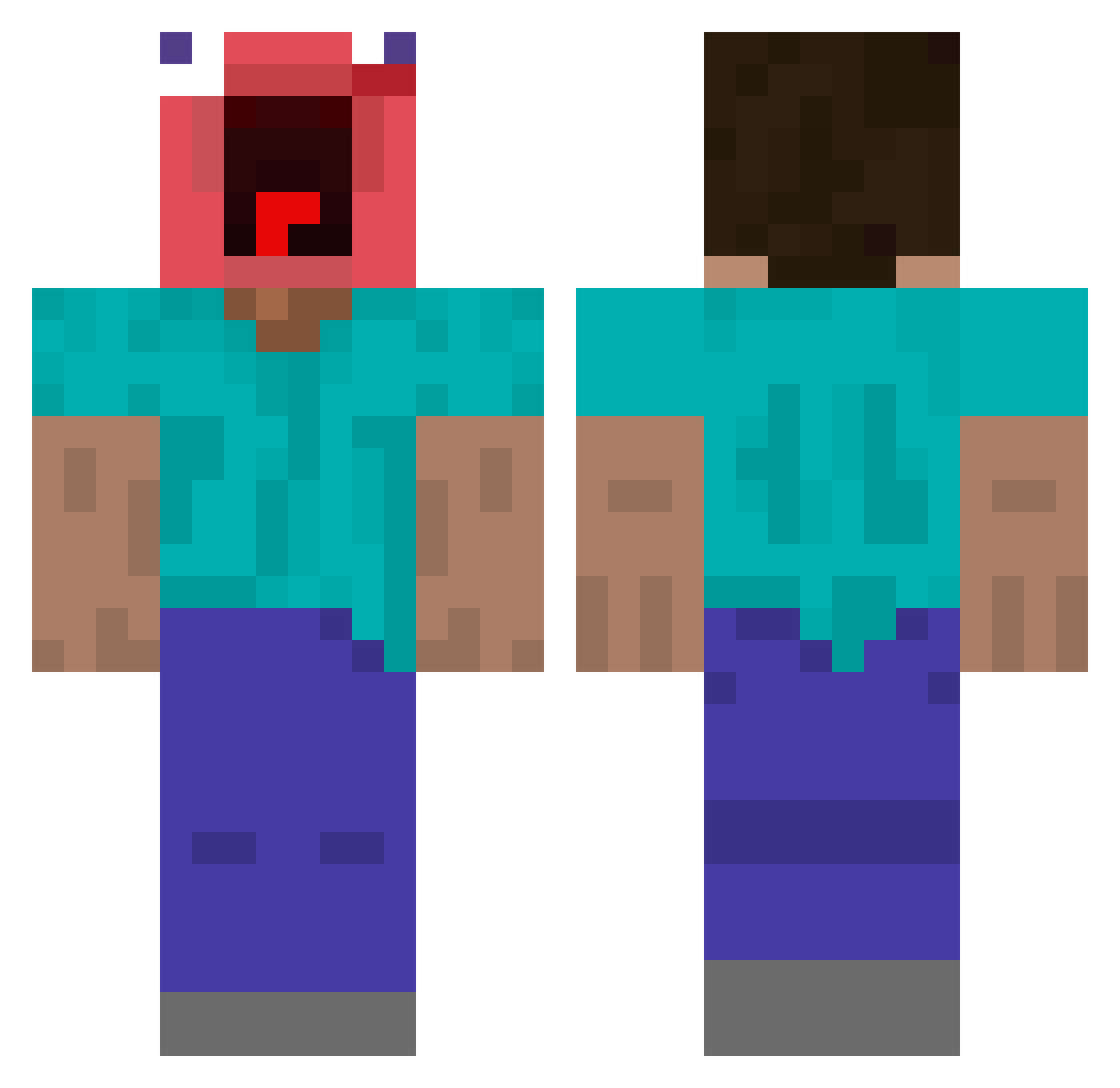
Current Minecraft skin of the player M1sauce, loaded from the official Mojang API. Rotate the 3D model with your mouse or finger, then download the skin as a PNG file and use it in Minecraft: Bedrock Edition or Java Edition for free. When M1sauce changes their skin, this page updates automatically and the old skin stays in the history below.
Other players with this skin (363)
M1sauce was the 96th player we have seen with this skin, first spotted on 18.08.2026. The same skin was seen on these players. Open a nickname to see their current skin and skin history.
 gongju_1 YunRock lilbrucewayne_ Rowdyboom21 WoodieWoodster
 Deepraven25
 Praksss Qxckzy1 TOMSEO Myxtal_Pickle Salyazucar22 Peytonhos18 ElTitoRick Goobi_Great schneidler giy981 UnholySniper9 wainter123 chandeliier JJsanch Hahn_JG FadedDom MeatballMcgee nicoula69 StretchTOtheMAX6 xxxKinako warkocze iWolfpoy danglyn noacces2 DMA_r TThrown SergioGnzlez llllilillllilil Iyvht Pajita2000 Jimirej pedro2007 R1zza_ SK_Tobi 121Q2W3E madsgj EunSeok1014 sota0202h charderp hannahmags wcecccc bassguy SZYPOP zetify21 KWAZ3R 5ikuoyz Broski56 sonbyungmin AnimalHorse475 Yujin1010
 leqxyy JuJiho ULTRAMAN731 biggaytao
More Screaming Minecraft skins
How to install the M1sauce skin
- Press the Download button above to save the skin as a PNG file.
- Minecraft: Bedrock Edition (PE): open the Dressing Room from the main menu (or tap your character → Edit Character), go to Classic Skins → Owned, press the + (new skin) button, choose the downloaded PNG and pick the Classic (Steve) model. Works on PC and mobile; consoles cannot import custom skins.
- Minecraft: Java Edition: open the Minecraft Launcher, go to the Skins tab, click New Skin, load the PNG, pick the Classic (Steve) model and press Save & Use. You can also upload it at minecraft.net → Profile → Change Skin.
The skin does not show up after import - what should I do?
Restart Minecraft and open the Dressing Room again - imported skins sometimes appear only after a restart. Also make sure you selected the imported skin and picked the Classic (Steve) model.
Which model should I choose, Classic or Slim?
This skin is designed for the Classic (Steve) model. If you pick the wrong model, the arms of the skin will look stretched or squeezed.
Is the skin of M1sauce free to download?
Yes. Press Download, save the PNG file and use it in Minecraft: Bedrock Edition or Java Edition - no payment or registration needed. The skin also works on multiplayer servers and Realms.
More skins
Looking for more? Go back to all Minecraft skins and check the top skins of the week, month and all time, or find any player's skin by nickname.