
Lowgangsta - Minecraft Skins & Skin History
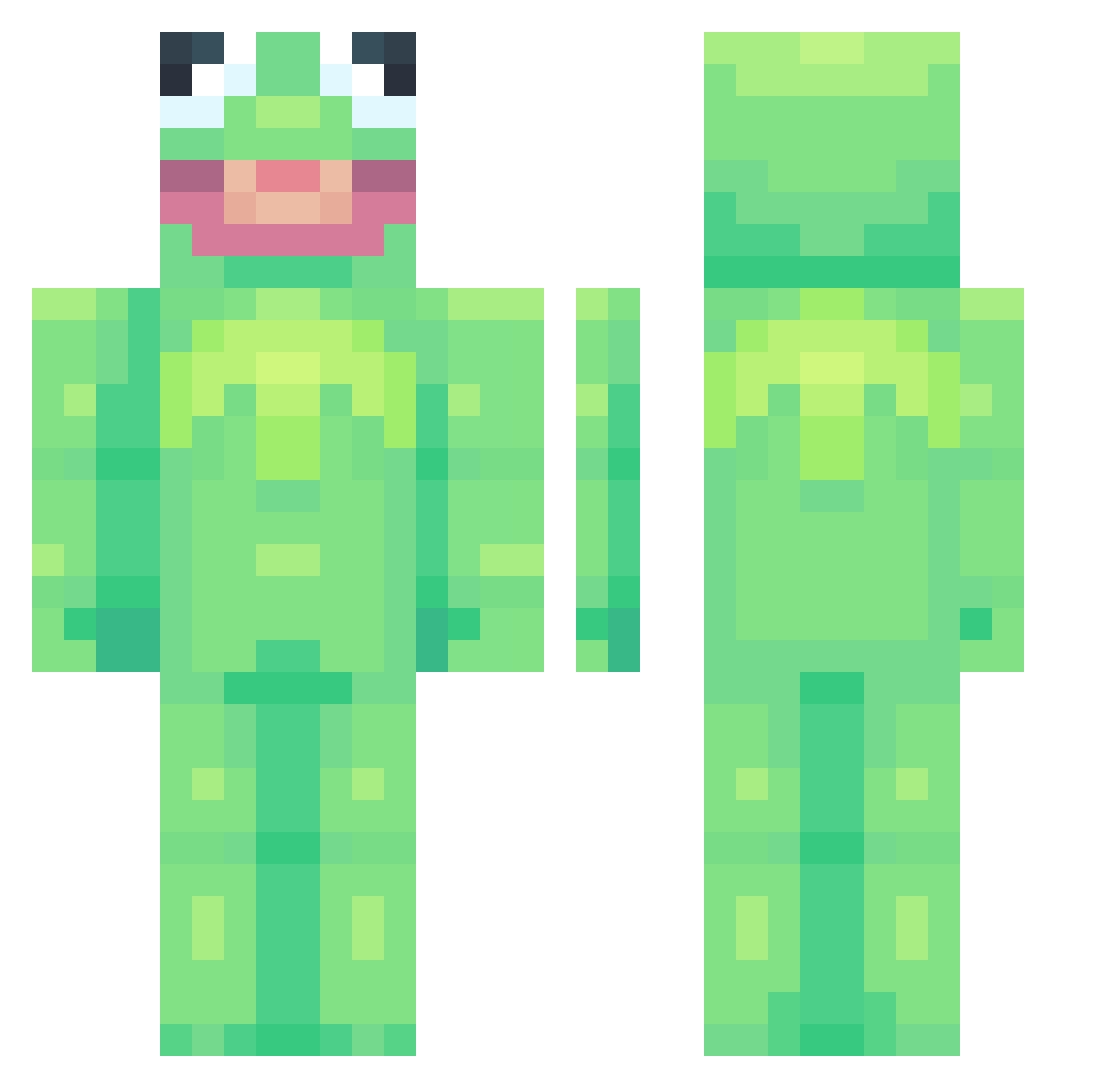
Current Minecraft skin of the player Lowgangsta, loaded from the official Mojang API. Rotate the 3D model with your mouse or finger, then download the skin as a PNG file and use it in Minecraft: Bedrock Edition or Java Edition for free. When Lowgangsta changes their skin, this page updates automatically and the old skin stays in the history below.
Other players with this skin (753)
Lowgangsta was the 357th player we have seen with this skin, first spotted on 14.09.2026. The same skin was seen on these players. Open a nickname to see their current skin and skin history.
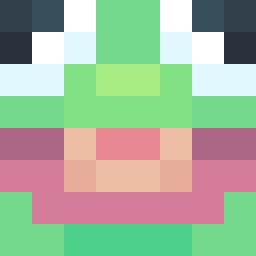 SB_wdnmd childishgalluzzo GOMZEE13 Ally925 SypherPKsMum ShreddedOra LOWERCASEPLS AbusiveWaifu MonkNZ FartySlouch s7gh _kaylo Calangaum Sarility phrog6969420 Miloleine SomeHertz ARealTinyHorse sanguinate Dancingsamurott Crungeous cvssidy bald_wizard Element77 nopman1234 varswaterbaber Grabba777 pacovoui TonyAngie PapaObo beejo_ neon_hanbangkeos Perkas07 littlenaka Jaanis eww_people Haydnn97 RealMasterCheeks MaurocoK PainSuffering TermiNEXtor bigbirdisbestboy Im_Frog_ fwarz gonnakermit FrFrFrog OldManWinterr Zoarak13the2nd sweanto forkj cheerfultoe Girafreuse Gellaa uursuu Slorkiee Yosra Xx_PensiveClamp3 YehOkay Hai_Paladin terezis
More Kermit The Frog Minecraft skins
See all 418 Kermit The Frog skins
How to install the Lowgangsta skin
- Press the Download button above to save the skin as a PNG file.
- Minecraft: Bedrock Edition (PE): open the Dressing Room from the main menu (or tap your character → Edit Character), go to Classic Skins → Owned, press the + (new skin) button, choose the downloaded PNG and pick the Classic (Steve) model. Works on PC and mobile; consoles cannot import custom skins.
- Minecraft: Java Edition: open the Minecraft Launcher, go to the Skins tab, click New Skin, load the PNG, pick the Classic (Steve) model and press Save & Use. You can also upload it at minecraft.net → Profile → Change Skin.
The skin does not show up after import - what should I do?
Restart Minecraft and open the Dressing Room again - imported skins sometimes appear only after a restart. Also make sure you selected the imported skin and picked the Classic (Steve) model.
Which model should I choose, Classic or Slim?
This skin is designed for the Classic (Steve) model. If you pick the wrong model, the arms of the skin will look stretched or squeezed.
Is the skin of Lowgangsta free to download?
Yes. Press Download, save the PNG file and use it in Minecraft: Bedrock Edition or Java Edition - no payment or registration needed. The skin also works on multiplayer servers and Realms.
More skins
Looking for more? Go back to all Minecraft skins and check the top skins of the week, month and all time, or find any player's skin by nickname.