
Lowenkafer - Minecraft Skins & Skin History
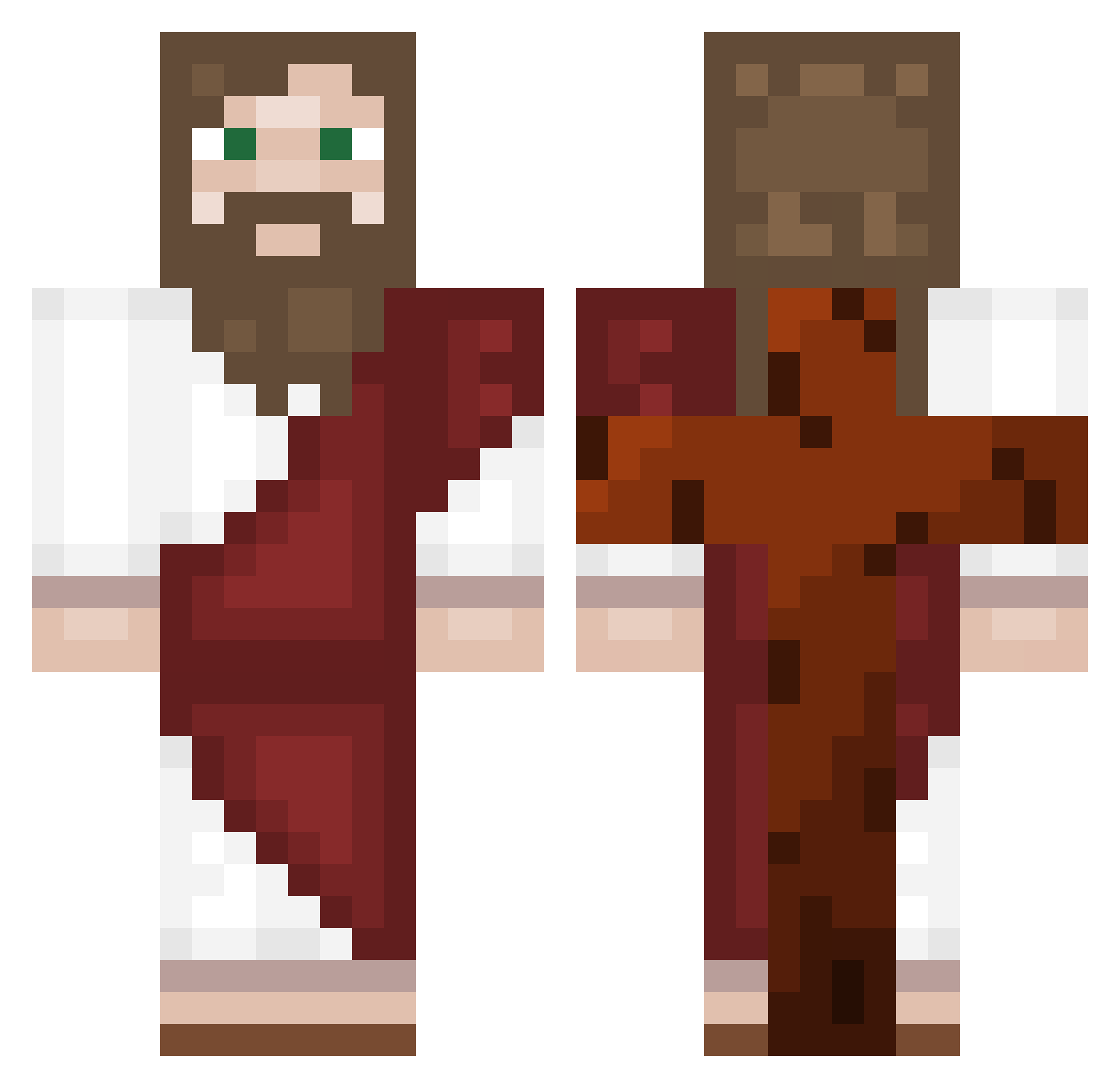
Current Minecraft skin of the player Lowenkafer, loaded from the official Mojang API. Rotate the 3D model with your mouse or finger, then download the skin as a PNG file and use it in Minecraft: Bedrock Edition or Java Edition for free. When Lowenkafer changes their skin, this page updates automatically and the old skin stays in the history below.
Other players with this skin (557)
Lowenkafer was the 255th player we have seen with this skin, first spotted on 14.09.2026. The same skin was seen on these players. Open a nickname to see their current skin and skin history.
 Xiaog4454 Tu_Divagues JayDee_Jebat fry19 Bertux27 s1mone_ dustcloth Loveberland 800_twt PIpiHead1 L3m0nT3a KareltjuhNL ValeraAtaman JulienSkii xXesmikeXx Makalove Newuomega NickDoB2 Pac0cad23 Jakoriah Couch_Bubbles VacaSeria catboysasuke_ MembiiMagics Juankilo77 Mithlondd riskyroseau Verdes04 relife121 Zamarripa58 Shank45 KayikoXDD Biulino x_JakObi_x Jojohannes2 Necatiilya Xenvoid00 Ut0pia02 HighFrog_420 santt4 itzme4222 BuddhaZippo darvador2009 BoneSaw342 ArgoLSD Emak001 PP0518 Nxsko78 lxmmie avoid_hatake1213 thebabadookie Imdra__ Zakaznik487 Kriwdi XGENIZM KapteeniLehma Panzonee flottelotte01 zappobappo CapitanVitan
More Biblical Minecraft skins
How to install the Lowenkafer skin
- Press the Download button above to save the skin as a PNG file.
- Minecraft: Bedrock Edition (PE): open the Dressing Room from the main menu (or tap your character → Edit Character), go to Classic Skins → Owned, press the + (new skin) button, choose the downloaded PNG and pick the Classic (Steve) model. Works on PC and mobile; consoles cannot import custom skins.
- Minecraft: Java Edition: open the Minecraft Launcher, go to the Skins tab, click New Skin, load the PNG, pick the Classic (Steve) model and press Save & Use. You can also upload it at minecraft.net → Profile → Change Skin.
The skin does not show up after import - what should I do?
Restart Minecraft and open the Dressing Room again - imported skins sometimes appear only after a restart. Also make sure you selected the imported skin and picked the Classic (Steve) model.
Which model should I choose, Classic or Slim?
This skin is designed for the Classic (Steve) model. If you pick the wrong model, the arms of the skin will look stretched or squeezed.
Is the skin of Lowenkafer free to download?
Yes. Press Download, save the PNG file and use it in Minecraft: Bedrock Edition or Java Edition - no payment or registration needed. The skin also works on multiplayer servers and Realms.
More skins
Looking for more? Go back to all Minecraft skins and check the top skins of the week, month and all time, or find any player's skin by nickname.