
Loqaen - Minecraft Skins & Skin History
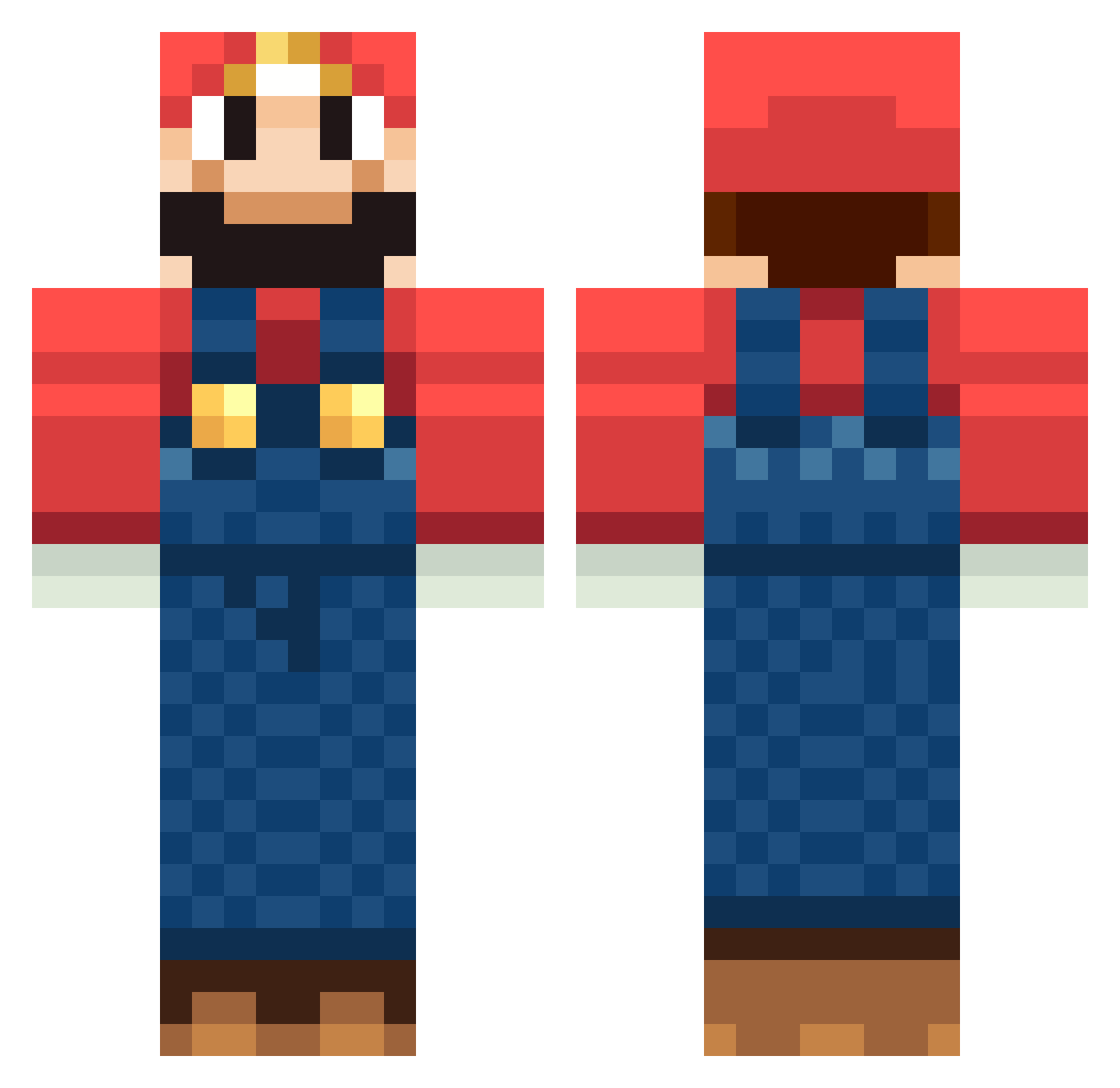
Current Minecraft skin of the player Loqaen, loaded from the official Mojang API. Rotate the 3D model with your mouse or finger, then download the skin as a PNG file and use it in Minecraft: Bedrock Edition or Java Edition for free. When Loqaen changes their skin, this page updates automatically and the old skin stays in the history below.
Other players with this skin (1258)
Loqaen was the 11th player we have seen with this skin, first spotted on 23.07.2026. The same skin was seen on these players. Open a nickname to see their current skin and skin history.
 StrawberryNight0 MineTime789 ChoukiZz stormcheese cheffff mymarkus12 lindellsy danieljohnsz quentroad TacoShak TheLostEnderman BlahSnake Monkilein niewidka Bewis Mort20011 NTLW hgmaniac29 Hands1997 pathetic9 flomax49 2eas Radioactiveprey kai_mcq prego tom_thats_me etiennej Bakker_SD IInox alexnwood Ayatashi MacMacarus DoD_Johnson TheDuffster rome999 jaz_11 DoomRoman Diem0s GMoneyPDX jremm15 GazYTheBaws iLOVEtoSKAT3 collinbus Pascal1254 B_BHolly BlackSmoke93 scavengerben LordPatato21 Agneta Twixsboy Mrgorila debaser144 _park2 Sepiamk2 ZitsDwarf Maximos789 Jaronb831 meatspin64 Lyrad8791 mario_64
More Mario Minecraft skins
How to install the Loqaen skin
- Press the Download button above to save the skin as a PNG file.
- Minecraft: Bedrock Edition (PE): open the Dressing Room from the main menu (or tap your character → Edit Character), go to Classic Skins → Owned, press the + (new skin) button, choose the downloaded PNG and pick the Classic (Steve) model. Works on PC and mobile; consoles cannot import custom skins.
- Minecraft: Java Edition: open the Minecraft Launcher, go to the Skins tab, click New Skin, load the PNG, pick the Classic (Steve) model and press Save & Use. You can also upload it at minecraft.net → Profile → Change Skin.
The skin does not show up after import - what should I do?
Restart Minecraft and open the Dressing Room again - imported skins sometimes appear only after a restart. Also make sure you selected the imported skin and picked the Classic (Steve) model.
Which model should I choose, Classic or Slim?
This skin is designed for the Classic (Steve) model. If you pick the wrong model, the arms of the skin will look stretched or squeezed.
Is the skin of Loqaen free to download?
Yes. Press Download, save the PNG file and use it in Minecraft: Bedrock Edition or Java Edition - no payment or registration needed. The skin also works on multiplayer servers and Realms.
More skins
Looking for more? Go back to all Minecraft skins and check the top skins of the week, month and all time, or find any player's skin by nickname.