
Loooras - Minecraft Skins & Skin History
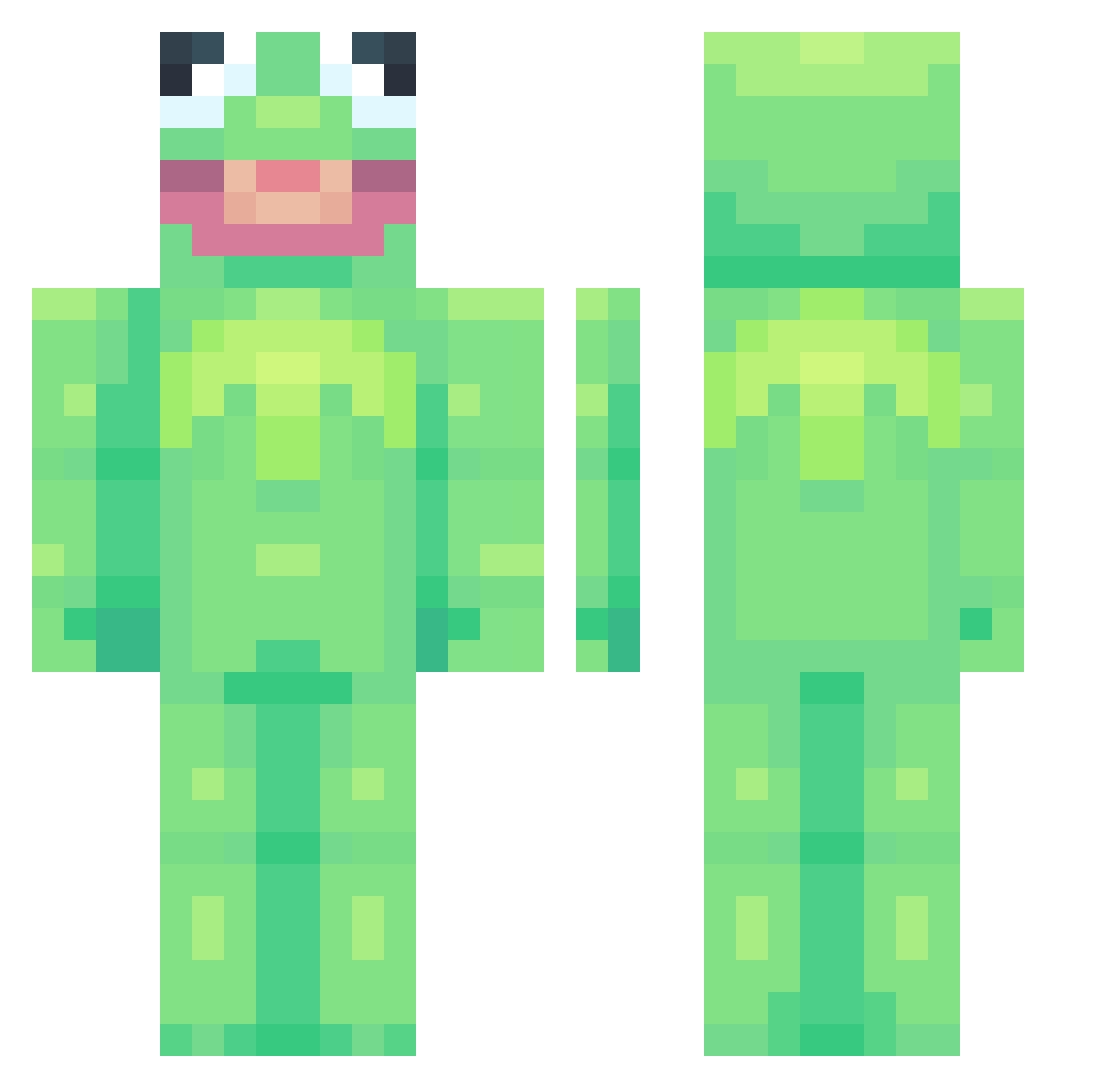
Current Minecraft skin of the player Loooras, loaded from the official Mojang API. Rotate the 3D model with your mouse or finger, then download the skin as a PNG file and use it in Minecraft: Bedrock Edition or Java Edition for free. When Loooras changes their skin, this page updates automatically and the old skin stays in the history below.
Other players with this skin (752)
Loooras was the 416th player we have seen with this skin, first spotted on 23.09.2026. The same skin was seen on these players. Open a nickname to see their current skin and skin history.
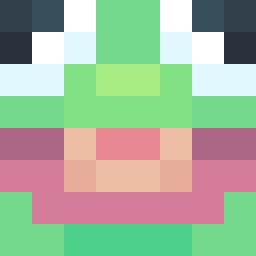 h0ezay bo0ro novalog101 Primal_Hollow ieatkibble Linkking320 JonShi Mike15P PackedBack tymekkw Fvfi R3KT69420 Anhduy12 Bobbyfishstick5 GoodNoodle894 skelcommander MrBlackout81 JackSins libby_bb Sebogoss TheValleyKids laineybug11 SalamiSword b00mm TossedSalad_ OdysseaLUL grenban KoenKast Giganangz Nolvaa MagneticBrady Oaklashiman MYRKL bob_the_marley Nikolokod Ahriprince FroGy33 crazynut369 Jaume_06 WhyThoX Ralf0105 waltdrizzy solliace Lolzerz69 xxxyy123 Maxstert OldManJenkinz sattanicfrog IStayDying Plankbread BunnySmuggler malijima CookieEater147 TheLowestAnimal ApaCy Kosubi MattAnderson314 Theo17238 CXeraMagl MrxBean
More Kermit The Frog Minecraft skins
See all 418 Kermit The Frog skins
How to install the Loooras skin
- Press the Download button above to save the skin as a PNG file.
- Minecraft: Bedrock Edition (PE): open the Dressing Room from the main menu (or tap your character → Edit Character), go to Classic Skins → Owned, press the + (new skin) button, choose the downloaded PNG and pick the Classic (Steve) model. Works on PC and mobile; consoles cannot import custom skins.
- Minecraft: Java Edition: open the Minecraft Launcher, go to the Skins tab, click New Skin, load the PNG, pick the Classic (Steve) model and press Save & Use. You can also upload it at minecraft.net → Profile → Change Skin.
The skin does not show up after import - what should I do?
Restart Minecraft and open the Dressing Room again - imported skins sometimes appear only after a restart. Also make sure you selected the imported skin and picked the Classic (Steve) model.
Which model should I choose, Classic or Slim?
This skin is designed for the Classic (Steve) model. If you pick the wrong model, the arms of the skin will look stretched or squeezed.
Is the skin of Loooras free to download?
Yes. Press Download, save the PNG file and use it in Minecraft: Bedrock Edition or Java Edition - no payment or registration needed. The skin also works on multiplayer servers and Realms.
More skins
Looking for more? Go back to all Minecraft skins and check the top skins of the week, month and all time, or find any player's skin by nickname.