
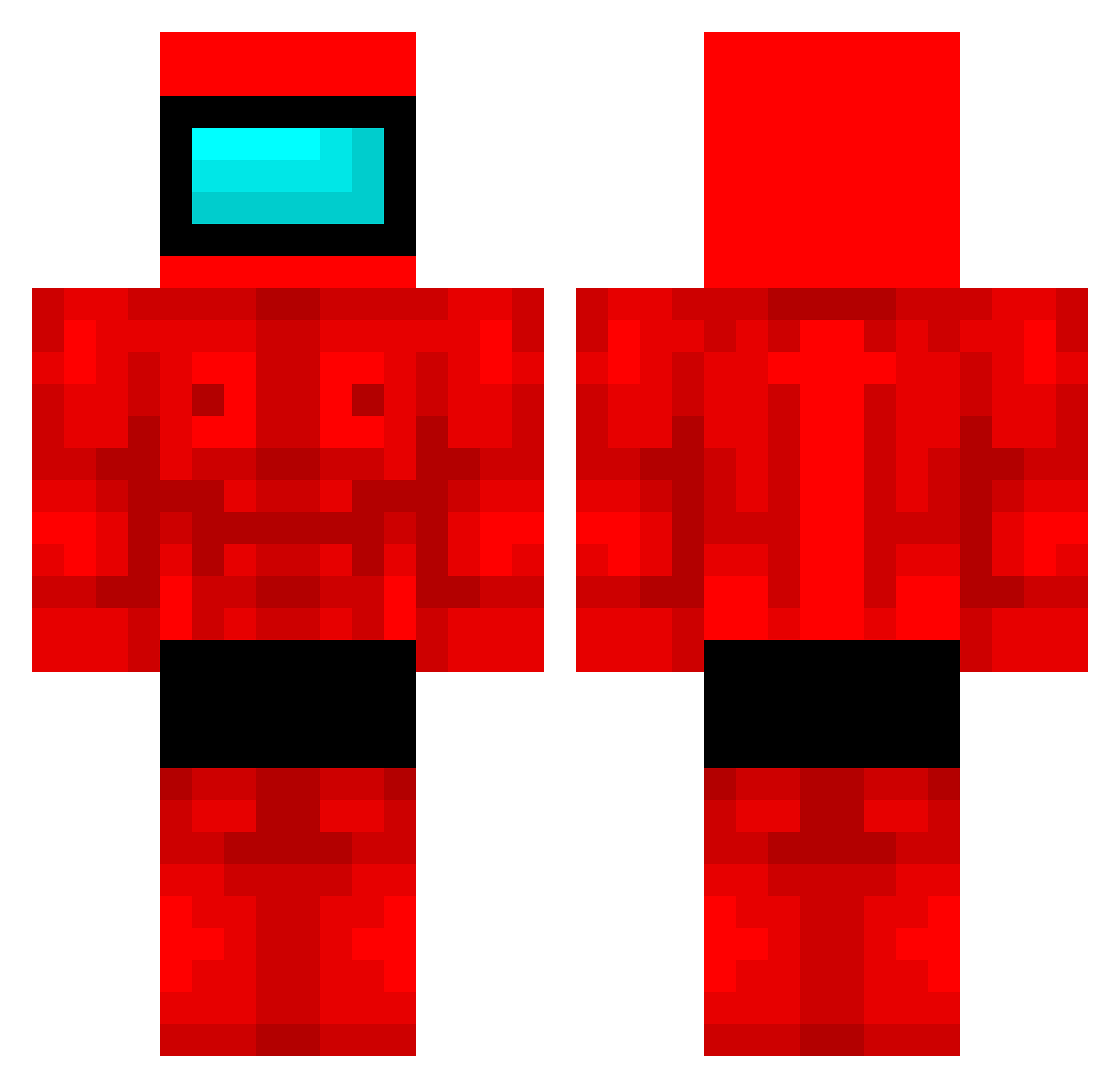
Current Minecraft skin of the player Livet6, loaded from the official Mojang API. Rotate the 3D model with your mouse or finger, then download the skin as a PNG file and use it in Minecraft: Bedrock Edition or Java Edition for free. When Livet6 changes their skin, this page updates automatically and the old skin stays in the history below.
Other players with this skin (380)
Livet6 was the 199th player we have seen with this skin, first spotted on 09.09.2026. The same skin was seen on these players. Open a nickname to see their current skin and skin history.
 getrekt3923 Nievita Lynk_Of_Highrule qiivra Roh_8656 YOONGSUN
 alphabetaa PatitoUltimate aarendabomb MeenSpy WiseWienner Ev23 Need4Speed123 Yupily K1neji Noppaggu 2Slowww1 q200591860 OfficialMiM Rogerlover37 31VegaGamer31 EMPark QeeQee fortunatu Jagr3 Freaky_Freakbear _Mohsty_ ChefPayPay Supcik D0UBLE_D KartoffelSchale vordera Nanduu_ arielagui10 Pietragnolo BKStreemze Atlas952 sorrymonke GranatenGustav JohnAngelIllo Hache3_ MonkePup rafitcha04 Ameng521 DeviousDonkey Tegrr FUT1VES Angamus BenjaBenja11 tasharin Juampipi ImBadI elsusmc TheBiggerCHEESE1 rayudayo1 Arb15shotcaller socke2011 CamarasMiau amparizer InsaneSumoPlayer
More Buff Minecraft skins
How to install the Livet6 skin
- Press the Download button above to save the skin as a PNG file.
- Minecraft: Bedrock Edition (PE): open the Dressing Room from the main menu (or tap your character → Edit Character), go to Classic Skins → Owned, press the + (new skin) button, choose the downloaded PNG and pick the Classic (Steve) model. Works on PC and mobile; consoles cannot import custom skins.
- Minecraft: Java Edition: open the Minecraft Launcher, go to the Skins tab, click New Skin, load the PNG, pick the Classic (Steve) model and press Save & Use. You can also upload it at minecraft.net → Profile → Change Skin.
The skin does not show up after import - what should I do?
Restart Minecraft and open the Dressing Room again - imported skins sometimes appear only after a restart. Also make sure you selected the imported skin and picked the Classic (Steve) model.
Which model should I choose, Classic or Slim?
This skin is designed for the Classic (Steve) model. If you pick the wrong model, the arms of the skin will look stretched or squeezed.
Is the skin of Livet6 free to download?
Yes. Press Download, save the PNG file and use it in Minecraft: Bedrock Edition or Java Edition - no payment or registration needed. The skin also works on multiplayer servers and Realms.
More skins
Looking for more? Go back to all Minecraft skins and check the top skins of the week, month and all time, or find any player's skin by nickname.