
LimitedP3nguin - Minecraft Skins & Skin History
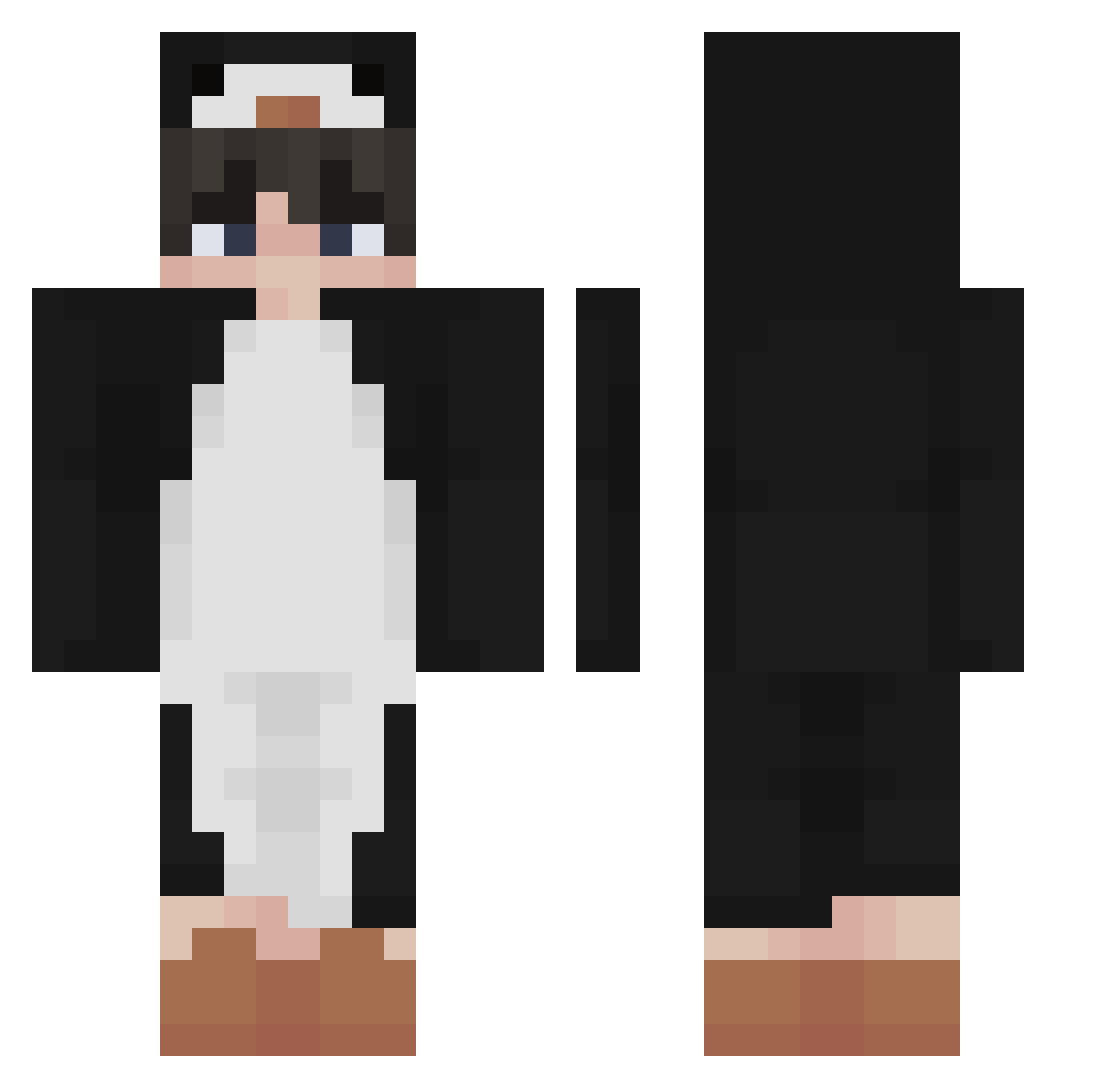
Current Minecraft skin of the player LimitedP3nguin, loaded from the official Mojang API. Rotate the 3D model with your mouse or finger, then download the skin as a PNG file and use it in Minecraft: Bedrock Edition or Java Edition for free. When LimitedP3nguin changes their skin, this page updates automatically and the old skin stays in the history below.
Other players with this skin (340)
LimitedP3nguin was the 133rd player we have seen with this skin, first spotted on 28.08.2026. The same skin was seen on these players. Open a nickname to see their current skin and skin history.
 llStonell AndiAndy Pinguinek wliTe_ qween_bee32 ThaBigBoi 5fi_a MetalBicycle724 AS87 noYhe_1 FunnyLuo Cayzyyy guiyumi Kazugaya woongJJang Joe_Ak LYELUX zamazon01 Save_ThePenguin kimkied _krxzc badcleric PizzaZorro kindoyoon BroniiRufus Xxmaxus jakewithcake0 itsD3lay echaeqls grannyTkqrhtn Shurimateen WaarWassie garydasnaiil Penguin_Cal miiikee_ RobAlt37 mrbixi Carljavy mbae
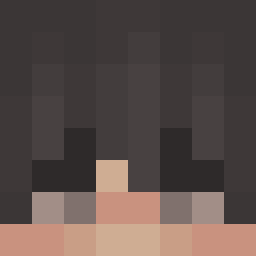 vbd0 Reansboy1 Methert seounghyeonoh Duplexes backgom_E Sean__7 TheShabowfox_ CurryMF hank1211 Lumipcgs respecqful 1NFAZ Eutaeyoria echoguin brus1101 fufutak whatntarnation mypast iamnotSkipper LYJJ
More Penguin Minecraft skins
How to install the LimitedP3nguin skin
- Press the Download button above to save the skin as a PNG file.
- Minecraft: Bedrock Edition (PE): open the Dressing Room from the main menu (or tap your character → Edit Character), go to Classic Skins → Owned, press the + (new skin) button, choose the downloaded PNG and pick the Classic (Steve) model. Works on PC and mobile; consoles cannot import custom skins.
- Minecraft: Java Edition: open the Minecraft Launcher, go to the Skins tab, click New Skin, load the PNG, pick the Classic (Steve) model and press Save & Use. You can also upload it at minecraft.net → Profile → Change Skin.
The skin does not show up after import - what should I do?
Restart Minecraft and open the Dressing Room again - imported skins sometimes appear only after a restart. Also make sure you selected the imported skin and picked the Classic (Steve) model.
Which model should I choose, Classic or Slim?
This skin is designed for the Classic (Steve) model. If you pick the wrong model, the arms of the skin will look stretched or squeezed.
Is the skin of LimitedP3nguin free to download?
Yes. Press Download, save the PNG file and use it in Minecraft: Bedrock Edition or Java Edition - no payment or registration needed. The skin also works on multiplayer servers and Realms.
More skins
Looking for more? Go back to all Minecraft skins and check the top skins of the week, month and all time, or find any player's skin by nickname.