
LePandaArgente - Minecraft Skins & Skin History
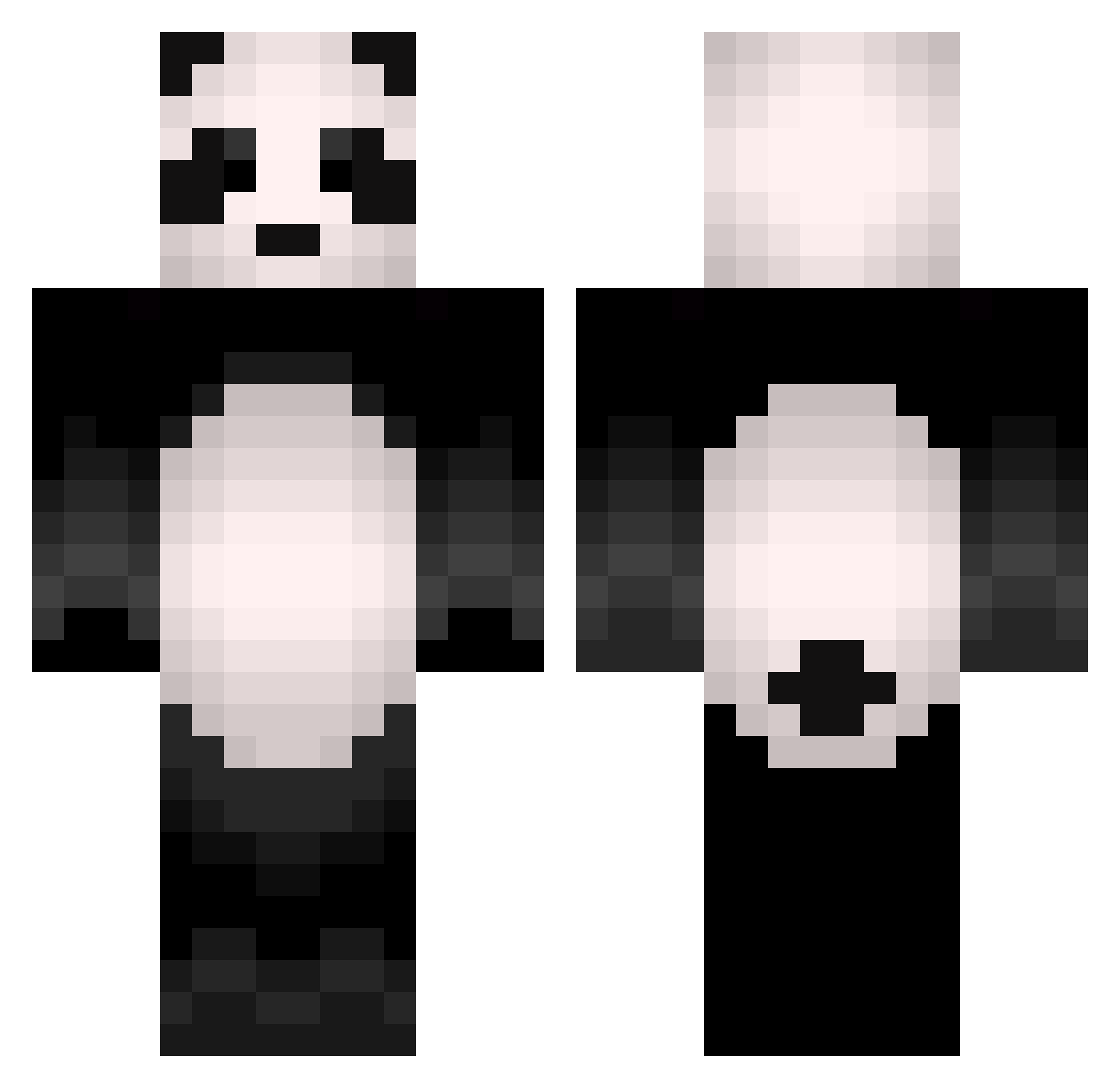
Current Minecraft skin of the player LePandaArgente, loaded from the official Mojang API. Rotate the 3D model with your mouse or finger, then download the skin as a PNG file and use it in Minecraft: Bedrock Edition or Java Edition for free. When LePandaArgente changes their skin, this page updates automatically and the old skin stays in the history below.
Other players with this skin (504)
LePandaArgente was the 18th player we have seen with this skin, first spotted on 28.07.2026. The same skin was seen on these players. Open a nickname to see their current skin and skin history.
 Kwestchun PoisonPizzas WaterNIceMC Studiohonzik FabioFabin Bruno13190 thechadlor Alessooou_05 VirFuente Ebilinie
 tiffaneisthename Percules2199 EatsBamboo HighlandCow2106 GRG_LO idrkanymore Jockscotty ThePandaKingg Tsuko ChonkyPanda2907 J3plvm ExloMuffin ryoutaro1030 Pandallax Erthinoxx_1 SleepyPotater Jayyyyyy2 LaPlanteVertee muchsam TUNSOLO moon_zack
 jiglypanda Kaoh_Enorme plozio2 Veever714 Lithiion coentieboy Riayus ohtae3 Panda_7777 SimoneHoughton jjanger L3muR__ JPowerX2 JiggyZeZe AZU_Towa beachbodyless BUFHERN oliwia222 YABOI_PNDA panda_craft1501 Miloupe LukeSkywa1ker10 SiiSiiL 255effnuke3s PlayAdry AlphaIncognito alex4292a AwesomeToSeeYou2 mn666
More Animal Minecraft skins
How to install the LePandaArgente skin
- Press the Download button above to save the skin as a PNG file.
- Minecraft: Bedrock Edition (PE): open the Dressing Room from the main menu (or tap your character → Edit Character), go to Classic Skins → Owned, press the + (new skin) button, choose the downloaded PNG and pick the Classic (Steve) model. Works on PC and mobile; consoles cannot import custom skins.
- Minecraft: Java Edition: open the Minecraft Launcher, go to the Skins tab, click New Skin, load the PNG, pick the Classic (Steve) model and press Save & Use. You can also upload it at minecraft.net → Profile → Change Skin.
The skin does not show up after import - what should I do?
Restart Minecraft and open the Dressing Room again - imported skins sometimes appear only after a restart. Also make sure you selected the imported skin and picked the Classic (Steve) model.
Which model should I choose, Classic or Slim?
This skin is designed for the Classic (Steve) model. If you pick the wrong model, the arms of the skin will look stretched or squeezed.
Is the skin of LePandaArgente free to download?
Yes. Press Download, save the PNG file and use it in Minecraft: Bedrock Edition or Java Edition - no payment or registration needed. The skin also works on multiplayer servers and Realms.
More skins
Looking for more? Go back to all Minecraft skins and check the top skins of the week, month and all time, or find any player's skin by nickname.