
LIG_Deluxe - Minecraft Skins & Skin History
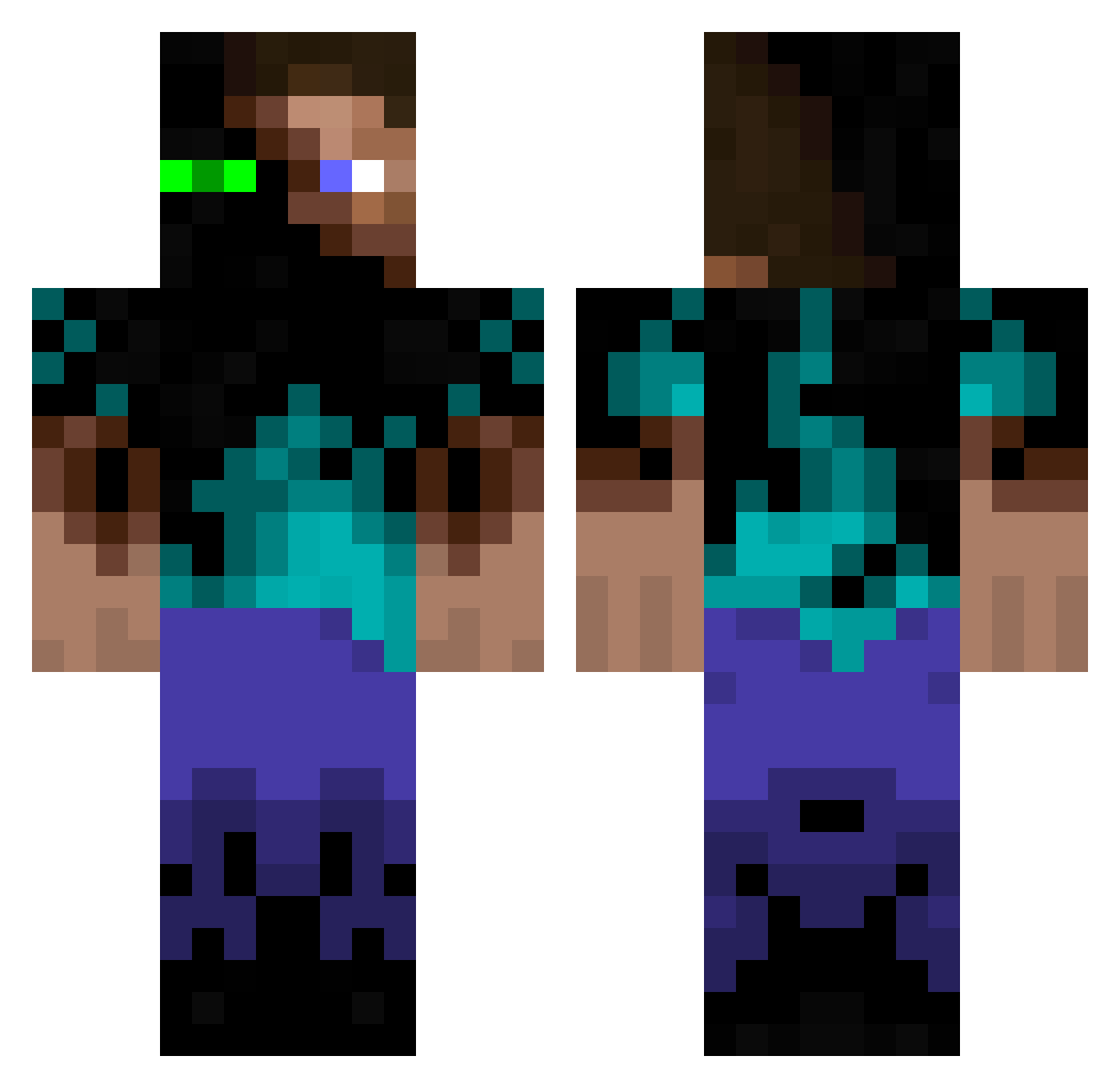
Current Minecraft skin of the player LIG_Deluxe, loaded from the official Mojang API. Rotate the 3D model with your mouse or finger, then download the skin as a PNG file and use it in Minecraft: Bedrock Edition or Java Edition for free. When LIG_Deluxe changes their skin, this page updates automatically and the old skin stays in the history below.
Other players with this skin (934)
LIG_Deluxe was the 887th player we have seen with this skin, first spotted on 15.10.2026. The same skin was seen on these players. Open a nickname to see their current skin and skin history.
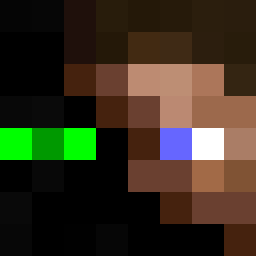 sylvivor 187_Allstar dr_killer_798 tillymilly15 Nox_Novus ForeverBulks Rdjrjqouqcu BigMike3034 thueravnbruun ThePl4yer H_S eqweq1 VvGoDmOdEvV Uranus_G MadWicked Swagmaster swordmasterfire EmperorDoodles mrmonkey952 aledro TornNuke L2PDA JonCore254 svenboy15 Niccodem feezbot bloc_buster darking25 usmckirb fire_tales_hd zeldakungen lejobedrock maffin27 matthewmir crgnclsn HypnosOfLethe wannie0511 Kemdar DiamondSeeker7 bxboy16 mangoff AdrianGZG DiscoLucas PowerPuffGuy KnotLucky Un_Tagada Thehoneypro BigSexxy uto1999 HERSE STREETKING325 barnhart123 mishagaishun mforce13 GermnLish pendlemelon46 Lisost Stuusical Firelight616 minejack95
More Glowing Eyes Minecraft skins
See all 2312 Glowing Eyes skins
How to install the LIG_Deluxe skin
- Press the Download button above to save the skin as a PNG file.
- Minecraft: Bedrock Edition (PE): open the Dressing Room from the main menu (or tap your character → Edit Character), go to Classic Skins → Owned, press the + (new skin) button, choose the downloaded PNG and pick the Classic (Steve) model. Works on PC and mobile; consoles cannot import custom skins.
- Minecraft: Java Edition: open the Minecraft Launcher, go to the Skins tab, click New Skin, load the PNG, pick the Classic (Steve) model and press Save & Use. You can also upload it at minecraft.net → Profile → Change Skin.
The skin does not show up after import - what should I do?
Restart Minecraft and open the Dressing Room again - imported skins sometimes appear only after a restart. Also make sure you selected the imported skin and picked the Classic (Steve) model.
Which model should I choose, Classic or Slim?
This skin is designed for the Classic (Steve) model. If you pick the wrong model, the arms of the skin will look stretched or squeezed.
Is the skin of LIG_Deluxe free to download?
Yes. Press Download, save the PNG file and use it in Minecraft: Bedrock Edition or Java Edition - no payment or registration needed. The skin also works on multiplayer servers and Realms.
More skins
Looking for more? Go back to all Minecraft skins and check the top skins of the week, month and all time, or find any player's skin by nickname.