
KuisCAR - Minecraft Skins & Skin History
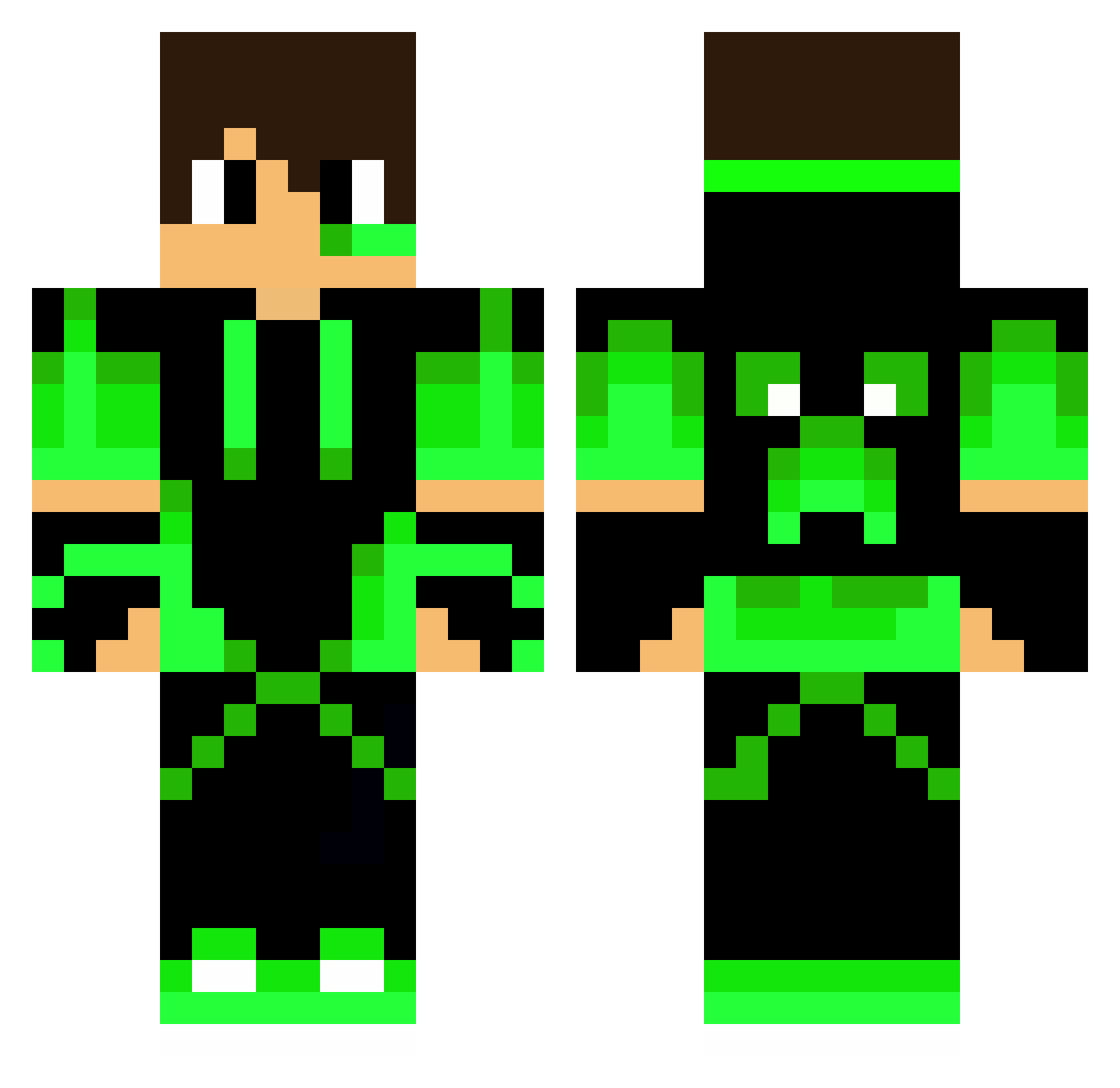
Current Minecraft skin of the player KuisCAR, loaded from the official Mojang API. Rotate the 3D model with your mouse or finger, then download the skin as a PNG file and use it in Minecraft: Bedrock Edition or Java Edition for free. When KuisCAR changes their skin, this page updates automatically and the old skin stays in the history below.
Other players with this skin (218)
KuisCAR was the 17th player we have seen with this skin, first spotted on 02.08.2026. The same skin was seen on these players. Open a nickname to see their current skin and skin history.
 Duddlebobik322 RubyMonkey8789 SkybattleMaster spr_HaRu EliRepXD RaulG22 Kritya1107 StandyTV AlphaFlopes Hayder_RIP
 mansurkiller324 PAINPz
 Francy2711 Kristof_2005 gallidudu Chop_Stickzz HugoTheKiller08 KonstantinShults
 sayedalal3ab Green_Coco maliksambas Mastermain Minecraftboy009 tokitsu_s DuduYT LordyLord88 Namngoh Franx2k ChoraProAutista_ Coolman4231 Pablix516 Draddicus kubsonik96987 ghost_armin12 jerepro8775 marscabrio Drtrayblox319 Havmar nosque VoLD5 ZackyIM Matti002 Killnuss Electrogram SweetJp07 DownInOhio4067 wondeer_20TEMATA SoaringPath1849 Maximo_ofc Baileyterror07 Brebbyjr DAnielwolf120_ TNT_coffee _HzBruh_ MineLuke05 shunchan1010 TheDeks MofBP PedroCMS2011 LorDWolFMaNN
More Neon Green Minecraft skins
How to install the KuisCAR skin
- Press the Download button above to save the skin as a PNG file.
- Minecraft: Bedrock Edition (PE): open the Dressing Room from the main menu (or tap your character → Edit Character), go to Classic Skins → Owned, press the + (new skin) button, choose the downloaded PNG and pick the Classic (Steve) model. Works on PC and mobile; consoles cannot import custom skins.
- Minecraft: Java Edition: open the Minecraft Launcher, go to the Skins tab, click New Skin, load the PNG, pick the Classic (Steve) model and press Save & Use. You can also upload it at minecraft.net → Profile → Change Skin.
The skin does not show up after import - what should I do?
Restart Minecraft and open the Dressing Room again - imported skins sometimes appear only after a restart. Also make sure you selected the imported skin and picked the Classic (Steve) model.
Which model should I choose, Classic or Slim?
This skin is designed for the Classic (Steve) model. If you pick the wrong model, the arms of the skin will look stretched or squeezed.
Is the skin of KuisCAR free to download?
Yes. Press Download, save the PNG file and use it in Minecraft: Bedrock Edition or Java Edition - no payment or registration needed. The skin also works on multiplayer servers and Realms.
More skins
Looking for more? Go back to all Minecraft skins and check the top skins of the week, month and all time, or find any player's skin by nickname.