
 Mitsuba1126 JohnT405 DarkShadow35 HondaAlex95 Churlitox Orumgec222 WujekArek123 E_razor7 Baklava12345 M7MD_777 mohamdx0099 Aramiu_Boss Payshrzz DylanAgnew CrispFlame80463 DAnielwolf120_ Pendagron RedSox2011 Progamer9569 Duddlebobik322 MerseCs ErnestB spr_HaRu Gabrieldcrz Bratan_03 SoaringPath1849 ruby_d41 _HzBruh_ Minecraftboy009 VoLD5 Namngoh Killnuss HugoTheKiller08 Draddicus Pablix516 hiroro0815 Havmar bjosta1234 Idoashi PAINPz Kritya1107 Lukas02023 nosque EliRepXD JorgePumi 50suke Greeno501 nepy15 AlphaFlopes kubsonik96987 Bielz26 gallidudu StandyTV HenkellBW Chipsik_Tv DuduYT Maximo_ofc Tomasek111 ghost_armin12 Arhturzin_d_grau
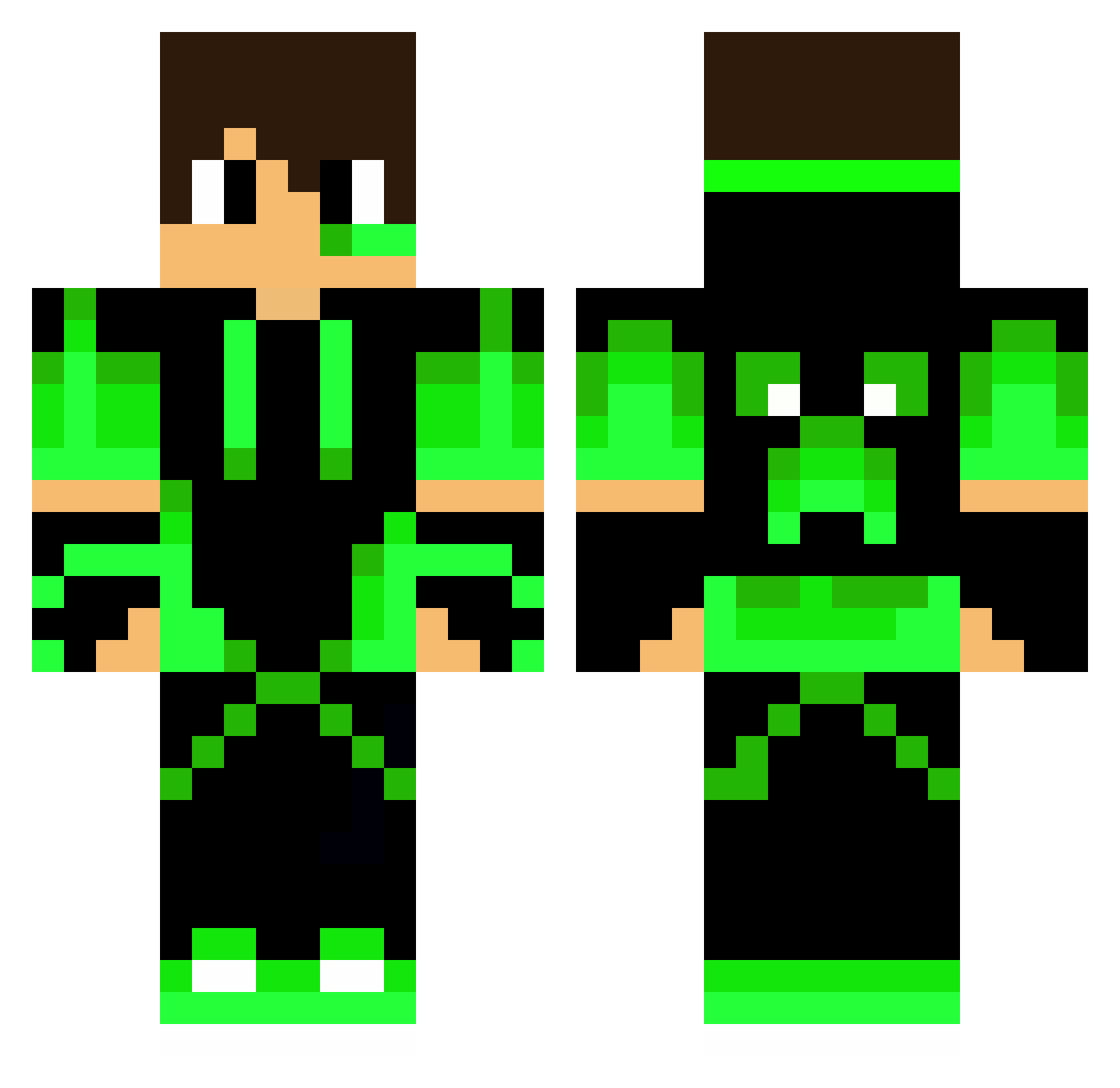
Minecraft skin of Brebbyjr. Rotate the 3D model with your mouse or finger to view the skin from every angle, then download it as a PNG file and use it in Minecraft: Bedrock Edition or Java Edition for free. Rate the skin with stars to help other players find the best skins in our collection.
How to install the Brebbyjr skin
- Press the Download button above to save the skin as a PNG file.
- Minecraft: Bedrock Edition (PE): open the Dressing Room from the main menu (or tap your character → Edit Character), go to Classic Skins → Owned, press the + (new skin) button, choose the downloaded PNG and pick the Classic (Steve) model. Works on PC and mobile; consoles cannot import custom skins.
- Minecraft: Java Edition: open the Minecraft Launcher, go to the Skins tab, click New Skin, load the PNG, pick the Classic (Steve) model and press Save & Use. You can also upload it at minecraft.net → Profile → Change Skin.
The skin does not show up after import - what should I do?
Restart Minecraft and open the Dressing Room again - imported skins sometimes appear only after a restart. Also make sure you selected the imported skin and picked the Classic (Steve) model.
Which model should I choose, Classic or Slim?
This skin is designed for the Classic (Steve) model. If you pick the wrong model, the arms of the skin will look stretched or squeezed.
Is this skin free to use?
Yes. Press Download, save the PNG file and use it in Minecraft: Bedrock Edition or Java Edition - no payment or registration needed. The skin also works on multiplayer servers and Realms.
More Neon Green Minecraft skins
More skins
Looking for more? Go back to all Minecraft skins and check the top skins of the week, month and all time, or find any player's skin by nickname.