
tramortito22 - Minecraft Skins & Skin History
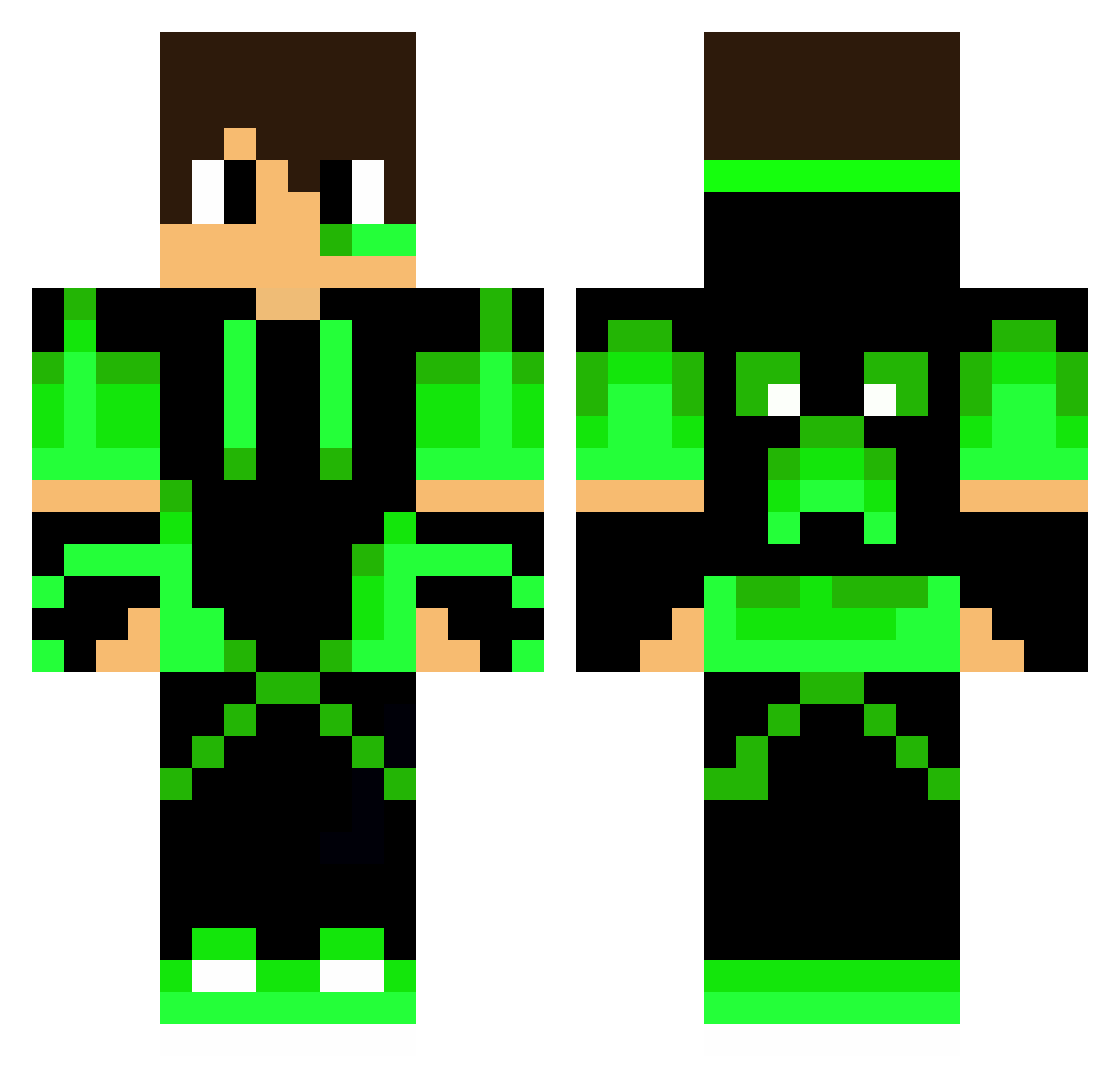
Current Minecraft skin of the player tramortito22, loaded from the official Mojang API. Rotate the 3D model with your mouse or finger, then download the skin as a PNG file and use it in Minecraft: Bedrock Edition or Java Edition for free. When tramortito22 changes their skin, this page updates automatically and the old skin stays in the history below.
Other players with this skin (291)
tramortito22 was the 272nd player we have seen with this skin, first spotted on 10.11.2026. The same skin was seen on these players. Open a nickname to see their current skin and skin history.
 StinkyButt13 Murilo_G14 KevinMazter Jiriehm 0bamos001 Andy_Fre Alexis_romania Minemarten Carolus_Rex Tagawaa Rebell180 hiyu12 Navish0302 Colabenx Eddi_2908 Get_Jirat Tref1x62 Manoduceu ilhaoi btw_Jonas Miguelzinx016 juniorgamer32 Fik007 BDenes123 SKRTONY Xanatic Artking_ PranavE AgenteMat66 goodBoy8972 Camplnhos Brokenstar2025 Gestr06 mathew200361 Quakzer My_name_is_Bubba killerfan yymnyk windphenox timousse NicolasBr117 Contheo04 Rellikkk ARTHUR4039 Kop26 CaioPrate1 64joker64 Yusulof ultra_zone enriqueXD157 Progarpe003 oden1114 saarlerman CaioGamer10 Emoraz32 richard_slm sea728 Mr_Dino7 Tarell ShadowKing0G
More Neon Green Minecraft skins
How to install the tramortito22 skin
- Press the Download button above to save the skin as a PNG file.
- Minecraft: Bedrock Edition (PE): open the Dressing Room from the main menu (or tap your character → Edit Character), go to Classic Skins → Owned, press the + (new skin) button, choose the downloaded PNG and pick the Classic (Steve) model. Works on PC and mobile; consoles cannot import custom skins.
- Minecraft: Java Edition: open the Minecraft Launcher, go to the Skins tab, click New Skin, load the PNG, pick the Classic (Steve) model and press Save & Use. You can also upload it at minecraft.net → Profile → Change Skin.
The skin does not show up after import - what should I do?
Restart Minecraft and open the Dressing Room again - imported skins sometimes appear only after a restart. Also make sure you selected the imported skin and picked the Classic (Steve) model.
Which model should I choose, Classic or Slim?
This skin is designed for the Classic (Steve) model. If you pick the wrong model, the arms of the skin will look stretched or squeezed.
Is the skin of tramortito22 free to download?
Yes. Press Download, save the PNG file and use it in Minecraft: Bedrock Edition or Java Edition - no payment or registration needed. The skin also works on multiplayer servers and Realms.
More skins
Looking for more? Go back to all Minecraft skins and check the top skins of the week, month and all time, or find any player's skin by nickname.