
Kubotabx - Minecraft Skins & Skin History
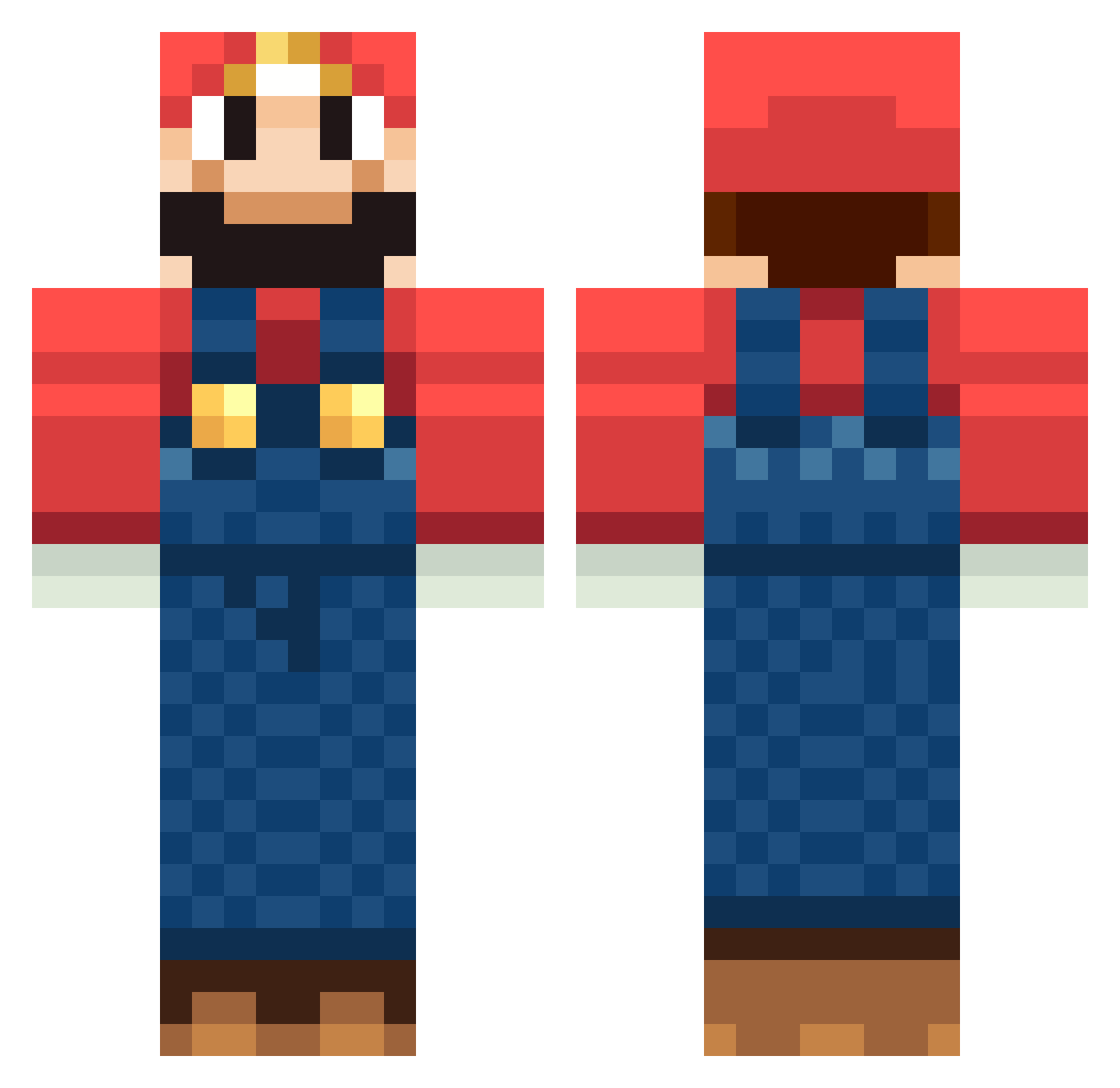
Current Minecraft skin of the player Kubotabx, loaded from the official Mojang API. Rotate the 3D model with your mouse or finger, then download the skin as a PNG file and use it in Minecraft: Bedrock Edition or Java Edition for free. When Kubotabx changes their skin, this page updates automatically and the old skin stays in the history below.
Other players with this skin (1263)
Kubotabx was the 162nd player we have seen with this skin, first spotted on 07.08.2026. The same skin was seen on these players. Open a nickname to see their current skin and skin history.
 Treilyu kuroQoQ BasicallyNinja Beeboy1985 SabienPaul bhamkid raggamuffin22 Tasmany94 rileytea ryan_mcginnis ltderf Hocotatium111 GeoPuerco Jobi_Brown moviekim Dimka_777 Nilss0ni jorgeghospital supertater Jo_STNL larsdejager Milder Shaolinsquad zlaico Ia117 Matigrao Klarccraft Jeeeeeeeves Saaarinen elgar401 PerroVerde Pearsonings tigermouse456 TheRapBlock danielspieler Milords BurningTyger evespa11 Shamsiel bad1080 ArthurZob peepo19 boonvip mazza2424 PappDumDum ChromexY Nozeblock malthekempf shaie bajsanski RunkMun johnbs1 Ma_sa_315 smoothsamba Cooster100 MrMitster ghargraves jackS_is_ninja Etent johnny371
More Mario Minecraft skins
How to install the Kubotabx skin
- Press the Download button above to save the skin as a PNG file.
- Minecraft: Bedrock Edition (PE): open the Dressing Room from the main menu (or tap your character → Edit Character), go to Classic Skins → Owned, press the + (new skin) button, choose the downloaded PNG and pick the Classic (Steve) model. Works on PC and mobile; consoles cannot import custom skins.
- Minecraft: Java Edition: open the Minecraft Launcher, go to the Skins tab, click New Skin, load the PNG, pick the Classic (Steve) model and press Save & Use. You can also upload it at minecraft.net → Profile → Change Skin.
The skin does not show up after import - what should I do?
Restart Minecraft and open the Dressing Room again - imported skins sometimes appear only after a restart. Also make sure you selected the imported skin and picked the Classic (Steve) model.
Which model should I choose, Classic or Slim?
This skin is designed for the Classic (Steve) model. If you pick the wrong model, the arms of the skin will look stretched or squeezed.
Is the skin of Kubotabx free to download?
Yes. Press Download, save the PNG file and use it in Minecraft: Bedrock Edition or Java Edition - no payment or registration needed. The skin also works on multiplayer servers and Realms.
More skins
Looking for more? Go back to all Minecraft skins and check the top skins of the week, month and all time, or find any player's skin by nickname.