
KryllYGO - Minecraft Skins & Skin History
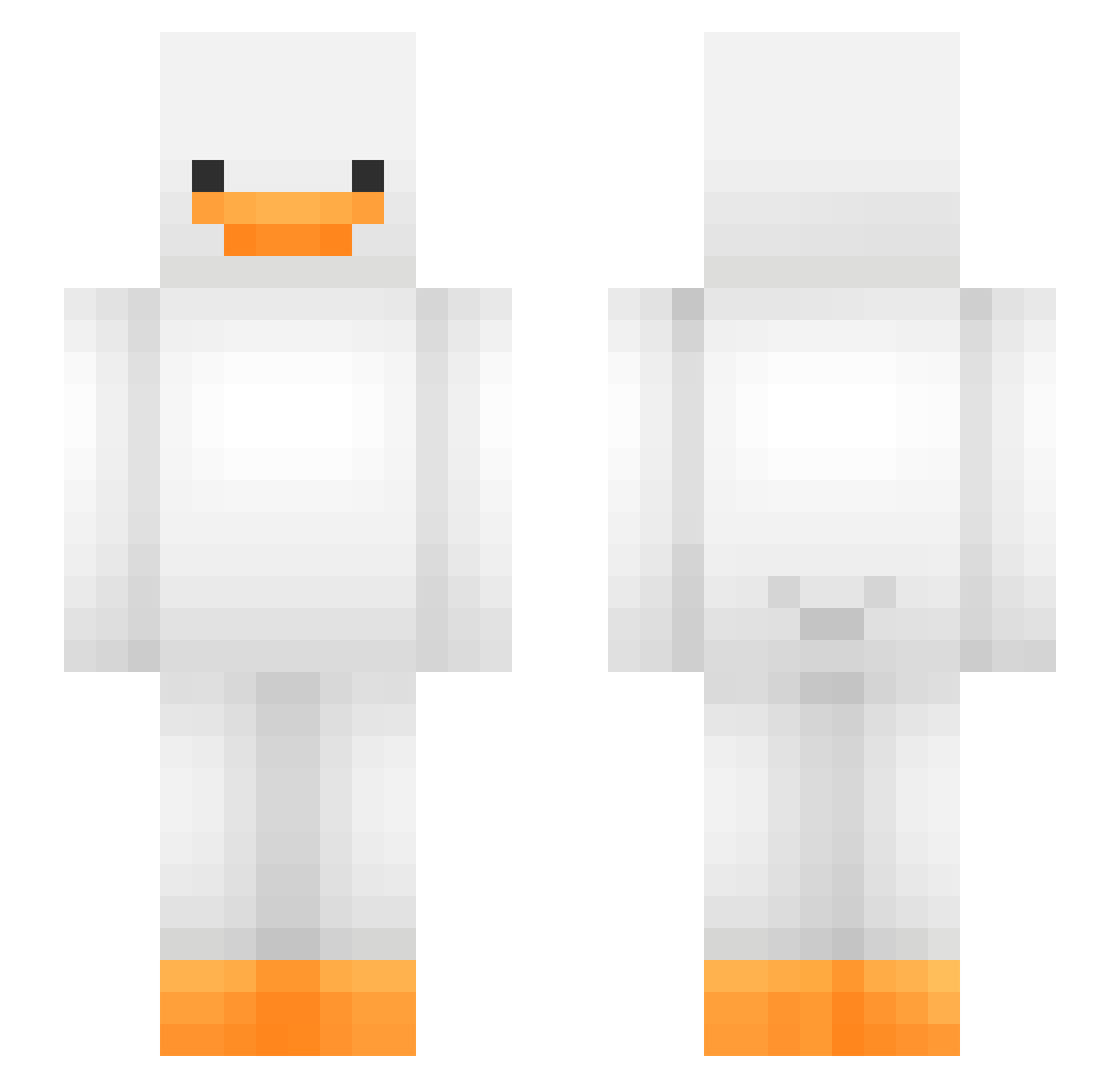
Current Minecraft skin of the player KryllYGO, loaded from the official Mojang API. Rotate the 3D model with your mouse or finger, then download the skin as a PNG file and use it in Minecraft: Bedrock Edition or Java Edition for free. When KryllYGO changes their skin, this page updates automatically and the old skin stays in the history below.
Other players with this skin (475)
KryllYGO was the 458th player we have seen with this skin, first spotted on 29.10.2026. The same skin was seen on these players. Open a nickname to see their current skin and skin history.
 Buv9223 Jasmerxs unbuh schuetin venomkiller1234 amazing_Elle Misty2435 bottleyogurt aks_GyOaG_03_04 mrnight090 EPicccCringe Pikebo RenoX_King NishFI POPE_ebk odju Schererandreww angelos157 ProPusEater BigGretchen nao10230 Thatguy_1919 idknws SMURFYZz Cmekoo Kluui SSohm Naturpigen HiyaItzJDawg Ev0lution95 blazefyre63 daylion_20 OpalQ09 sosasalty MinatoboboSana Paco145 Petch1 Ponyo853 LEO_536 Elli071223 Avokadek uchan05 cheftrk F00kFACE3000 ujin1001 SugaLovely HezFromBankstown DerPhossy malong2 J3an_Car1o nilolau Kartoffeleumel Master_Gooose TbenderT Azerty1222 FlowerKiller358 ivaanm05 LimeLocker m0llzzz Vexy_pR
More Duck Minecraft skins
How to install the KryllYGO skin
- Press the Download button above to save the skin as a PNG file.
- Minecraft: Bedrock Edition (PE): open the Dressing Room from the main menu (or tap your character → Edit Character), go to Classic Skins → Owned, press the + (new skin) button, choose the downloaded PNG and pick the Slim (Alex) model. Works on PC and mobile; consoles cannot import custom skins.
- Minecraft: Java Edition: open the Minecraft Launcher, go to the Skins tab, click New Skin, load the PNG, pick the Slim (Alex) model and press Save & Use. You can also upload it at minecraft.net → Profile → Change Skin.
The skin does not show up after import - what should I do?
Restart Minecraft and open the Dressing Room again - imported skins sometimes appear only after a restart. Also make sure you selected the imported skin and picked the Slim (Alex) model.
Which model should I choose, Classic or Slim?
This skin is designed for the Slim (Alex) model. If you pick the wrong model, the arms of the skin will look stretched or squeezed.
Is the skin of KryllYGO free to download?
Yes. Press Download, save the PNG file and use it in Minecraft: Bedrock Edition or Java Edition - no payment or registration needed. The skin also works on multiplayer servers and Realms.
More skins
Looking for more? Go back to all Minecraft skins and check the top skins of the week, month and all time, or find any player's skin by nickname.