
Kjolo - Minecraft Skins & Skin History
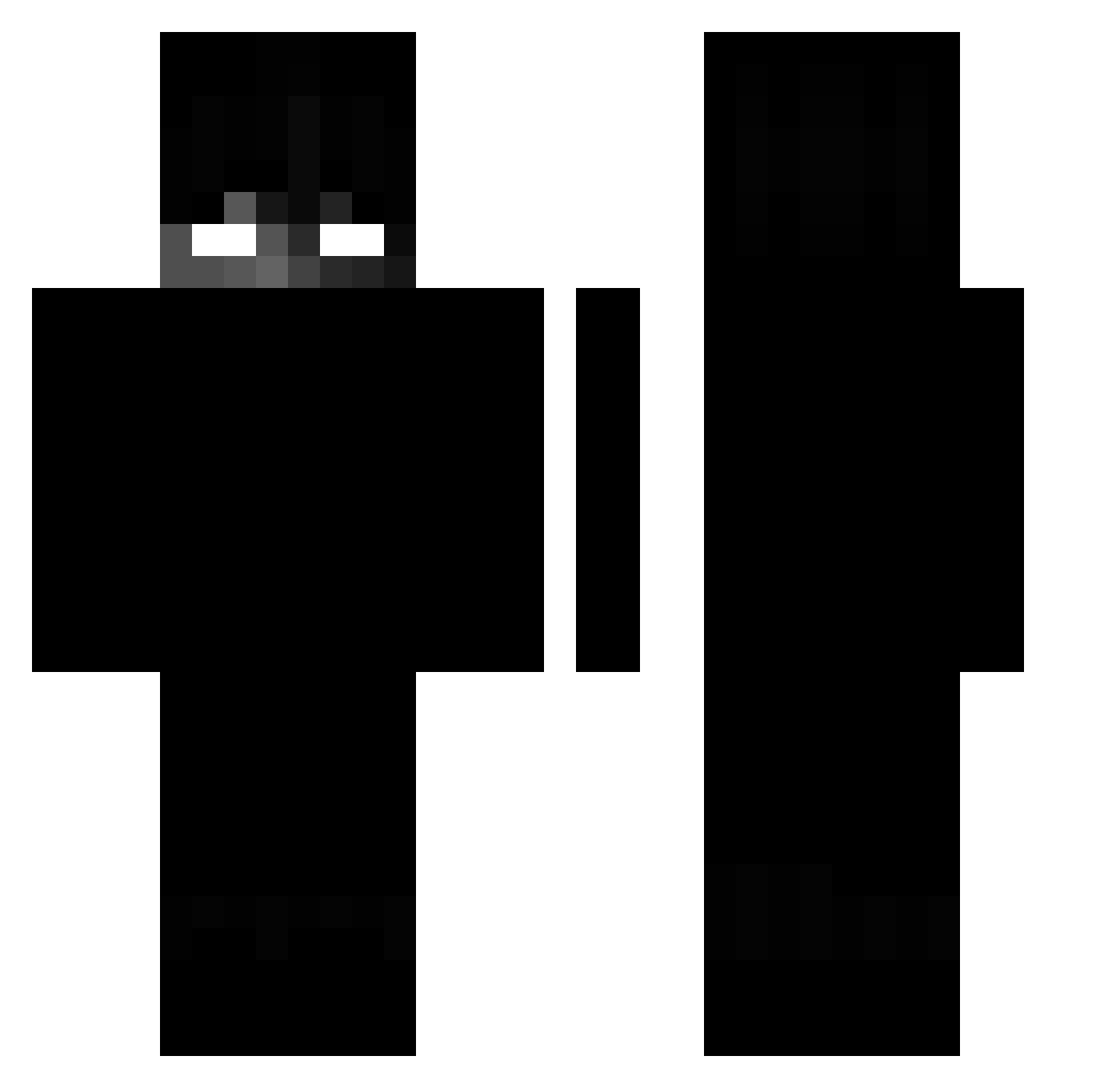
Current Minecraft skin of the player Kjolo, loaded from the official Mojang API. Rotate the 3D model with your mouse or finger, then download the skin as a PNG file and use it in Minecraft: Bedrock Edition or Java Edition for free. When Kjolo changes their skin, this page updates automatically and the old skin stays in the history below.
Other players with this skin (194)
Kjolo was the 41st player we have seen with this skin, first spotted on 17.08.2026. The same skin was seen on these players. Open a nickname to see their current skin and skin history.
 Ksanexx DerEchteSimon02 SmoowRS PogromcaMoherow Nav3h Poopymcpoopypant Nespressowl frritzii 1A7mdv Alqxius Jlron12 AbsurdlyBlack osoy5515 Malbeec_ doonthebaboon x3FiFix iFabii_ cleanslaight Uvealstorm34 AshHHJ anvap1337 joint1337 Cl1pz NurEinFettesKind Yo_KTW FlameFrags56 vNottLogic_ Studencik00 IhseIh gekoboldet Eduardoplayz NikotinliSut Atavis Toxic_Xralley M355I guhyeongboni DrCrazy37 Jeoprdy happydog98765432 vszk Deaddust10 Sr_Master Pumpedwater68 Pellepro10_YT Scarlxrdd kamadavka 9287 z7lt Warior_87 chedarik zHitsLikeKnxc qualitech skyteee NordGHG Its_Lucas paRastamoL
 remymgn01 yungmefa Masny_Joe Cloudios
More Shadow Minecraft skins
How to install the Kjolo skin
- Press the Download button above to save the skin as a PNG file.
- Minecraft: Bedrock Edition (PE): open the Dressing Room from the main menu (or tap your character → Edit Character), go to Classic Skins → Owned, press the + (new skin) button, choose the downloaded PNG and pick the Classic (Steve) model. Works on PC and mobile; consoles cannot import custom skins.
- Minecraft: Java Edition: open the Minecraft Launcher, go to the Skins tab, click New Skin, load the PNG, pick the Classic (Steve) model and press Save & Use. You can also upload it at minecraft.net → Profile → Change Skin.
The skin does not show up after import - what should I do?
Restart Minecraft and open the Dressing Room again - imported skins sometimes appear only after a restart. Also make sure you selected the imported skin and picked the Classic (Steve) model.
Which model should I choose, Classic or Slim?
This skin is designed for the Classic (Steve) model. If you pick the wrong model, the arms of the skin will look stretched or squeezed.
Is the skin of Kjolo free to download?
Yes. Press Download, save the PNG file and use it in Minecraft: Bedrock Edition or Java Edition - no payment or registration needed. The skin also works on multiplayer servers and Realms.
More skins
Looking for more? Go back to all Minecraft skins and check the top skins of the week, month and all time, or find any player's skin by nickname.