
KarmaaXZ - Minecraft Skins & Skin History
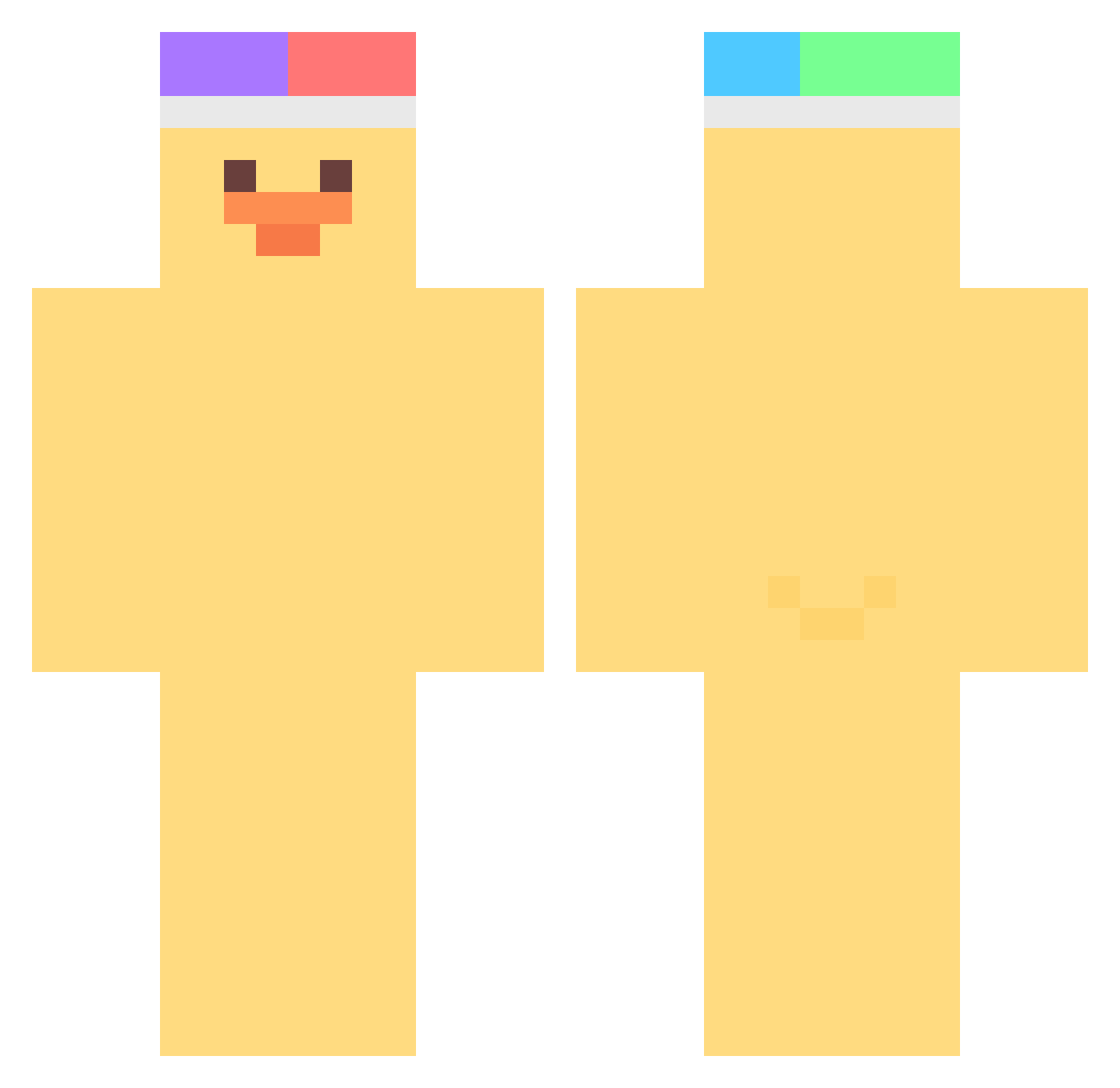
Current Minecraft skin of the player KarmaaXZ, loaded from the official Mojang API. Rotate the 3D model with your mouse or finger, then download the skin as a PNG file and use it in Minecraft: Bedrock Edition or Java Edition for free. When KarmaaXZ changes their skin, this page updates automatically and the old skin stays in the history below.
Other players with this skin (376)
KarmaaXZ was the 113th player we have seen with this skin, first spotted on 26.08.2026. The same skin was seen on these players. Open a nickname to see their current skin and skin history.
 efeng sexiro viviennee_ halulala bbbok_ rjsguddl kimjiho724 wolvenduck Barajitas _TUT0RIAL raffalt soog177 lamy_0320 LeckerHund Leafy7717 hyunbin_01 raybio_ o1096 DizzlePeanut NemuriAllen jimonge wooinkim Tero1115 Amy_0208 ihateallwizards SchweizerTee TjarkIsProfi K_ang_yee ZackTarell Min____G rouwy Brynana y_noah_h Mingimoddi FlowerNut PresidentTeenie hvho Haunch_Knight jksdu RyuSut DDDDU kingsuna SJ_Chill Floffe mmmz06 melong_11 DuckieDucklet05 Spoicay Chanxxxx jinzero1121 jammugle shiba484848 hoojiin miracleofjudaism catharinGO Triggeron79 Dimaster542 Mr_blue_sky123 KidDuck Elchicobelico
More Duck Minecraft skins
How to install the KarmaaXZ skin
- Press the Download button above to save the skin as a PNG file.
- Minecraft: Bedrock Edition (PE): open the Dressing Room from the main menu (or tap your character → Edit Character), go to Classic Skins → Owned, press the + (new skin) button, choose the downloaded PNG and pick the Classic (Steve) model. Works on PC and mobile; consoles cannot import custom skins.
- Minecraft: Java Edition: open the Minecraft Launcher, go to the Skins tab, click New Skin, load the PNG, pick the Classic (Steve) model and press Save & Use. You can also upload it at minecraft.net → Profile → Change Skin.
The skin does not show up after import - what should I do?
Restart Minecraft and open the Dressing Room again - imported skins sometimes appear only after a restart. Also make sure you selected the imported skin and picked the Classic (Steve) model.
Which model should I choose, Classic or Slim?
This skin is designed for the Classic (Steve) model. If you pick the wrong model, the arms of the skin will look stretched or squeezed.
Is the skin of KarmaaXZ free to download?
Yes. Press Download, save the PNG file and use it in Minecraft: Bedrock Edition or Java Edition - no payment or registration needed. The skin also works on multiplayer servers and Realms.
More skins
Looking for more? Go back to all Minecraft skins and check the top skins of the week, month and all time, or find any player's skin by nickname.