
KamiazVza - Minecraft Skins & Skin History
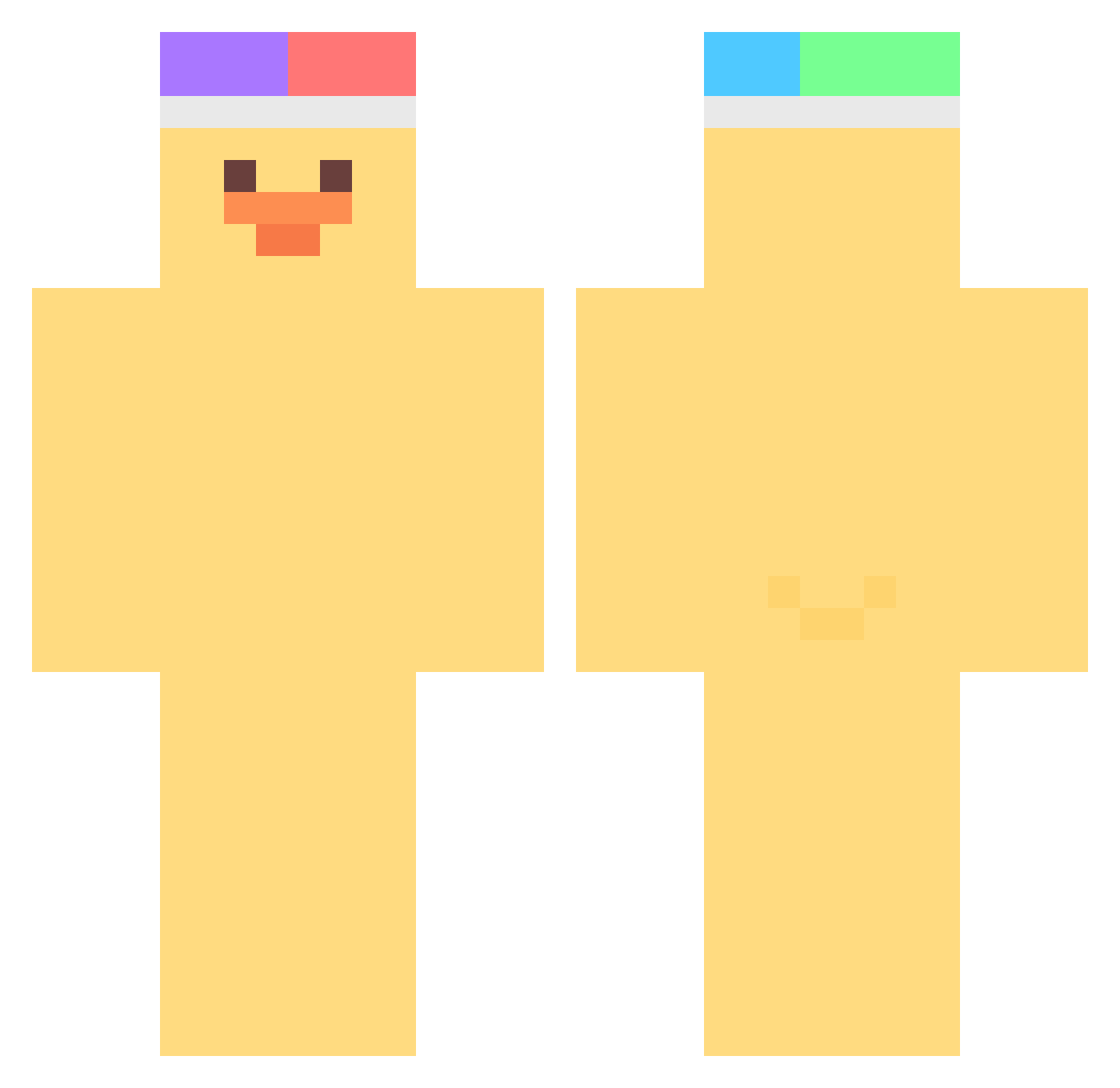
Current Minecraft skin of the player KamiazVza, loaded from the official Mojang API. Rotate the 3D model with your mouse or finger, then download the skin as a PNG file and use it in Minecraft: Bedrock Edition or Java Edition for free. When KamiazVza changes their skin, this page updates automatically and the old skin stays in the history below.
Other players with this skin (376)
KamiazVza was the 188th player we have seen with this skin, first spotted on 12.09.2026. The same skin was seen on these players. Open a nickname to see their current skin and skin history.
 BongoTrain mira_sapphira FALucifer ewanpark DukieT batiboys29 ELMAGOD PommisRotWeis hdke kimcontact rute02 5854 Tyra10 marshallover09 Goerkem_Hd _MrWaddles DJDEDRIK ESPJuanca kimdarye LeJcestleS YU301 ShrekToZiomal bigh4t Aimmoud Mamansucre taioto madilynn42069 UD_D moomarlang2_ Bluelulululu hanga05 donnaber rlymad sashimi12 Peckeur amels2018 _Aranel SampleKestrel97 JeppeHelge Operaticsun8746 Easical BBABBICO701 purph1k0 haemang ResultedMango15 Morongchi Ram_G06 hollow39 imyjji Wausey Collinn2K Luckysaver machuang1218 Ngo_111 yukuhuru tyaro3n MangoBana nhj_1210 kcr9242 zxed39
More Duck Minecraft skins
How to install the KamiazVza skin
- Press the Download button above to save the skin as a PNG file.
- Minecraft: Bedrock Edition (PE): open the Dressing Room from the main menu (or tap your character → Edit Character), go to Classic Skins → Owned, press the + (new skin) button, choose the downloaded PNG and pick the Classic (Steve) model. Works on PC and mobile; consoles cannot import custom skins.
- Minecraft: Java Edition: open the Minecraft Launcher, go to the Skins tab, click New Skin, load the PNG, pick the Classic (Steve) model and press Save & Use. You can also upload it at minecraft.net → Profile → Change Skin.
The skin does not show up after import - what should I do?
Restart Minecraft and open the Dressing Room again - imported skins sometimes appear only after a restart. Also make sure you selected the imported skin and picked the Classic (Steve) model.
Which model should I choose, Classic or Slim?
This skin is designed for the Classic (Steve) model. If you pick the wrong model, the arms of the skin will look stretched or squeezed.
Is the skin of KamiazVza free to download?
Yes. Press Download, save the PNG file and use it in Minecraft: Bedrock Edition or Java Edition - no payment or registration needed. The skin also works on multiplayer servers and Realms.
More skins
Looking for more? Go back to all Minecraft skins and check the top skins of the week, month and all time, or find any player's skin by nickname.