
Kain_777 - Minecraft Skins & Skin History
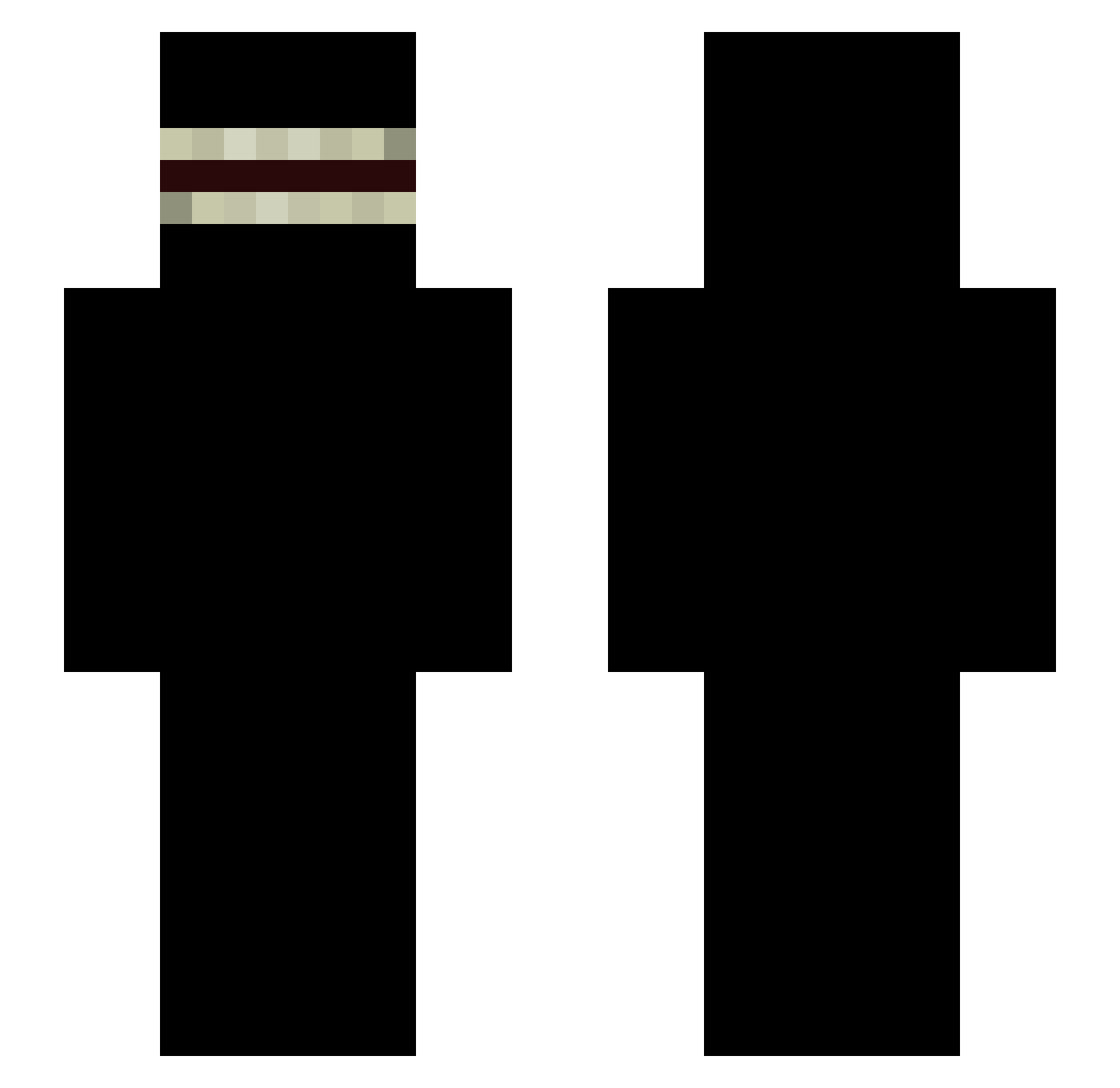
Current Minecraft skin of the player Kain_777, loaded from the official Mojang API. Rotate the 3D model with your mouse or finger, then download the skin as a PNG file and use it in Minecraft: Bedrock Edition or Java Edition for free. When Kain_777 changes their skin, this page updates automatically and the old skin stays in the history below.
Other players with this skin (335)
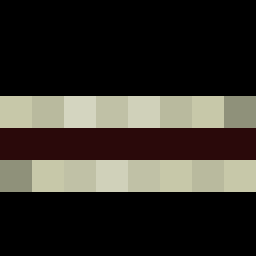
Kain_777 was the 3rd player we have seen with this skin, first spotted on 21.07.2026. The same skin was seen on these players. Open a nickname to see their current skin and skin history.
 AwokenZou timcheker05 FlouWP TheBr1to YahirPR1498 Tashwua kaiquegazola Cqssoulet 3xzit uyec voyteh krush3d03 319955196 crawdaddy123 H_dddd Torfhein SAENARI JasonVoorheesCR Traiik3rrr Vireack Rezus0403 LaFalete_x3 KANGSU_K nsg_fe4r Matuti161 Lonchaos Ryu1169 BwoWilly Alonso_08 esuraH Big8Bucket santacrvz_ 4DigitPing Ovyue AzteccSZN SrOBA personal_08 LaranjoBR k0shied xKr1px AkBepeek JacareDoPix WISTERITO Yuri_indulger DubGamez Mc_Dawg zzansol gengen167 ppopopo dikkevetteopa Nayviro Zueki ROtten24 MokenyBooteBalls
 Canttouchme500 Kovyd15 JuicedITup AshenOwe FacuPsl Nikitauri
More Shadow Minecraft skins
How to install the Kain_777 skin
- Press the Download button above to save the skin as a PNG file.
- Minecraft: Bedrock Edition (PE): open the Dressing Room from the main menu (or tap your character → Edit Character), go to Classic Skins → Owned, press the + (new skin) button, choose the downloaded PNG and pick the Slim (Alex) model. Works on PC and mobile; consoles cannot import custom skins.
- Minecraft: Java Edition: open the Minecraft Launcher, go to the Skins tab, click New Skin, load the PNG, pick the Slim (Alex) model and press Save & Use. You can also upload it at minecraft.net → Profile → Change Skin.
The skin does not show up after import - what should I do?
Restart Minecraft and open the Dressing Room again - imported skins sometimes appear only after a restart. Also make sure you selected the imported skin and picked the Slim (Alex) model.
Which model should I choose, Classic or Slim?
This skin is designed for the Slim (Alex) model. If you pick the wrong model, the arms of the skin will look stretched or squeezed.
Is the skin of Kain_777 free to download?
Yes. Press Download, save the PNG file and use it in Minecraft: Bedrock Edition or Java Edition - no payment or registration needed. The skin also works on multiplayer servers and Realms.
More skins
Looking for more? Go back to all Minecraft skins and check the top skins of the week, month and all time, or find any player's skin by nickname.