
Kabir1118 - Minecraft Skins & Skin History
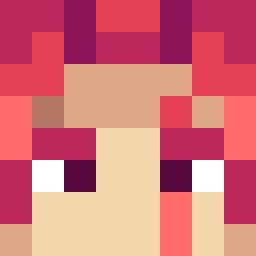
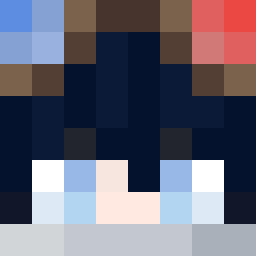
Current Minecraft skin of the player Kabir1118, loaded from the official Mojang API. Rotate the 3D model with your mouse or finger, then download the skin as a PNG file and use it in Minecraft: Bedrock Edition or Java Edition for free. When Kabir1118 changes their skin, this page updates automatically and the old skin stays in the history below.
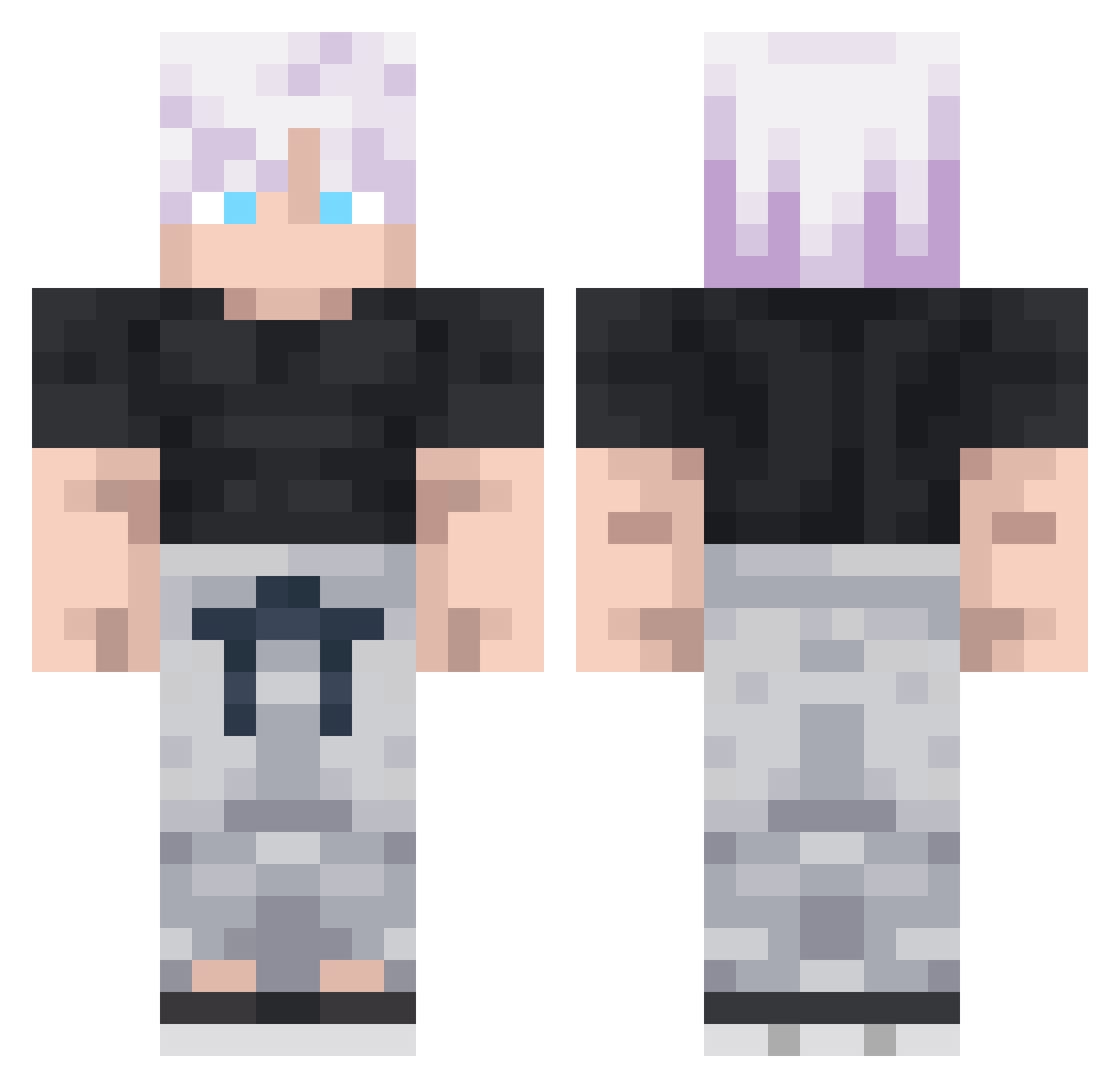
Other players with this skin (292)
Kabir1118 was the 40th player we have seen with this skin, first spotted on 09.08.2026. The same skin was seen on these players. Open a nickname to see their current skin and skin history.
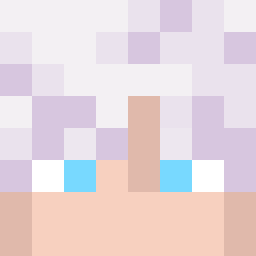 Rafal_19 Madnessps ImGROGU Marmota92
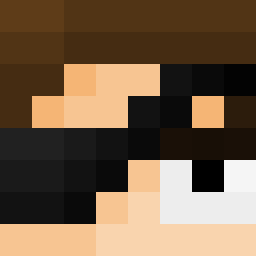 MrVillian Calevenova GoatNyxoy ShizukoV
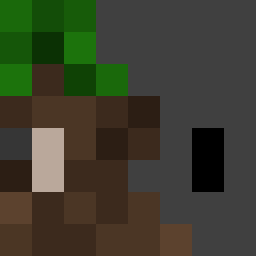 jakepro11
 ThePykeSon
 Atlas_Exists sAdShRiMpPp _SlothFace WAT_Willy LarsKeck Gonchito836 pinkyfresh Mr_ThanhHGioi kneezpainz DioKiller04 Xer3224 OmarWFY King_Cragger suraimu428 _Mo0ki mateooooooooo00 hhoxa_x7 Leo2003_GHG Neme621 OG_Mugiwara
 Frost_57 Gavio0 Shiv_Kumar169 Itachi_Gojo Kubixwoj Mc_Slav RodriHB14 smigol12 Eren_Uzumaki123 Vessyn Suhart Tam dyllan0210 JFK_XP Saitama_160 Chester_xx D4rkness27
 HRHWJL BasGart davidasdw3 szymzn
 AutisticSilver santiago47
 Kasht4n Nortzz Divinity699 DashingDojo duduzer DEMV00 Lescarf
More Satoru Gojo Minecraft skins
See all 1317 Satoru Gojo skins
How to install the Kabir1118 skin
- Press the Download button above to save the skin as a PNG file.
- Minecraft: Bedrock Edition (PE): open the Dressing Room from the main menu (or tap your character → Edit Character), go to Classic Skins → Owned, press the + (new skin) button, choose the downloaded PNG and pick the Classic (Steve) model. Works on PC and mobile; consoles cannot import custom skins.
- Minecraft: Java Edition: open the Minecraft Launcher, go to the Skins tab, click New Skin, load the PNG, pick the Classic (Steve) model and press Save & Use. You can also upload it at minecraft.net → Profile → Change Skin.
The skin does not show up after import - what should I do?
Restart Minecraft and open the Dressing Room again - imported skins sometimes appear only after a restart. Also make sure you selected the imported skin and picked the Classic (Steve) model.
Which model should I choose, Classic or Slim?
This skin is designed for the Classic (Steve) model. If you pick the wrong model, the arms of the skin will look stretched or squeezed.
Is the skin of Kabir1118 free to download?
Yes. Press Download, save the PNG file and use it in Minecraft: Bedrock Edition or Java Edition - no payment or registration needed. The skin also works on multiplayer servers and Realms.
More skins
Looking for more? Go back to all Minecraft skins and check the top skins of the week, month and all time, or find any player's skin by nickname.