
jakepro11 - Minecraft Skins & Skin History
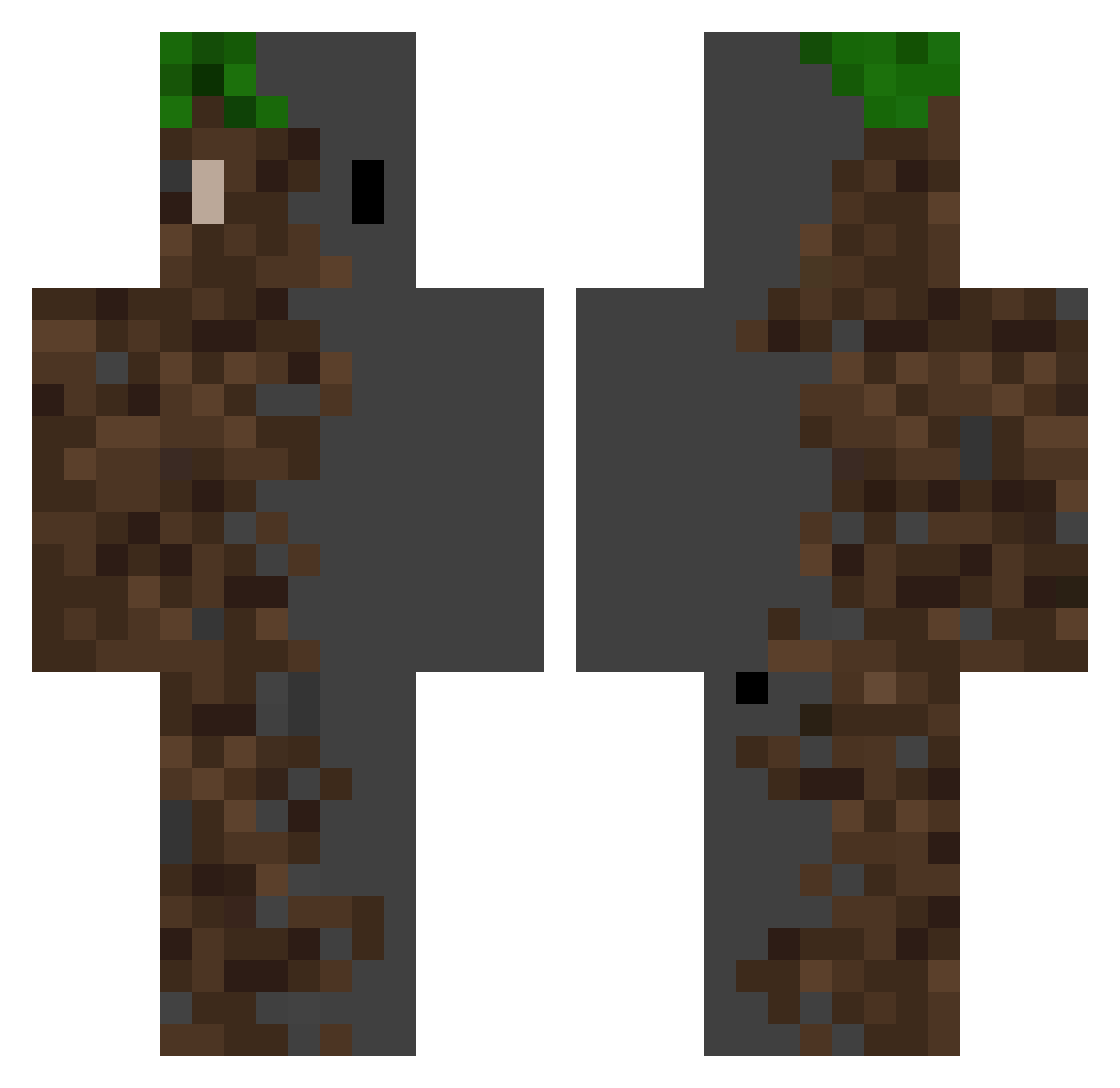
Current Minecraft skin of the player jakepro11, loaded from the official Mojang API. Rotate the 3D model with your mouse or finger, then download the skin as a PNG file and use it in Minecraft: Bedrock Edition or Java Edition for free. When jakepro11 changes their skin, this page updates automatically and the old skin stays in the history below.
Other players with this skin (502)
jakepro11 was the 391st player we have seen with this skin, first spotted on 13.10.2026. The same skin was seen on these players. Open a nickname to see their current skin and skin history.
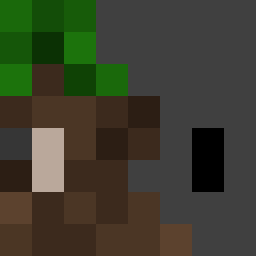 Aeron_XD Ziomul 5cucumber2 MaxouLePaysans FunkyActor74132 Falc0n3 Yanlanguage Darkwolf250209 ASHEBLADEX SrWalber Cozmoe_ KuronekoS4n BiggestSmokey jeckson381 LilinAn ZZR100122 minjae0713 rina2339 Felipe0880 zeezf15 Ballray Observer03 _VenTa3ez_ Cyclops0902 sasalegend ivanhsiao0290 kimmaru83 Pushok_211 Mateuslopes xPotato_Saladx spiky8000 Forqen tomback123321 ForgottenPro Hugoecm CozyGaming_YT EwaJony_ HenryGauffrette KaiHow taiyaki3030 DjCamelll Diixxz Botis9 SpaaceBudy zuoyin9528 LiMing77 ghb667 Sunrise_CX Aurfth Amsomedude kv06_ TangSean_ BarniKjellern RedWhite_501 Jang9ho416 EaNixono still_high Supcamm Blackwolfnavarro Liamw_boss
Previous skins of jakepro11
Skins that jakepro11 wore before, newest first. Click a skin to open its page and download it.
More Dirt Block Minecraft skins
How to install the jakepro11 skin
- Press the Download button above to save the skin as a PNG file.
- Minecraft: Bedrock Edition (PE): open the Dressing Room from the main menu (or tap your character → Edit Character), go to Classic Skins → Owned, press the + (new skin) button, choose the downloaded PNG and pick the Classic (Steve) model. Works on PC and mobile; consoles cannot import custom skins.
- Minecraft: Java Edition: open the Minecraft Launcher, go to the Skins tab, click New Skin, load the PNG, pick the Classic (Steve) model and press Save & Use. You can also upload it at minecraft.net → Profile → Change Skin.
The skin does not show up after import - what should I do?
Restart Minecraft and open the Dressing Room again - imported skins sometimes appear only after a restart. Also make sure you selected the imported skin and picked the Classic (Steve) model.
Which model should I choose, Classic or Slim?
This skin is designed for the Classic (Steve) model. If you pick the wrong model, the arms of the skin will look stretched or squeezed.
Is the skin of jakepro11 free to download?
Yes. Press Download, save the PNG file and use it in Minecraft: Bedrock Edition or Java Edition - no payment or registration needed. The skin also works on multiplayer servers and Realms.
More skins
Looking for more? Go back to all Minecraft skins and check the top skins of the week, month and all time, or find any player's skin by nickname.