
 DerRobin97 T801 Shiromiku_ wbest Clodhopp3r JOTAPE_777 Hadiths ELXF I_am_Groottttttt S3rre dancing2tubes K3UB MascioBueo Jujuecho_ Alemine884 PetersGood Palaches Telepaths 7788wh Gaetan44350 Fershmmmkeery Wmaru wkdtk Geremii lucaspuka9 Illutical glxck16 YEMIFENG Rudy669 TACOC4T corbyd Vanyschannel Hot_Jamlex 3bse ThreeFur FiremanMask gamexcod Ik_Queso KuK__l Sorchid conexeg ddrzti Lupossss crowill Andaying__ R_ou ErGeZu84 JonasOK2008 LemonySnicket25 matzki_ Demonnels bedwarsbridgegod Theneox11 TheEnderman9176 ThurGG PlayerI0I8 No1LikeYou lvturn Heeggies Soulex7860
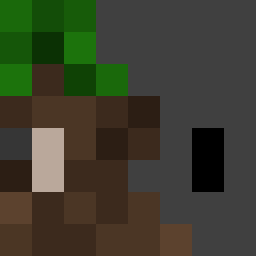
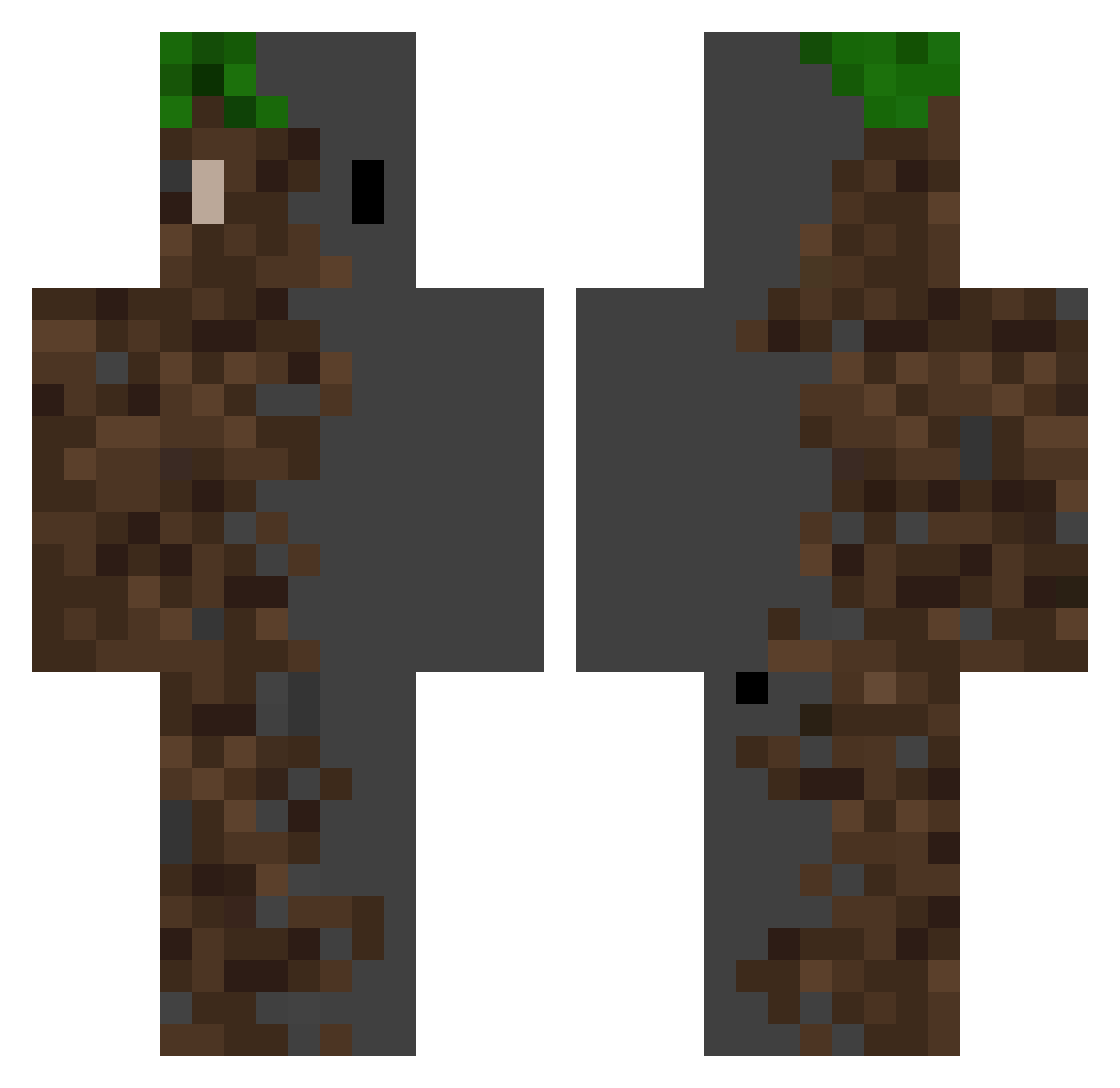
Minecraft skin of BOHZACK. Rotate the 3D model with your mouse or finger to view the skin from every angle, then download it as a PNG file and use it in Minecraft: Bedrock Edition or Java Edition for free. Rate the skin with stars to help other players find the best skins in our collection.
How to install the BOHZACK skin
- Press the Download button above to save the skin as a PNG file.
- Minecraft: Bedrock Edition (PE): open the Dressing Room from the main menu (or tap your character → Edit Character), go to Classic Skins → Owned, press the + (new skin) button, choose the downloaded PNG and pick the Classic (Steve) model. Works on PC and mobile; consoles cannot import custom skins.
- Minecraft: Java Edition: open the Minecraft Launcher, go to the Skins tab, click New Skin, load the PNG, pick the Classic (Steve) model and press Save & Use. You can also upload it at minecraft.net → Profile → Change Skin.
The skin does not show up after import - what should I do?
Restart Minecraft and open the Dressing Room again - imported skins sometimes appear only after a restart. Also make sure you selected the imported skin and picked the Classic (Steve) model.
Which model should I choose, Classic or Slim?
This skin is designed for the Classic (Steve) model. If you pick the wrong model, the arms of the skin will look stretched or squeezed.
Is this skin free to use?
Yes. Press Download, save the PNG file and use it in Minecraft: Bedrock Edition or Java Edition - no payment or registration needed. The skin also works on multiplayer servers and Realms.
More Dirt Block Minecraft skins
More skins
Looking for more? Go back to all Minecraft skins and check the top skins of the week, month and all time, or find any player's skin by nickname.