
Javiercgp - Minecraft Skins & Skin History
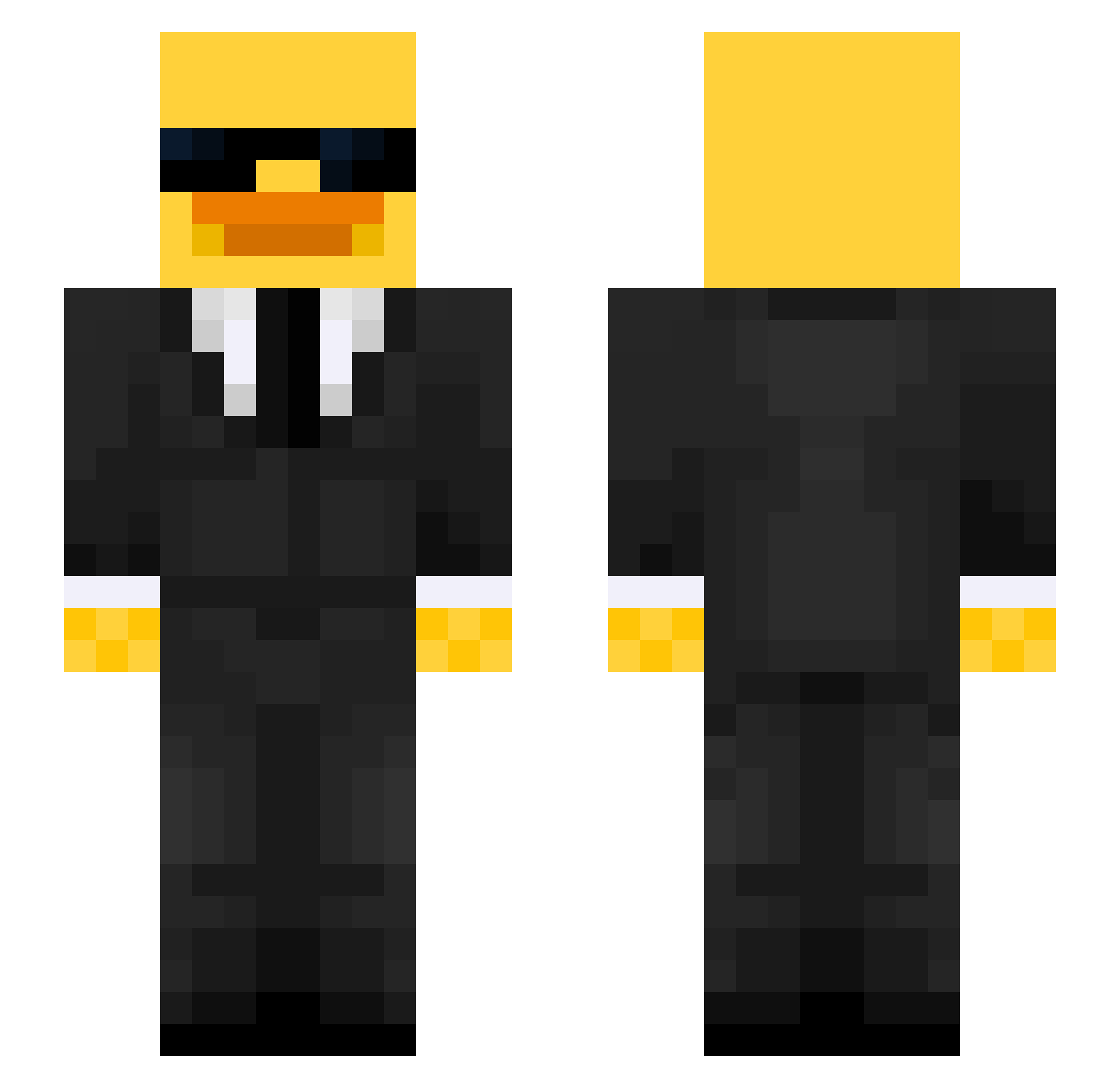
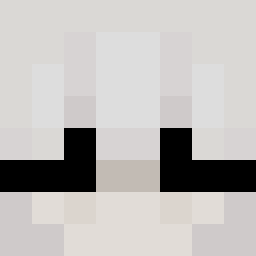
Current Minecraft skin of the player Javiercgp, loaded from the official Mojang API. Rotate the 3D model with your mouse or finger, then download the skin as a PNG file and use it in Minecraft: Bedrock Edition or Java Edition for free. When Javiercgp changes their skin, this page updates automatically and the old skin stays in the history below.
Other players with this skin (516)
Javiercgp was the 95th player we have seen with this skin, first spotted on 13.08.2026. The same skin was seen on these players. Open a nickname to see their current skin and skin history.
 Senseioogwa
 aiueo712
 Cerpro TheShayu caramellllllllll GAMBIITA monnox1 V1t0rp Lewismelon s4nti475 konarif Evie93 Msas2011 MaxyBoi12 Rauta62 Pedrxs77 dragonrobot306 primiron iio0f Trajson69 _Highest Ludopato RenatoHg jensenhoops FJITIE Sabri1234 CloneTrooper2009 IAMBEHR Vinc3nt21 gabrieboi _Kaczuszekv2_ MeantDrake19296 Hansenexe FaZeM4ttxKachow Eola61 TreMurks Kiljoy60 EM1LL1E EDUMZAA moneymuncher Stupiuszek FlySTRS8 LittleBear__ sdsfj Loperadugrau GreatSleeper OCEfrosty
 jxnahhhhh yedie_ Dosty22 Kimballs ItzLoulouuu Samiss3 LaidbackLegend Hereticuss TomHow92 Steinheiliger Jordie10234
 neelkaaa 4Miki4
More Duck Minecraft skins
How to install the Javiercgp skin
- Press the Download button above to save the skin as a PNG file.
- Minecraft: Bedrock Edition (PE): open the Dressing Room from the main menu (or tap your character → Edit Character), go to Classic Skins → Owned, press the + (new skin) button, choose the downloaded PNG and pick the Slim (Alex) model. Works on PC and mobile; consoles cannot import custom skins.
- Minecraft: Java Edition: open the Minecraft Launcher, go to the Skins tab, click New Skin, load the PNG, pick the Slim (Alex) model and press Save & Use. You can also upload it at minecraft.net → Profile → Change Skin.
The skin does not show up after import - what should I do?
Restart Minecraft and open the Dressing Room again - imported skins sometimes appear only after a restart. Also make sure you selected the imported skin and picked the Slim (Alex) model.
Which model should I choose, Classic or Slim?
This skin is designed for the Slim (Alex) model. If you pick the wrong model, the arms of the skin will look stretched or squeezed.
Is the skin of Javiercgp free to download?
Yes. Press Download, save the PNG file and use it in Minecraft: Bedrock Edition or Java Edition - no payment or registration needed. The skin also works on multiplayer servers and Realms.
More skins
Looking for more? Go back to all Minecraft skins and check the top skins of the week, month and all time, or find any player's skin by nickname.