
Jan807 - Minecraft Skins & Skin History
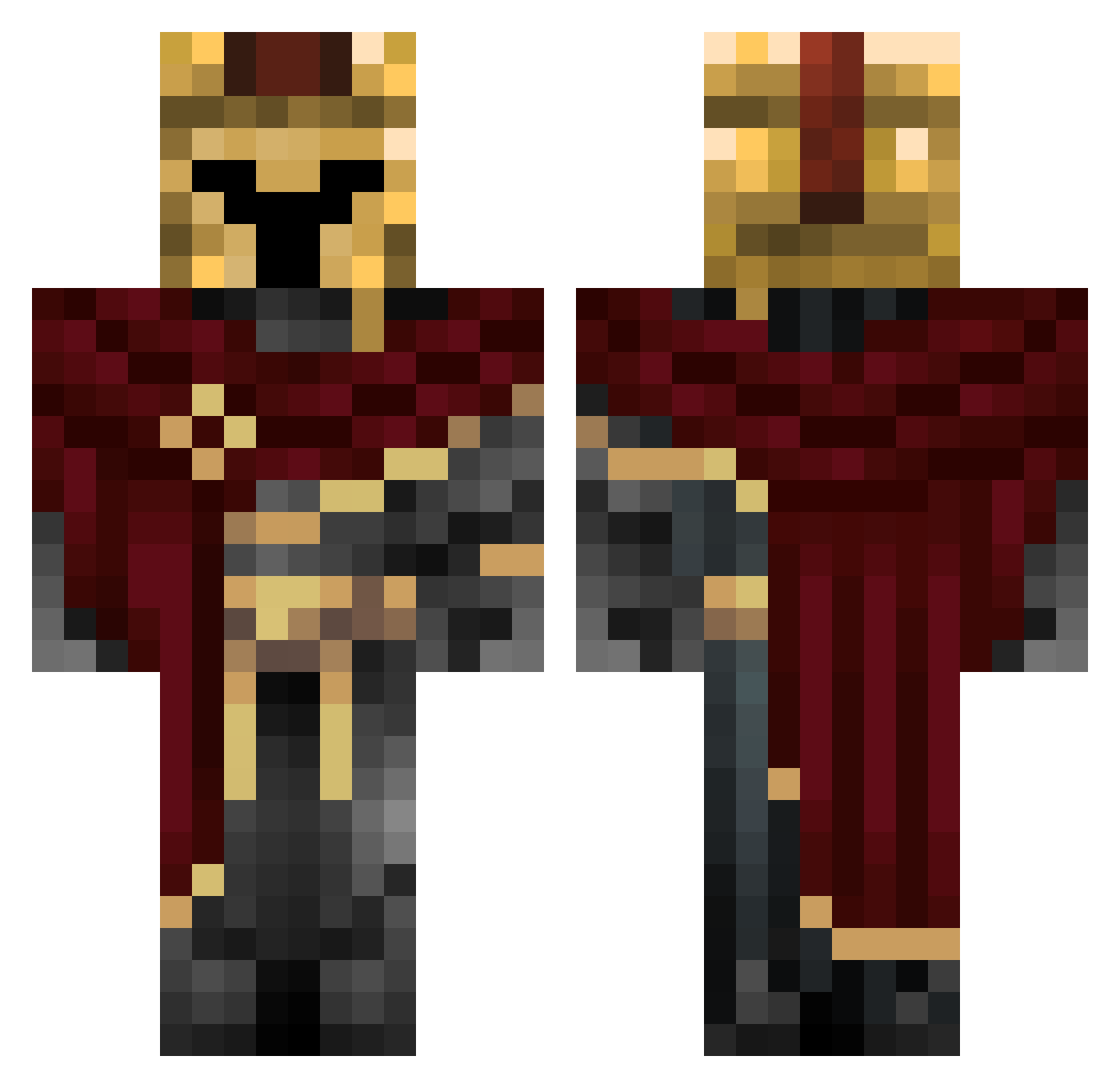
Current Minecraft skin of the player Jan807, loaded from the official Mojang API. Rotate the 3D model with your mouse or finger, then download the skin as a PNG file and use it in Minecraft: Bedrock Edition or Java Edition for free. When Jan807 changes their skin, this page updates automatically and the old skin stays in the history below.
Other players with this skin (333)
Jan807 was the 87th player we have seen with this skin, first spotted on 22.08.2026. The same skin was seen on these players. Open a nickname to see their current skin and skin history.
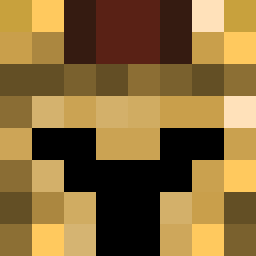 Dinoislit
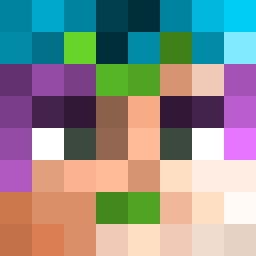 iiiiceman Hypxil2 onodimirko Raptor1626 TheRomanknight11
 Byased Kenjoto tirry2008 Yukiioo_ Nico101004
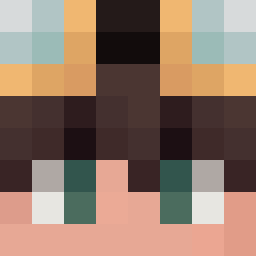 FRed88884 Sashaverak Executioner_1939 CloudyF16 G0ld3n_dragon xlmrc facucastello TheAplex SpiritBlueFire ShadowVold X1rai
 DizzyDoom321 FashionableFella SAMUEL1050SK DaltonBB CustomBiome LewKersoan ttrevi
 EvilBarbecue420 SenZooR
 W7xh
W7xh OopsIDiedAgain12 ixmub Pawlik01 itsWCB FYRAXYS Beroy_
 _sscript timchef _Moon_River f5ss TUKTheGamer jmb_goblue oRyuko Nigleris CitifiedBat9551 Jawad_Hejles_23 Renexas SrTyto
 NarrateurDC Asternflitzer DavidSalazar3 OverCube05 Enigma_228 Mi_si_9 7dkdltm Flames99 Goujot LeoNoWay
More Spartan Minecraft skins
How to install the Jan807 skin
- Press the Download button above to save the skin as a PNG file.
- Minecraft: Bedrock Edition (PE): open the Dressing Room from the main menu (or tap your character → Edit Character), go to Classic Skins → Owned, press the + (new skin) button, choose the downloaded PNG and pick the Classic (Steve) model. Works on PC and mobile; consoles cannot import custom skins.
- Minecraft: Java Edition: open the Minecraft Launcher, go to the Skins tab, click New Skin, load the PNG, pick the Classic (Steve) model and press Save & Use. You can also upload it at minecraft.net → Profile → Change Skin.
The skin does not show up after import - what should I do?
Restart Minecraft and open the Dressing Room again - imported skins sometimes appear only after a restart. Also make sure you selected the imported skin and picked the Classic (Steve) model.
Which model should I choose, Classic or Slim?
This skin is designed for the Classic (Steve) model. If you pick the wrong model, the arms of the skin will look stretched or squeezed.
Is the skin of Jan807 free to download?
Yes. Press Download, save the PNG file and use it in Minecraft: Bedrock Edition or Java Edition - no payment or registration needed. The skin also works on multiplayer servers and Realms.
More skins
Looking for more? Go back to all Minecraft skins and check the top skins of the week, month and all time, or find any player's skin by nickname.