
JLo2000 - Minecraft Skins & Skin History
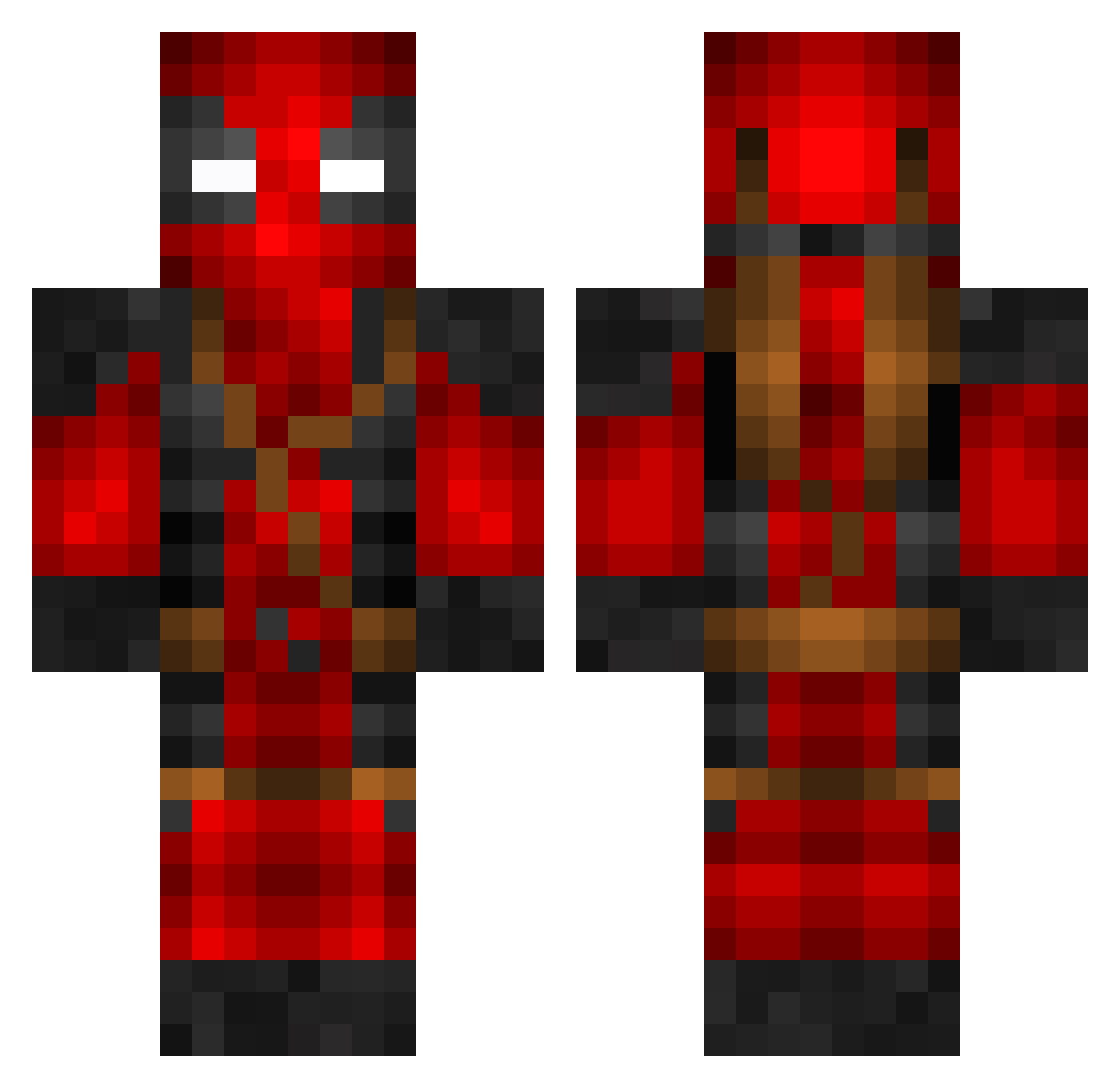
Current Minecraft skin of the player JLo2000, loaded from the official Mojang API. Rotate the 3D model with your mouse or finger, then download the skin as a PNG file and use it in Minecraft: Bedrock Edition or Java Edition for free. When JLo2000 changes their skin, this page updates automatically and the old skin stays in the history below.
Other players with this skin (799)
JLo2000 was the 30th player we have seen with this skin, first spotted on 28.07.2026. The same skin was seen on these players. Open a nickname to see their current skin and skin history.
 JustJrTv joykill007 LxrdBlu MotyPod 1fan2mc Savage_Libra24 vdawg2009 Icarus99ca Jakeferg2 ItaloLX Morph666 Watscob Volcasar SwirlyAcrobat29 Cheeseonmyfeet0 Parzival598 lumpyypumpy IcosX45 patazzz JD20shoots3s GabyXP11 poltie MDoc420 mccleskey25 CodyCs117 a1jg willpown Tal1X Baumi2909 Hiro_Lis PedalPanic UneBaguettee rrDoffy AwesomeAshton PsycoAnwalt Gingeolyre CooperBaconz GLister0123 bradleycasley66 Javi024 KingConk ViltonKung theodorby igorig27 Jawic NICKWITZKI OMER_MAIMON AzWhiteBoy07 Mojangjiwon berg512 playsnero ColossalOne rjuric Lil_Skuz Cxm2 Mooisgood24 Rol_lang ImNotTheRealAj Keankay SSDread
More Deadpool Minecraft skins
How to install the JLo2000 skin
- Press the Download button above to save the skin as a PNG file.
- Minecraft: Bedrock Edition (PE): open the Dressing Room from the main menu (or tap your character → Edit Character), go to Classic Skins → Owned, press the + (new skin) button, choose the downloaded PNG and pick the Classic (Steve) model. Works on PC and mobile; consoles cannot import custom skins.
- Minecraft: Java Edition: open the Minecraft Launcher, go to the Skins tab, click New Skin, load the PNG, pick the Classic (Steve) model and press Save & Use. You can also upload it at minecraft.net → Profile → Change Skin.
The skin does not show up after import - what should I do?
Restart Minecraft and open the Dressing Room again - imported skins sometimes appear only after a restart. Also make sure you selected the imported skin and picked the Classic (Steve) model.
Which model should I choose, Classic or Slim?
This skin is designed for the Classic (Steve) model. If you pick the wrong model, the arms of the skin will look stretched or squeezed.
Is the skin of JLo2000 free to download?
Yes. Press Download, save the PNG file and use it in Minecraft: Bedrock Edition or Java Edition - no payment or registration needed. The skin also works on multiplayer servers and Realms.
More skins
Looking for more? Go back to all Minecraft skins and check the top skins of the week, month and all time, or find any player's skin by nickname.